Do Magnetic Phone Mounts Affect GPS, Signal, or Bluetooth?

Magnetic phone mounts usually do not affect GPS, cellular signal, or Bluetooth. They can skew the compass, and they can interfere with wireless charging or NFC if the magnet sits over the wrong spot. That can mean poor turn-by-turn heading, failed taps, or a charger that runs hot and slow. Here’s how the radios and sensors differ, what symptoms matter, and what to try first.
Why magnets usually do not disrupt wireless connections
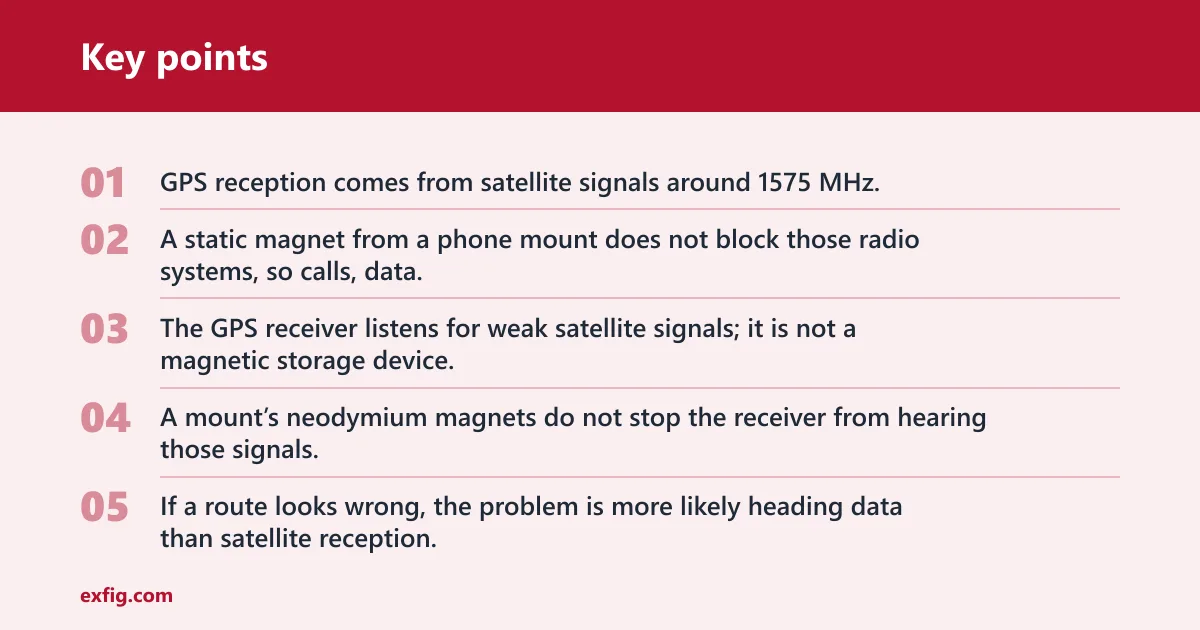
No, not in normal use. GPS reception comes from satellite signals around 1575 MHz, cellular radios work across roughly 700 MHz to over 3 GHz, and Bluetooth runs at 2.4 GHz. A static magnet from a phone mount does not block those radio systems, so calls, data, and navigation usually keep working.
Why GPS reception keeps working
The GPS receiver listens for weak satellite signals; it is not a magnetic storage device. A mount’s neodymium magnets do not stop the receiver from hearing those signals, and navigation apps using GPS are completely unaffected. If a route looks wrong, the problem is more likely heading data than satellite reception.
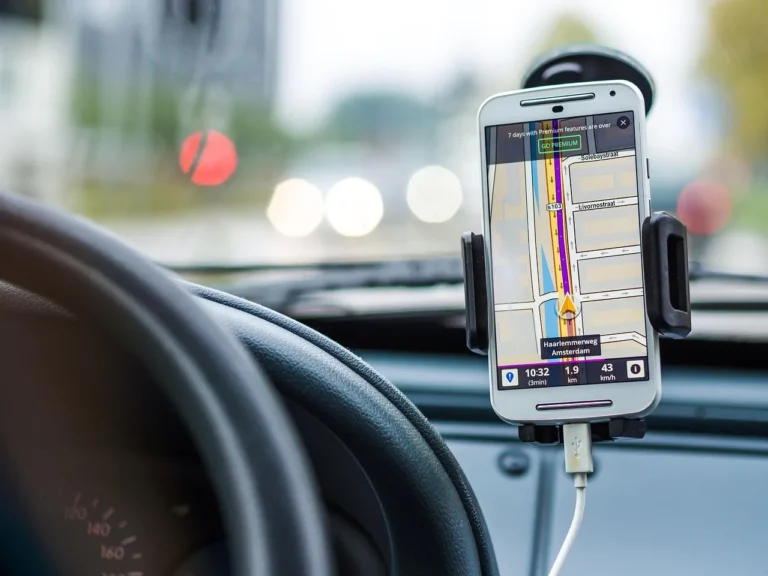
That difference matters. You may see the blue dot stay on the road while the arrow points the wrong way after a turn. That is a compass or orientation issue, not a GPS signal failure.
Why cellular bars do not usually change
Cellular radios communicate with towers using radio frequencies, not magnetism. Because they operate from 700 MHz to over 3 GHz, a mount’s static magnetic field does not normally change signal bars, call quality, or mobile data performance. If service drops, look at coverage, case materials, or the phone’s antenna position first.
If a phone in a rugged case loses one bar after being placed on a vent mount, a thick case or a poor antenna cutout is a better explanation than the magnet itself.
Why Bluetooth should stay connected
Bluetooth is also radio-based. It runs at 2.4 GHz, so a static mount magnet should not break a headset link or a car audio connection. When Bluetooth drops, the usual causes are distance, interference from other 2.4 GHz devices, a bad pairing state, or a case that blocks the antenna more than the mount does.
If the connection only fails on one phone, that points to the phone or case layout, not the magnetic mount as a signal blocker.
Why magnets can throw off your compass
The compass sensor, usually the magnetometer, is different. A nearby magnet can offset its reading and make the heading display drift, spin, or lag. That affects map orientation and some AR overlays, even while GPS reception remains fine. Once the phone is moved away from the magnet, the reading usually settles back.
Do not confuse a wrong heading with a weak GPS fix. GPS tells the phone where it is. The magnetometer helps tell it which way it faces.
How the Hall sensor can react
Some phones and flip cases use a Hall sensor to detect a magnetic cover or case position. A strong mount magnet can trigger temporary case-related behavior if it sits close enough to that sensor. That can affect wake or sleep behavior in cases that depend on magnetic detection, but it is usually temporary.
A common first-time mistake is blaming the mount for every odd screen wake-up. If the issue appears only with a folio case, the case sensor is part of the chain.
Why magnets can throw off your compass
A nearby magnet can temporarily skew the magnetometer and make the compass look wrong, but that is not the same as damaging GPS or cellular radios. The effect is usually reversible after the phone is removed or the plate is repositioned. If the app shows a strange heading, start with sensor behavior, not signal loss.
Magnetometer drift vs true GPS error
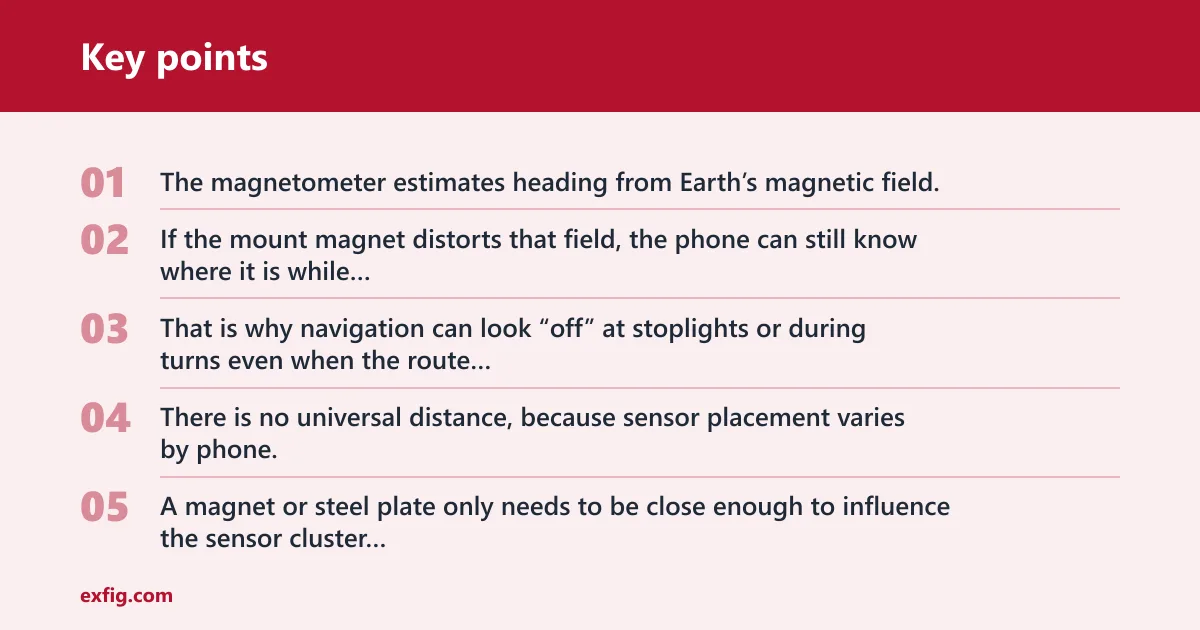
GPS tracks position from satellites. The magnetometer estimates heading from Earth’s magnetic field. If the mount magnet distorts that field, the phone can still know where it is while thinking it faces a different direction. That is why navigation can look “off” at stoplights or during turns even when the route line stays accurate.
How close is close enough?
There is no universal distance, because sensor placement varies by phone. A magnet or steel plate only needs to be close enough to influence the sensor cluster inside the device. As a practical rule, if the compass misbehaves only while the phone is on the mount and clears soon after removal, the mount position is the likely cause.
Picture a phone on a dashboard mount with the plate centered too high on the case. The map may rotate oddly while stationary, then normalize a minute after the phone is removed from the mount.
Do magnetic mounts affect wireless charging?
Yes, they can if the metal plate sits over the Qi charging coil or if the phone and charger are misaligned. A steel plate over the charging coil can disrupt Qi charging, causing slow charging, heat, or a charge that starts and stops. Wired charging via USB-C is never affected by the mount magnet itself.
Qi coil alignment and plate placement
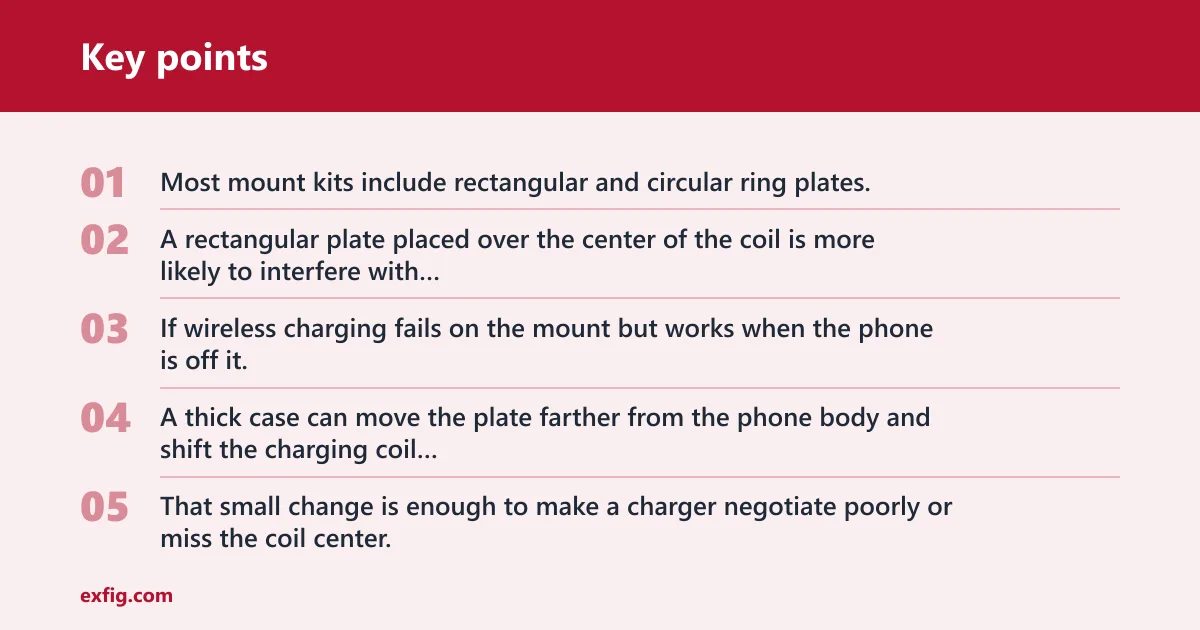
Most mount kits include rectangular and circular ring plates. A rectangular plate placed over the center of the coil is more likely to interfere with wireless charging than a ring-shaped plate placed around the coil area. If wireless charging fails on the mount but works when the phone is off it, the plate position is the first thing to check.
A thick case can move the plate farther from the phone body and shift the charging coil alignment. That small change is enough to make a charger negotiate poorly or miss the coil center.
What changes with MagSafe-compatible phones
MagSafe-compatible setups are less likely to conflict because the accessory system is designed around ring alignment. That does not make every setup identical, but it reduces the chance of a random steel plate sitting directly over the charging coil. If wireless charging matters, a ring-compatible accessory is the cleaner choice.
Why USB-C charging is not the same issue
USB-C charging uses a physical cable, so it does not depend on coil alignment. The mount magnet does not affect the cable path, the plug, or the charging handshake in the way a wireless coil can be affected. If charging fails while plugged in, the cause is usually the cable, port, or adapter.
Phone mount decision table
This table links the symptom to the most likely subsystem and the first fix to try. Use it to separate signal problems from sensor or charging problems before you start changing settings at random.
| Symptom | Likely cause | First fix | What it usually means |
|---|---|---|---|
| GPS drift | Heading confusion from the magnetometer, not GPS reception loss | Recalibrate the compass | Satellite position is usually fine; the arrow or map heading is what looks wrong |
| Compass spin | Magnetometer offset from a nearby magnet or plate | Reposition the plate | The phone faces the right way only after it is taken off the mount |
| Bluetooth dropouts | Usually not the magnet; more often case layout, pairing, or nearby interference | Remove the case | If the dropout stays, the mount is unlikely to be the radio cause |
| Wireless charging failure | Steel plate over the Qi coil or poor coil alignment | Switch to MagSafe | Charging is sensitive to plate position and phone-to-charger alignment |
What to check on your phone and case
Do not troubleshoot a bare phone and a thick case the same way. Embedded magnets, aftermarket plates, rugged shells, and edge-mounted antenna layouts can change which symptom appears first. The mount may be innocent, while the case or plate placement is doing the damage.
Bare phone versus thick case
A bare phone usually gives the cleanest result because the mount plate sits closer to the device surface. A thick case can shift the plate, increase the gap to the charging coil, and move the phone farther from the intended magnetic alignment. That is why the same mount can behave differently across two setups.
Embedded magnets versus aftermarket plates
Some cases include their own magnets, while others rely on an aftermarket plate stuck to the back. Adding a second metal layer can change both charging behavior and sensor response. If the phone already has a built-in magnetic ring, stacking another plate often creates more trouble than it solves.
Rugged cases and edge-mounted antenna layouts
Rugged cases and some larger phones place antennas and sensors near the edges. A mount that clamps by magnet at the wrong zone can sit closer to those components, which is more relevant for compass behavior and wireless charging alignment than for GPS or Bluetooth reception. Check the case layout before blaming the phone.
- Remove the phone from the mount.
- Check whether the compass arrow settles within a short time.
- Test Bluetooth again away from the car or stand.
- Try wireless charging with the case removed.
- Move the plate if charging or heading only fails on the mount.
Are magnetic phone mounts safe for modern smartphones?
Yes. Magnetic phone mounts usually do not damage modern smartphones, and they do not erase data. NAND flash memory is not magnetically erasable, so the mount cannot scramble stored photos, apps, or settings. The mount magnet itself also generates no heat, and prolonged mounting does not gradually weaken components.
Why NAND flash storage is safe
Phones use NAND flash memory rather than spinning hard drives. That solid-state storage does not depend on magnetized media, so it is not threatened by a mount magnet. The mount will not scramble a SIM card either, because a SIM stores data electronically, not in a magnetic layer.
Why battery cells are safe
Lithium-ion batteries are not harmed by magnets in normal phone-mount use. The battery chemistry is separate from the mount’s static field, and there is no mechanism here that slowly weakens the pack simply because the phone sits on a magnetic holder. If battery life drops, look first at age, heat exposure, and charging habits.
When NFC placement matters
NFC supports tap-to-pay and pairing and is not affected by a static mount magnet. Still, a metallic plate placed in the wrong spot can block proper NFC contact by changing the way the antenna area sits against a reader. If tap-to-pay fails only on the mount, the plate position is the better suspect than the magnet itself.
How to fix the symptom you see
Start with the symptom, not the mount brand. If GPS drift is only a heading problem, recalibrate the compass. If charging fails, move the plate or change the accessory. If the phone has a thick or rugged case, remove it once before changing any other setting.
Reposition the plate
Move aftermarket plates away from the center of the wireless charging coil and away from the area where the compass sensor is most likely to be affected. That is the quickest fix for heading errors and Qi charging trouble. If the phone supports a ring-style magnetic system, use that instead of a random center plate.
Remove the case
Take off thick cases, especially ones with embedded magnets or folio covers. This helps separate a mount problem from a case problem. If the compass, NFC, or charging issue disappears without the case, the case layout is the cause.
Recalibrate the compass
If the phone app asks for calibration, do it after removing the phone from the mount. That helps the magnetometer relearn a clean magnetic reading. This is the right move when the map arrow spins but the route itself still follows the road.
Switch to MagSafe
Choose a MagSafe-compatible mount or ring-compatible accessory when wireless charging is a priority. That setup reduces the odds of a steel plate sitting over the charging coil and makes alignment more predictable. It is the best option when you want mounting and charging to coexist with less guesswork.
Frequently asked questions
Do magnetic phone mounts affect GPS accuracy?
Usually no. GPS reception uses satellite signals and is not affected by a mount’s static magnetic field. What can look like GPS trouble is often a compass or heading error, which makes the arrow point the wrong way while the position itself stays correct. Navigation apps using GPS are completely unaffected.
Can a magnetic phone mount interfere with Bluetooth?
Not in normal use. Bluetooth runs at 2.4 GHz and is radio-frequency based, so a static mount magnet should not block it. If Bluetooth drops, the more likely causes are pairing issues, nearby interference, a weak accessory, or a case that changes how the phone sits in the vehicle.
Will a magnetic mount mess up my phone’s signal?
It should not. Cellular radios operate from 700 MHz to over 3 GHz, and a static magnetic field does not block those bands. If bars drop after mounting, check coverage, the case, or antenna placement before blaming the magnet. The mount itself is not a signal jammer.
Can magnets damage a phone’s compass or magnetometer?
They can skew it temporarily. A nearby magnet can offset the magnetometer and make the compass look wrong or make AR orientation drift. That effect is usually reversible once the phone is removed from the mount, and recalibrating the compass often clears the strange heading quickly.