How to Use an OBD2 Code Reader Step by Step

Plug the OBD2 reader into the vehicle’s 16-pin port, switch the ignition to the ON position without cranking the engine, read the code, then classify it before clearing anything; if the reader has no power, stop and check the port or fuse first. Skipping those steps can erase useful fault data or send you toward the wrong repair. This guide walks you through connecting the tool, confirming power, reading and interpreting the code, and choosing the next action.
What you’ll need
- An OBD2 code reader or scanner, either a cable unit or a Bluetooth adapter
- A vehicle with an OBD-II diagnostic port, also called the DLC
- The ignition key or start button
- A phone or tablet if the reader uses an app
- A place to record the DTC, freeze frame, and any live data the tool shows
How do I use an OBD2 code reader step by step?
Start with the port, power the vehicle in ON, read the stored DTC, and then decide whether the issue needs prompt repair. A basic OBD2 scanner talks directly to the ECU, reads stored codes, and may show live data, but it cannot change ECU settings or software.
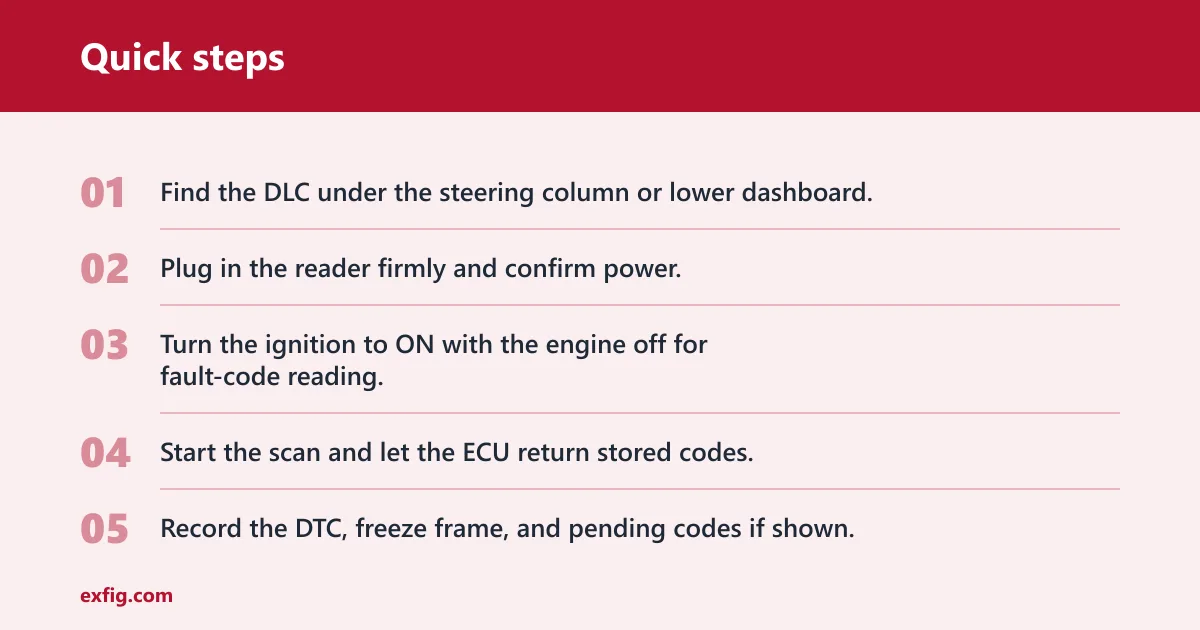
- Find the DLC under the steering column or lower dashboard.
- Plug in the reader firmly and confirm power.
- Turn the ignition to ON with the engine off for fault-code reading.
- Start the scan and let the ECU return stored codes.
- Record the DTC, freeze frame, and pending codes if shown.
- Classify the code family and judge whether the car needs immediate attention.
- Inspect likely causes before you clear anything.
Say your check engine light comes on after a rough idle and the scanner returns a P0301 code. The next step is not clearing it. Check the plugs, coils, and related wiring first, then rescan after the repair so the result means something.
Where do you plug in the OBD2 code reader in your car?
Plug the reader into the vehicle’s OBD-II diagnostic port, which is the 16-pin connector called the DLC. It is commonly under the left side of the dash near the steering column, or lower on the dashboard. The port is normally battery-powered at pin 16, so a dead-looking port can be a power issue rather than a bad scanner.
Check the port before you scan
Look for bent pins, loose fit, or a cracked housing before forcing the connector. A connector LED can confirm the scanner is receiving power. If the plug feels sloppy or the scanner never lights up, stop and inspect the vehicle fuse that feeds the diagnostic port.
Do you turn the ignition on before using an OBD2 reader?
Yes. Switch the ignition to ON without cranking the engine for fault-code reading. That is the normal position for communicating with the ECU and pulling stored trouble codes. Live data can be available with the engine off on some vehicles, but many readers can still power up and read basic codes with the key off.
When the engine should run
Keep the engine off for the first scan. Start the engine only if you need to watch live data such as RPM, coolant temperature, or oxygen sensor readings under operating conditions. That gives you a better picture of how a fault behaves after startup, but it is not required for the first code read.
How do I read OBD2 codes from the reader?
Use the scan function, wait for the ECU to respond, and write down every code the tool returns. The scan may also show pending codes and freeze frame data, which are useful because they preserve the conditions present when the fault was detected. Read the code first; do not clear it first.
- Open the scan menu on the reader or app.
- Select the vehicle profile if the tool asks for it.
- Choose Read Codes or DTC Read.
- Save the code text, freeze frame, and pending codes.
- Note whether the scanner shows one code or several.
Suppose a Bluetooth adapter connects after you enter the correct vehicle profile or VIN in the app. That step matters because the app needs the right vehicle data to interpret the scan correctly and label the codes in a useful way.
How do I decide what the code means?
Sort the code before you chase a repair. DTCs can be P, B, C, or U codes, and they can be generic or manufacturer-specific. Generic P0XXX codes mean the same thing across manufacturers, while P1XXX codes vary by brand. That difference changes how much trust you place in a plain code description.
| Code family | Typical area | How to think about it | Common next step |
|---|---|---|---|
| P | Powertrain | Often engine, fuel, or emissions | Check the related system first |
| B | Body | Comfort or body electronics | Use a scanner that can read that module |
| C | Chassis | Brakes, steering, or suspension modules | Confirm the tool can access the system |
| U | Network | Communication problem between modules | Check wiring, battery voltage, and network faults |
Generic versus manufacturer-specific
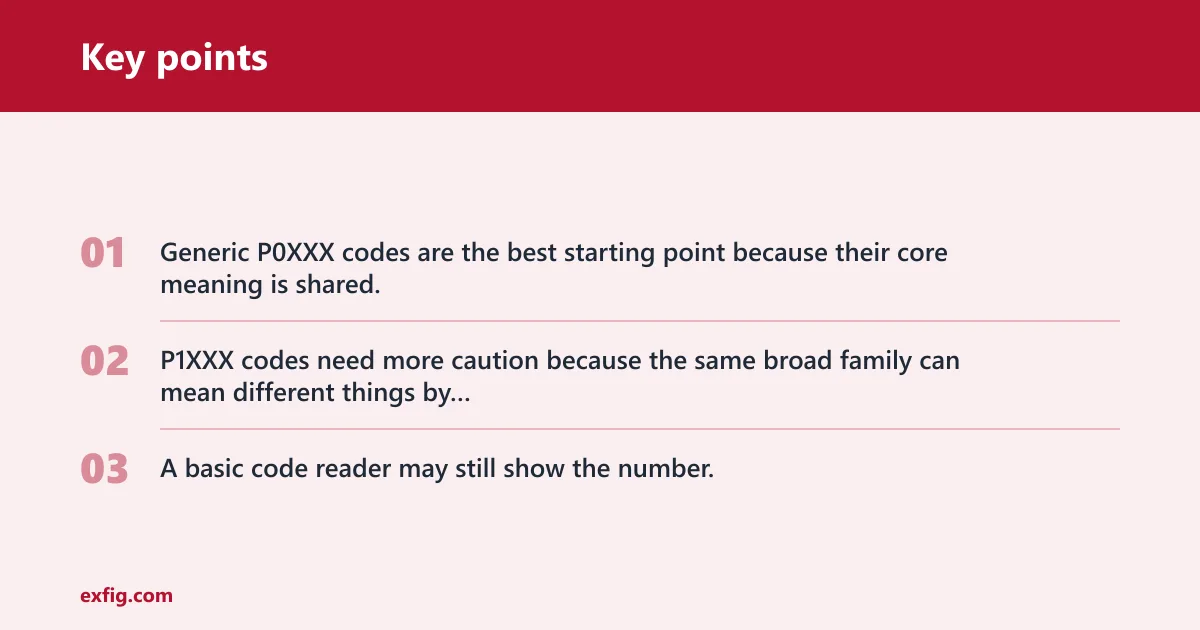
Generic P0XXX codes are the best starting point because their core meaning is shared. P1XXX codes need more caution because the same broad family can mean different things by brand. A basic code reader may still show the number, but a full scanner is more useful when the repair path depends on brand-specific details.
OBD2 code reader worksheet
This first-scan worksheet helps you turn a code into a decision. Use it after the scan, not before it. It is a quick filter for whether to drive, inspect, or arrange repair.
| Symptom | Code family | Likely severity | Safe to drive | Next action |
|---|---|---|---|---|
| Check engine light with steady idle | P0XXX | Low to moderate | Often yes, short distance | Inspect the related engine part, record freeze frame, rescan after repair |
| Hard stall, misfire, flashing warning light | P or U | High | No | Stop driving, diagnose the fault, fix before clearing |
| ABS, air bag, or traction warning | B or C | Moderate to high | Use caution | Confirm the scanner can access that system, then schedule repair |
| No drivability change, check engine light on | P1XXX | Varies by brand | Maybe | Look up the exact code in the correct vehicle profile before replacing parts |
Live data can help confirm a fault after the code read. For a beginner, useful items include RPM, coolant temperature, and oxygen sensor readings.
What do you do after the scan?
Inspect likely causes, then repair the fault before clearing the code. Clear functions are useful only after the problem is fixed, because erasing codes too early can remove the clue that led you to the fault. After the repair, rescan to confirm that the same DTC does not return.
- Write down the exact code and any freeze frame data.
- Check the likely parts, connectors, and wiring linked to that code.
- Use live data if the tool offers it.
- Make the repair.
- Clear the code only after the repair is complete.
- Run the scan again to verify the result.
If that didn’t work, try this next
If the same code returns right away, move one step deeper into the system. Check the wiring harness, related fuse, connector corrosion, and the exact code description inside the app or scanner. A basic reader may point you to the fault area, but it will not always pinpoint the failed part.
Common mistakes
Most scan problems are simple. They usually come from power, pairing, or assumptions about what the tool can read. Keep the following fixes in order.
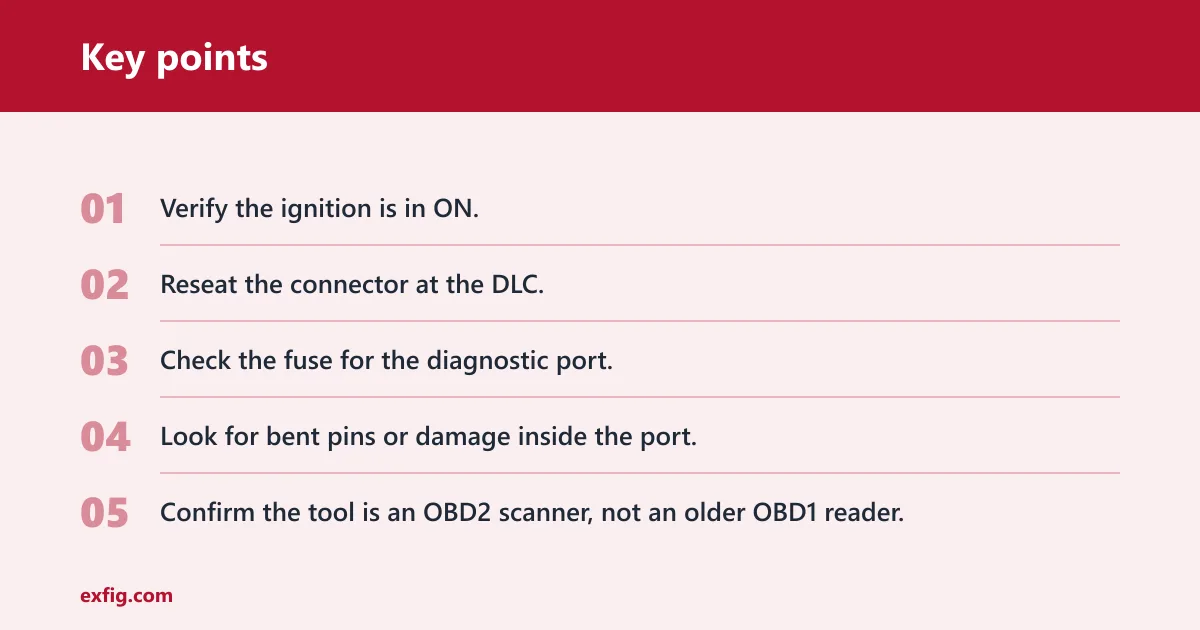
Blank screen or no power
- Verify the ignition is in ON.
- Reseat the connector at the DLC.
- Check the fuse for the diagnostic port.
- Look for bent pins or damage inside the port.
No link to the vehicle
- Confirm the tool is an OBD2 scanner, not an older OBD1 reader.
- Check that the vehicle is OBD2-capable.
- Try the scan again with the ignition in ON.
- If the app uses Bluetooth, re-pair it and select the correct vehicle profile or VIN.
No code found after the warning light
- Check whether the light is pending rather than stored.
- Scan again after a short drive if the vehicle supports pending codes.
- Use live data to look for a sensor that is drifting out of range.
- Remember that some tools cannot access every system, so an ABS or SRS fault may need a better scanner.
Protocol mismatch or app failure
- Open the app’s vehicle setup screen and choose the correct make, model, year, and engine.
- Grant Bluetooth and location permissions if the app requests them.
- Reconnect the adapter and restart the scan.
- Try a cable reader if the app still will not link.
A common first-timer mistake is assuming every scanner can read ABS, SRS, and transmission modules. Many basic readers cannot. A code reader may only handle engine-related DTCs and live data, while a fuller scan tool typically reaches more systems.
Another common mistake is stopping at the code number. The number is only the start. The better workflow is connect, power up, read, classify, inspect, repair, clear, and rescan.
One practical prevention step is to keep a note of the code, the freeze frame, and the date before you clear anything. That record makes repeat faults easier to spot the next time the light returns.
Frequently asked questions
Where do I plug in the OBD2 code reader in my car?
Use the vehicle’s OBD-II diagnostic port, usually under the steering column or lower dashboard. It is the 16-pin connector called the DLC. If the reader does not power up, check the port fit, the ignition position, and the fuse that feeds diagnostic power.
Can an OBD2 code reader clear the check engine light?
Many readers can clear stored codes, but that should generally happen only after the repair is complete. Use the clear function, then start the engine and rescan to confirm the DTC does not return. A basic reader may clear engine codes, but not every tool can access every system.
Do I need an app to use a Bluetooth OBD2 reader?
Yes, a Bluetooth adapter needs an app or another compatible device interface. Set the correct vehicle profile or VIN inside the app, then pair the adapter and grant the needed permissions. Without that setup, the adapter may power on but still fail to show code descriptions or data.
How do I tell if a code is generic or manufacturer-specific?
Check the first part of the code. Generic P0XXX codes mean the same thing across manufacturers, while P1XXX codes vary by brand. If you see a P1XXX code, use the exact make, model, year, and engine in the scanner or app before you order parts.