Do You Need Parking Mode on a Dash Cam?

You need parking mode only when a parked car faces a real hit-and-run, theft, or vandalism risk, and you can power the camera without draining the battery or turning the install into a headache. Skip it and you may miss the footage that explains a dent, break-in, or false claim. This guide covers when parking mode pays off, what power options mean, and which setup fits street, apartment, workplace, or long-stay parking.
Do you need parking mode?
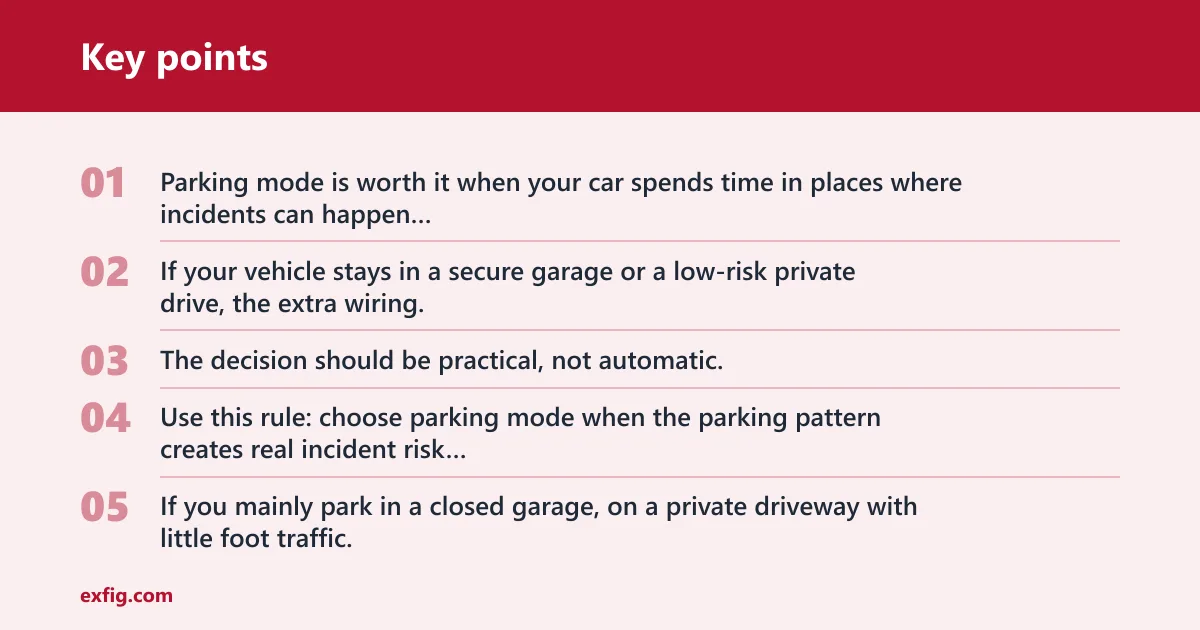
Parking mode is worth it when your car spends time in places where incidents can happen and you want footage after ignition-off. If your vehicle stays in a secure garage or a low-risk private drive, the extra wiring, battery planning, and false triggers may not add enough value. The decision should be practical, not automatic.
Use this rule: choose parking mode when the parking pattern creates real incident risk and you can power the camera without hurting starter battery life or making installation messy. If you mainly park in a closed garage, on a private driveway with little foot traffic, or in a monitored lot with low exposure, skip it unless you have a specific concern.
When parking mode is worth the setup
It makes the most sense for street parking, apartment lots, workplace parking with shared access, and long-stay parking where your car can sit unattended for hours. In those cases, a parked-car incident often happens when no one is nearby to see it, and a dash cam that wakes after ignition off can provide the only direct record.
A common first-timer mistake is buying a parking-capable dash cam for a car that already sleeps in a locked garage every night. That leaves you with extra wiring and power planning for very little added value.
When you can skip it
You can usually skip parking mode if the car is parked in a private, low-traffic space and the main concern is ordinary driving footage. It also makes sense to skip if you do not want to add a hardwire kit, an OBD-II cable, or a battery pack, or if the vehicle already has little battery headroom.
What parking mode is and how it works
Parking mode lets a compatible dash cam monitor your vehicle after the ignition is off. It can save impact clips, motion clips, time-lapse footage, or buffered event footage. In normal use, the camera switches into a parked state when the car powers down, then reacts to movement, impact, or a low-power recording schedule.
Records while parked
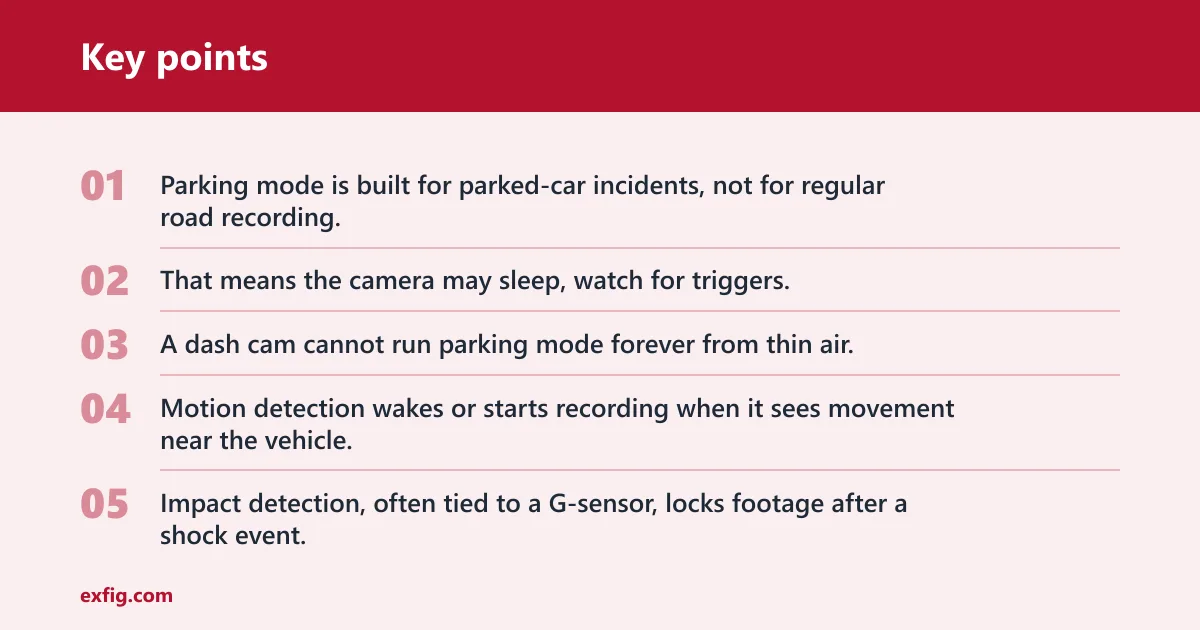
Parking mode is built for parked-car incidents, not for regular road recording. That means the camera may sleep, watch for triggers, or record at a lower rate until something happens. A dash cam cannot run parking mode forever from thin air, so power planning is part of the decision.
Motion, impact, buffered, and time-lapse modes
Motion detection wakes or starts recording when it sees movement near the vehicle. Impact detection, often tied to a G-sensor, locks footage after a shock event. Buffered modes keep a short pre-event recording so you get footage before the trigger, while time-lapse records at a reduced frame rate to stretch storage and lower power use.
Thinkware says parking mode is a standard feature on all Thinkware dash cams, that the dash cam switches to parking mode once ignition is turned off, and that its time-lapse mode records in 2 frames per second with no audio. It also says Motion + Impact Detection records 10 seconds before and 10 seconds after impact, while Energy Saving Mode creates a 20 second clip, 10 seconds before and 10 seconds after impact.
What it can miss
Parking mode is useful, but it is not magic. Motion-only modes can miss a quick keying or a light door bump if the camera never wakes in time. Impact-only modes can also miss the setup to an event. If the camera only wakes after impact, the opening seconds of a door ding, shove, or plate cover may be gone.
Suppose a sedan is parked on a busy curb and someone clips the mirror while passing on a scooter. A buffered parking mode is more likely to catch the approach and the impact than a camera that wakes only after the jolt. The opposite can happen with a slow vandalism event if the trigger sensitivity is set too low.
Parking mode decision matrix
This matrix turns the question into a use-case decision. The best choice depends on where you park, how often the car sits unattended, and whether you can power the camera safely and cleanly. Use it to decide whether parking mode is worth the added setup.
| Scenario | Risk level | Recommended power method | Best parking mode type | Battery-risk note | When to skip parking mode |
|---|---|---|---|---|---|
| Driveway | Low to medium, depending on foot traffic | OBD-II power cable or hardwire kit | Impact detection or low-power sleep mode | Lower risk if trips are frequent and the cutoff is set correctly | Skip if the driveway is private, enclosed, and rarely exposed to strangers |
| Street parking | High | Hardwire kit with voltage cutoff or battery pack | Buffered motion + impact or buffered parking mode | Higher drain risk if the car sits for long stretches | Skip only if the car is parked briefly and battery reserve is tight |
| Apartment lot | Medium to high | Hardwire kit or battery pack | Motion + impact detection with buffering if available | Shared parking raises incident risk; parked time can still drain starter battery | Skip if the lot is secure, monitored, and incidents are rare |
| Long-stay parking | Medium to high | Battery pack or hardwire kit with strict cutoff | Time-lapse or energy-saving parking mode | Best chance to protect the starter battery while extending coverage | Skip if the car will sit for days and you cannot manage power safely |
How do you power parking mode?
Parking mode needs a power source that still works after ignition off. The common choices are a hardwire kit, an OBD-II power cable, or a dedicated battery pack. The right pick depends on how much install work you accept, how long you want the camera to run, and how much starter-battery protection you need.
Hardwire kit
A hardwire kit connects the dash cam to the fuse box and uses voltage cutoff to protect the vehicle battery. It is the standard choice when you want parking mode to run from the car’s electrical system while reducing the chance of draining the starter battery too far. It does require a cleaner install than plug-in power.
OBD-II power cable
An OBD-II power cable is easier than hardwiring for many vehicles. An OBD-II power cable plugs into the OBD-II port and can support parking mode on some vehicles without opening the fuse box. It is often the simpler path when you want parked recording without a full hardwire install, though vehicle compatibility still matters.
Battery pack
A battery pack is a dedicated dash cam power source that can extend parked recording time and reduce reliance on the car battery. It makes the most sense when you want long parked coverage, frequent parking-mode use, or a setup that keeps starter-battery risk lower. It also adds cost and another device to mount and charge.
Think of power choice as a tradeoff. Hardwire kits usually give the cleanest parked-car integration. OBD-II cables are simpler. Battery packs reduce vehicle-battery dependence but add bulk and charging logistics.
Will parking mode drain your battery?
Yes, parking mode can drain the battery if the camera runs too long or the cutoff is set too low. That is why voltage cutoff, or a voltage meter setting on some systems, matters. The goal is to stop parking mode before the starter battery gets too weak to crank the car.
Voltage cutoff and voltage meter settings
A hardwire kit often includes a cutoff threshold that shuts the camera off at a set battery level. Some systems show voltage so you can see where the car sits before parking mode starts. This protects the starter battery by ending parked recording before the voltage falls too far.
Starter-battery risk
The risk is highest when the car sits for long periods, the battery is already aging, or the camera is set to a power-hungry mode. Motion-heavy parking mode can also wake often in a busy lot, which consumes more power than a low-power or time-lapse setup. That is why 24-hour parking mode is not automatically wise for every car.
When a battery pack makes more sense
If you want longer parked coverage and less starter-battery exposure, a battery pack may be the better choice. It is often the cleaner answer for long-stay parking or vehicles that already show weak battery behavior. A direct car-battery feed is less attractive when the car sits without regular driving.
What parking mode type fits your use case?
The best parking mode depends on what you need to capture. Motion detection is useful for movement near the car, impact detection is better for bumps and taps, buffered recording improves pre-event capture, and time-lapse stretches storage and lowers power use. Each one has a different blind spot.
Motion detection
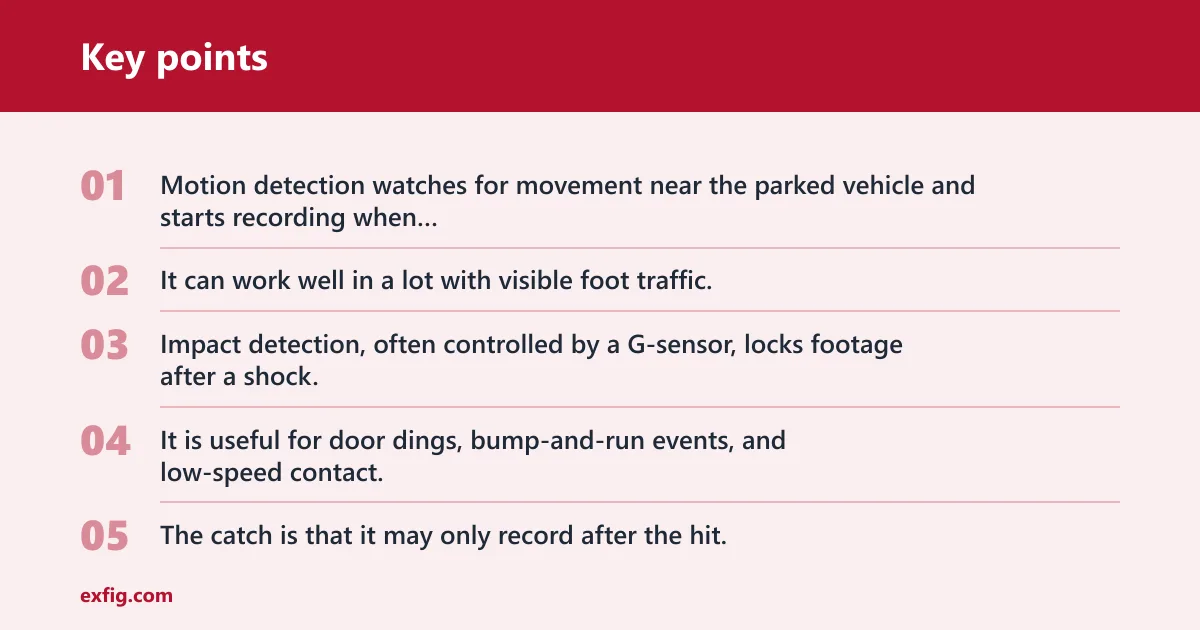
Motion detection watches for movement near the parked vehicle and starts recording when something enters the scene. It can work well in a lot with visible foot traffic, but it may miss a short event or start too late if the camera wakes slowly. Sensitivity settings matter a lot here.
Impact detection and G-sensor
Impact detection, often controlled by a G-sensor, locks footage after a shock. It is useful for door dings, bump-and-run events, and low-speed contact. The catch is that it may only record after the hit, so the lead-up can be thin unless the camera has buffering.
Buffered parking mode
Buffered parking mode keeps a short rolling clip so it can save video from before and after the trigger. That makes it a stronger choice when you care about the cause of a dent or scrape, not only the moment of contact. It is one of the better answers for street parking and busy lots.
Time-lapse parking mode
Time-lapse parking mode records at a reduced frame rate and often uses less storage and power. It is useful for long-stay parking, but it is weaker for audio and fine detail. The same source says its time-lapse mode records in 2 frames per second with no audio, which is a clear example of that tradeoff.
Picture a vehicle left in an apartment lot overnight. A slow scrape along the side is more likely to leave a usable trail with buffered recording or motion plus impact than with a low-sensitivity impact-only setup. If the goal is to document the sequence, the trigger style matters as much as the camera brand.
Can a dash cam record while the car is parked?
Yes, a dash cam can record while the car is parked if it supports parking mode and has a power source that works after ignition off. That parked recording may be motion-based, impact-based, buffered, or time-lapse. The camera must be wired or powered in a way that keeps it alive once the car shuts down.
Is hardwiring required for parking mode?
No, hardwiring is not required for every parking-mode setup. It is common, and it gives a clean way to tap fuse-box power, but an OBD-II power cable or a battery pack can also support parked recording on some vehicles. The real question is which method fits the car and your tolerance for install work.
Hardwiring is the most traditional answer, but not the only one. If you want simpler installation, OBD-II can be enough. If you want the least strain on the vehicle battery, a battery pack may be the better fit.
Will parking mode catch door dings and vandalism?
Sometimes, yes, but not always. Parking mode can catch door dings, vandalism, and hit-and-runs if the trigger type, sensitivity, and camera placement line up with the event. It can fail if the camera wakes late, if the impact is too light, or if motion is blocked from view.
Door dings are often the easiest to catch when the camera is aimed well and the parking mode uses buffering or impact detection. Vandalism is less predictable because the action may be slow, hidden, or outside the camera’s field of view. That is why coverage quality varies more than many product pages admit.
Is 24-hour parking mode worth it?
It can be worth it for street parking, airport stays, and other long unattended periods, but only if the power plan supports it. Twenty-four-hour parking mode can be useful, though it may increase battery drain and installation complexity. A long parking window is helpful only when the car can sustain it safely.
The Independent lists the Viofo A329S as a best dash cam overall and notes low power recording mode. It also lists the Vantrue element 1 lite with a 24-hour parking mode. Walmart product listings likewise show dash cams marketed with 24H parking mode and parking monitor features, which shows how common the claim is.
Can I use parking mode without hardwiring?
Yes, you can sometimes use parking mode without hardwiring. An OBD-II power cable is the simplest alternative for many cars, and some battery pack setups avoid direct hardwiring as well. The key is whether the camera stays powered after ignition off and whether the chosen method fits your vehicle.
That said, a plug-in setup is not always the best answer. If the car needs long parked coverage and the battery is already marginal, a battery pack or a carefully set hardwire kit may be the safer choice.
Frequently asked questions
Do you need parking mode on a dash cam?
Parking mode is generally worth considering only if a parked car faces real hit-and-run, theft, or vandalism risk and the camera can be powered without draining the battery or making installation too cumbersome. If the car stays in a secure, low-risk place, standard driving recording may be enough.
What is parking mode on a dash cam and how does it work?
Parking mode is a parked-car recording state that starts after ignition off. A compatible dash cam can then save motion clips, impact clips, buffered footage, or time-lapse video depending on the model and settings. It relies on a power source that keeps the camera alive while the car is off.
Does parking mode drain my car battery?
It can. Parking mode draws from the vehicle battery unless you use a separate battery pack, and long parked sessions raise the risk. Voltage cutoff settings help by turning the camera off at a set threshold before the starter battery gets too low to start the car.
How do you power a dash cam in parking mode?
The main options are a hardwire kit, an OBD-II power cable, or a battery pack. Hardwiring is common because it ties into the fuse box with voltage cutoff protection, OBD-II is often easier to install, and a battery pack reduces dependence on the car battery.