What Is a Bluetooth OBD2 Scanner and How Does It Work?

A Bluetooth OBD2 scanner is a plug-in dongle that reads your car’s OBD-II data and sends it to a phone app, where the app interprets the codes. Use the wrong adapter or app, and you can lose the connection, miss data, or chase a false fix. This covers how the car, dongle, and app work together, what they can read, and where compatibility fails.
How the scanner, app, and port work together
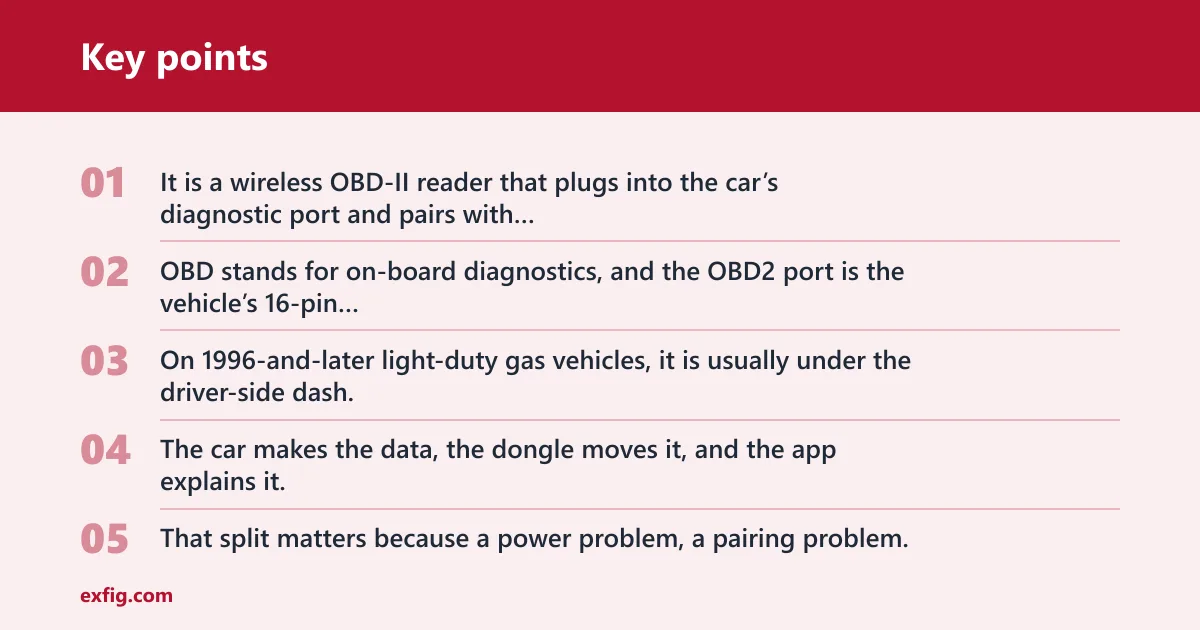
It is a wireless OBD-II reader that plugs into the car’s diagnostic port and pairs with your smartphone. OBD stands for on-board diagnostics, and the OBD2 port is the vehicle’s 16-pin diagnostic connector. On 1996-and-later light-duty gas vehicles, it is usually under the driver-side dash.
The scanner is only one part of the system. The car makes the data, the dongle moves it, and the app explains it. That split matters because a power problem, a pairing problem, or a protocol mismatch can look the same on the phone screen.
The OBD2 port and what it does
The port gives access to vehicle data and trouble-code information. That includes OBD-II diagnostic trouble codes, often called DTCs or P-codes, plus live data on many vehicles. Better tools can also show freeze frame data, which is a snapshot stored when a fault sets.
The dongle, the app, and the phone
The dongle plugs into the port and talks to the phone by Bluetooth. The app does the user-facing work: it asks for codes, displays sensor values, stores reports, and may guide the next step. In many low-cost setups, the app matters as much as the hardware.
How does a Bluetooth OBD2 scanner work?
The basic flow is that the vehicle ECU sends data to the OBD2 port, the dongle reads that data, and the phone app shows it. The dongle does not invent the numbers. It translates what the car already outputs into something the app can use.
From ECU to app in plain terms
When you plug in the scanner, it powers up from the port or from its own battery, depending on the model. The app on the phone pairs with the dongle, then sends requests such as “read codes” or “show live data.” The dongle passes those requests to the car and sends the replies back to the app.
Suppose the ABS light is on and the app reports a wheel-speed sensor fault. The vehicle ECU set that code because it saw a fault condition. The scanner did not create the code. It only moved the code from the vehicle to the phone.
What data the scanner can read
On a basic tool, the most common items are trouble codes, live data, and freeze frame data. Live data often includes RPM and coolant temperature. Freeze frame helps because it captures conditions at the moment the fault set, which can matter for intermittent problems.
Where code clearing fits
Many OBD2 scanners can clear codes after a fix. That clears stored faults and can turn off the check-engine light, but it does not repair the vehicle. If the fault is still present, the light usually returns after the car runs its checks again.
Bluetooth OBD2 scanner compatibility
Compatibility is where many buyers get stuck. A scanner may fit the port and still fail because the phone cannot pair, the app cannot talk to the adapter, or the vehicle uses a protocol the tool does not support. Check the vehicle, the phone, and the app before buying.
iPhone vs Android support
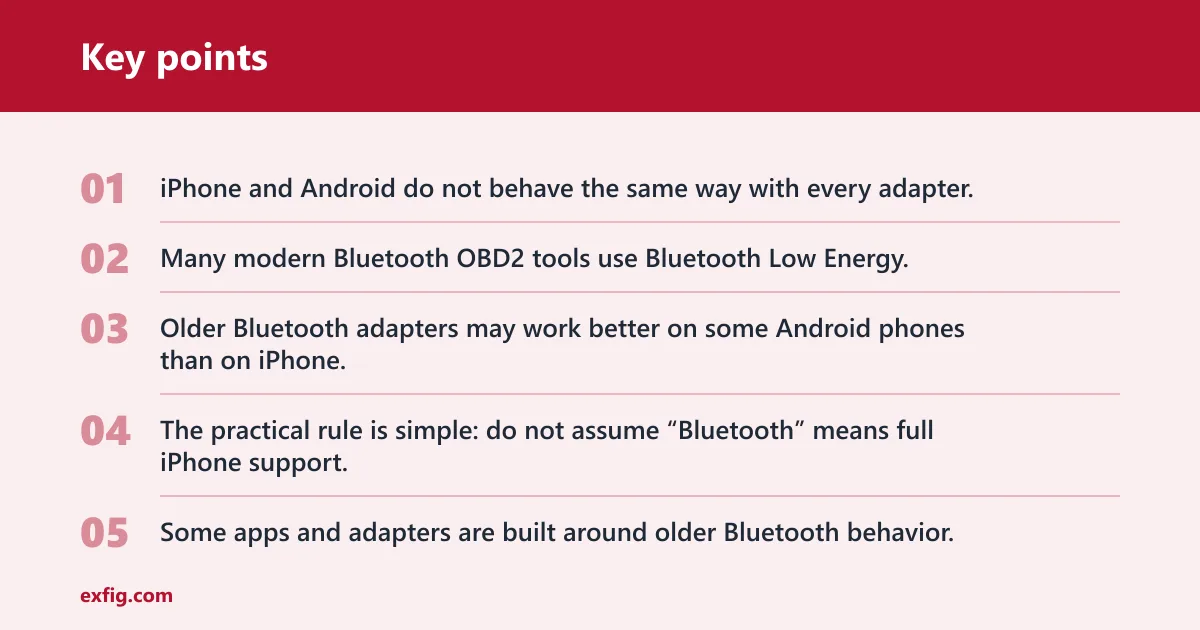
iPhone and Android do not behave the same way with every adapter. Many modern Bluetooth OBD2 tools use Bluetooth Low Energy, which reduces pairing friction on newer phones and is common in current tools. Older Bluetooth adapters may work better on some Android phones than on iPhone.
The practical rule is simple: do not assume “Bluetooth” means full iPhone support. Some apps and adapters are built around older Bluetooth behavior, while newer tools lean on BLE. The phone may pair, yet the app may still fail to connect if the adapter and software are not matched.
ELM327 clones and app support
ELM327 is a commonly used adapter chipset family for many generic OBD2 apps. Low-cost devices are often clones, and their compatibility can be inconsistent. Some work well enough for basic code reading, while others drop connections, fail live data requests, or freeze under load.
Third-party app support matters here. A Torque Pro-style app can be useful when an adapter is not locked to one companion app, because it gives you more software choice. That flexibility is valuable, but only if the adapter follows the common commands the app expects.
Newer protocol limits: DoIP and CAN-FD
Some newer vehicles need support beyond older generic readers. DoIP and CAN-FD are newer protocol requirements that some basic Bluetooth OBD2 tools may not handle. If a vehicle uses one of those systems, a cheap adapter may plug in and still show little or nothing.
That is one reason “1996+” is not the whole buying story. The vehicle may be OBD2-compliant and still need a better tool for full communication. Diesel vehicles and certain newer models can also have caveats that basic readers do not cover well.
What can it read and clear?
Many Bluetooth OBD2 scanners can read engine and emissions-related diagnostic trouble codes, and some can clear them after the repair is done. Better tools also show live data and freeze frame data. What can it read and clear? It depends on the vehicle, the adapter, and the app, and it will not cover every module or every system on every car.
OBD-II diagnostic trouble codes
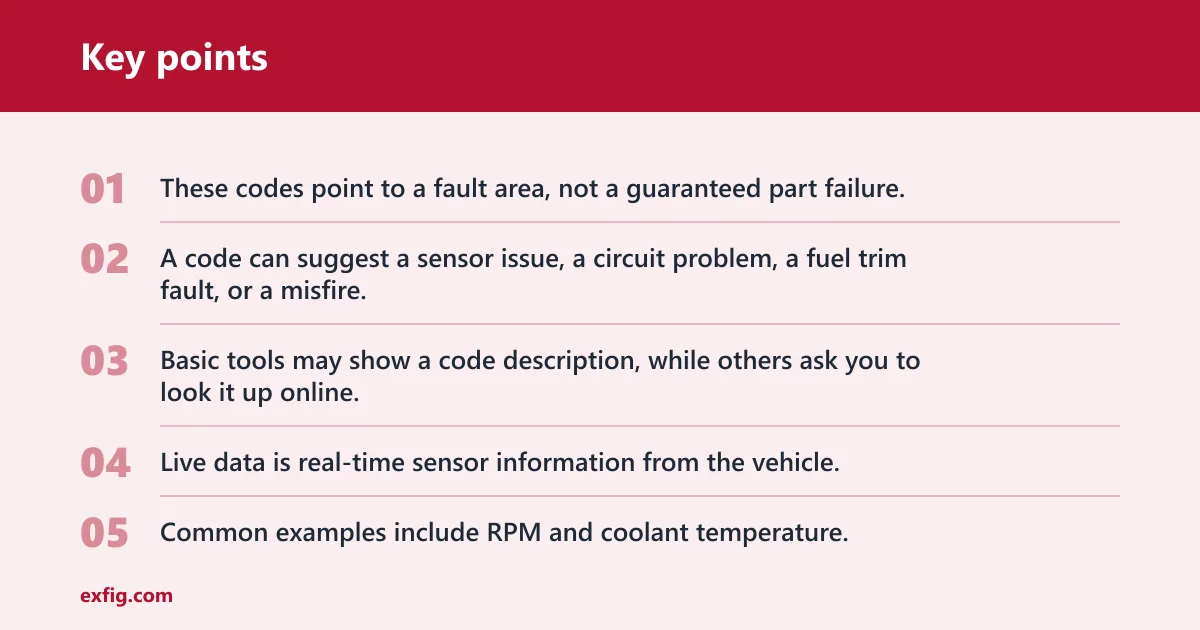
These codes point to a fault area, not a guaranteed part failure. A code can suggest a sensor issue, a circuit problem, a fuel trim fault, or a misfire, but you still need to check the vehicle. Basic tools may show a code description, while others ask you to look it up online.
Live data
Live data is real-time sensor information from the vehicle. Common examples include RPM and coolant temperature. Good live data helps confirm whether a fault is happening now, whether a sensor is stuck, or whether readings change as the engine warms up.
Freeze frame data
Freeze frame data is the snapshot the vehicle stores when a fault sets. It can show engine load, speed, temperature, and other conditions at that moment. That helps when a problem appears only under certain conditions, such as highway cruising or stop-and-go traffic.
Why ABS and airbag codes are different
ABS and airbag systems are usually outside what a basic Bluetooth OBD2 scanner reads. Some higher-end tools can access extra modules, but that is not a given. If you want ABS, airbag, or body module access, check the exact scan coverage before buying.
Bluetooth OBD2 troubleshooting matrix
This matrix maps common symptoms to the most likely layer at fault. Start with the symptom you see, then check the quick test before replacing anything. A port with power can still have no usable data, and a paired phone can still fail if the app or protocol is wrong.
| Symptom | Likely layer at fault | Quick test | Fix |
|---|---|---|---|
| No lights on the dongle | Vehicle OBD port | Check whether the port has battery power and whether other devices wake up there | Inspect the fuse, port pins, and vehicle power feed |
| Phone pairs, but the app will not connect | Bluetooth dongle | Try a second app or another phone with the same adapter | Reset the adapter, update the app, or replace a flaky clone |
| App connects, but no codes or live data appear | Phone OS or app | Open a known-supported app and request a simple reading such as vehicle info | Grant permissions, update the app, or choose a compatible companion app |
| Tool works on one car, but not another | Vehicle protocol | Check whether the second vehicle needs CAN-FD or DoIP support | Use a scanner that lists the required protocol support |
| Adapter powers up, but live data is blank | Vehicle protocol or app | Try reading stored codes first, then check a different data stream | Use a better app or a scanner with broader protocol coverage |
Can you leave it plugged in?
Sometimes yes, but not always. A Bluetooth OBD2 scanner may stay plugged in if it has sleep behavior that limits draw, yet some models can drain the battery over time. If the car sits for days or weeks, unplugging it is the safer habit.
Battery drain and sleep behavior
Some adapters stay awake longer than others. That matters because the OBD port on many vehicles has constant power. A cheap adapter that never sleeps properly can keep drawing current after the car is off, which can become a problem on an older battery.
When to unplug it
Unplug it if the car is parked for long stretches, if the adapter gets warm while off, or if the battery is already weak. If you only use it for quick checks, leaving it out when not in use avoids surprise drain and reduces the chance of a dead battery.
The basic process is straightforward. Find the port, plug in the dongle, pair the phone, open the app, then read the codes or live data. The important part is matching the adapter to the phone and app before you rely on it for troubleshooting.
- Find the OBD2 port under the driver-side dash and plug in the dongle.
- Turn the ignition on if the app needs the vehicle awake.
- Pair the phone with the adapter or let the app find it.
- Open the app and choose the correct vehicle profile if the app asks for one.
- Read stored codes first, then check live data and freeze frame data if available.
- After the repair, clear the codes only after the fault is fixed.
A common first-timer mistake is choosing a basic dongle, then expecting it to access airbags, climate controls, and other advanced systems on every vehicle. A small hatchback with a simple emissions fault may work fine, while a newer vehicle with a protocol mismatch may show only a partial connection. The hardware, the app, and the car all have to agree.
Frequently asked questions
What is a Bluetooth OBD2 scanner?
It is a wireless adapter that plugs into the OBD2 port and pairs with a smartphone. The scanner moves data from the car to the app, where the app reads codes, shows live data, and may help clear the check-engine light after a repair.
How does a Bluetooth OBD2 scanner work with my phone?
The dongle reads the car’s OBD-II data, sends it over Bluetooth, and the phone app interprets it. The app is the control center. If pairing fails or the app does not support the adapter, the scanner may power up but still not work.
Do Bluetooth OBD2 scanners work on iPhone and Android?
Many do, but not all. iPhone support is more sensitive to whether the adapter uses Bluetooth Low Energy, while Android often works with a wider range of adapters. Always check the exact phone and app compatibility before you buy.
Can a Bluetooth OBD2 scanner read and clear check engine codes?
Yes, most can read OBD-II diagnostic trouble codes, and many can clear them after the repair is done. Clearing a code only turns off the light or removes the stored fault; it does not fix the underlying problem if it is still present.
What is the difference between a Bluetooth OBD2 adapter and a scanner?
An adapter is mainly the hardware bridge. A scanner includes the adapter plus the software experience, which may be a dedicated app or a handheld interface. On phone-based tools, the app often determines how useful the scanner feels in daily use.
Will a Bluetooth OBD2 scanner read ABS and airbag codes?
Usually not on a basic tool. Many Bluetooth OBD2 scanners focus on engine and emissions data only. ABS, airbag, and other module access often require a higher-end scanner that lists those systems specifically.