
How to Install a Dash Cam Without Hardwiring

A plug-in dash cam can often be powered by a 12V accessory socket or USB power port without hardwiring. If parking mode is needed after the car is off, a dash cam battery pack is usually the better option. Done badly, the camera can drain the car battery, shut off unexpectedly, or leave you without footage when you need it. This guide shows the simplest no-hardwire setup, when parking mode disappears, and when a battery pack is the better choice.
What you’ll need
- Dash cam and the included power lead
- microSD card with enough capacity for your recording length
- Adhesive windshield mount
- Trim tool or cable clips
- Cleaning cloth and glass cleaner
- 12V socket adapter or USB cable, depending on the vehicle and camera
What this setup can and cannot do
A plug-in install is the easiest no-hardwire route. TechRadar says installation is usually straightforward unless you hard-wire it, and Cobra says the simplest install can use a car’s 12V socket. The tradeoff is power behavior: most dash cams begin recording when they receive power, and many vehicles stop sending power to the 12V socket when turned off.
That means the setup is generally well suited to driving recordings. A plug-in setup is often less reliable for overnight parking coverage unless the vehicle keeps the socket live or the dash cam has its own battery pack. TechRadar also notes that most models include a basic installation manual, and dash cams are designed for universal fitment, so the same mount-and-power approach works across many cars.
Say your sedan cuts accessory power as soon as the ignition turns off. A plug-in camera will usually stop with it, which is fine for driving but not for parking mode. Suppose your hatchback keeps the socket live overnight. The camera may keep recording, but that also means you need to think about battery drain and shutoff timing.
When a plug-in install is the right call
Choose a plug-in setup when you want the fastest install, you cannot alter the fuse box, or you are driving a lease or rental and need a removable setup. Use the 12V socket if your goal is basic driving recording and you can accept that the camera usually powers down with the car. Use USB only if the port and cable can supply enough current for that specific model.
A battery pack is the better choice when parking mode matters and the vehicle turns off its accessory power. Hardwiring is a different path, and it is still the better fit for full-time parking surveillance because it connects through the fuse box. That is a separate choice from plug-in power, not a universal requirement.
Can you power a dash cam from USB?
Yes, sometimes. Some vehicles have built-in USB ports for dash cam power, but a USB-shaped plug does not guarantee compatibility. The port has to supply enough current, and the dash cam’s cable has to be the kind that carries power from that port. If the camera expects a 12V adapter, a USB port may not run it correctly.
Use USB power when the vehicle’s port is rated for the camera’s draw and the camera vendor lists USB operation as supported. If the camera resets, turns off, or never starts recording, switch to the 12V socket instead. That route is still the most common plug-in option and often the simplest.
How do you install a dash cam without hardwiring?
The cleanest no-hardwire install is: load the card, mount the camera, plug in power, and confirm recording before you drive. TechRadar frames setup as six steps, and the practical order matters because a missing microSD card or a loose mount can make the whole install fail on the first trip.
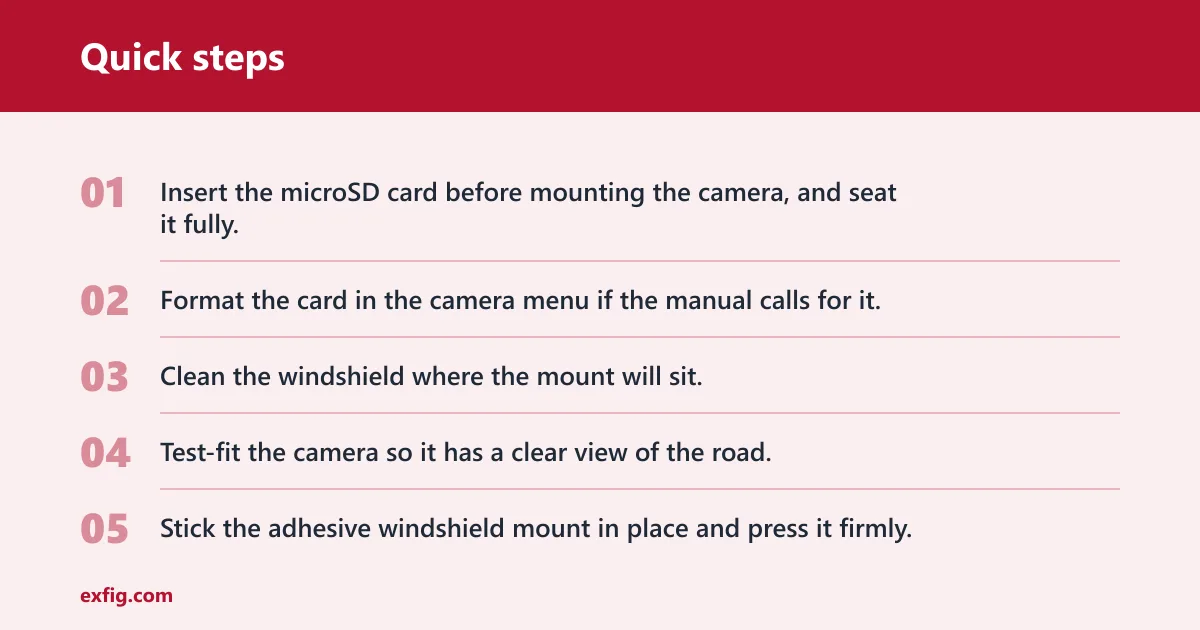
- Insert the microSD card before mounting the camera, and seat it fully.
- Format the card in the camera menu if the manual calls for it.
- Clean the windshield where the mount will sit.
- Test-fit the camera so it has a clear view of the road.
- Stick the adhesive windshield mount in place and press it firmly.
- Plug the power lead into the 12V socket or supported USB port.
- Start the car and confirm the camera begins recording.
The adhesive windshield mount is the usual universal fitment method. It keeps the camera steady and supports discreet placement near the top of the glass. Cobra says the camera should be placed to maximize field of view, so aim for a high, centered position that avoids the rearview mirror and keeps the road ahead visible.
Dash cam power table
| Power method | Parking mode availability | Install effort | Cable visibility | Battery-drain risk | Best-fit driver scenario |
|---|---|---|---|---|---|
| 12V socket / cigarette lighter | Usually no, unless the socket stays live | Low | Moderate if you route it well | Low when the socket switches off; higher if it stays live | Drivers who want the simplest plug-in setup |
| USB port power | Usually no, unless the port stays live and the camera supports it | Low to moderate | Moderate | Low when the port shuts down; higher if it remains live | Vehicles with a strong built-in USB port and a compatible camera |
| Battery pack | Yes, for extended coverage | Moderate | Moderate | Low for the car battery | Drivers who want parking mode without hardwiring |
How do you hide dash cam wires neatly?
Run the cable along the headliner first, then tuck it into the A-pillar trim where it can sit safely and out of sight. Bring the last section down to the socket with only the needed slack. The same source notes that many dash cams include long power cables, which helps, but extra length still needs a planned route.
Do not leave the lead hanging in front of the windshield. That looks messy and can interfere with the driver’s view. If the car has curtain airbags, keep the cable out of the airbag deployment path and use trim channels or clips that do not crush the wire.
Picture a compact SUV with a steep windshield and a socket low on the center console. The clean route usually goes up to the headliner, across the top edge, down the passenger-side trim, and then into the socket area. Front-and-rear kits need more planning because the rear camera cable has to reach the back of the cabin without crossing the open middle of the glass.
Will a plug-in dash cam drain your battery?
Usually not when the vehicle shuts off accessory power with the ignition. The same source says most modern vehicles stop sending power to the 12V socket when turned off, which means the camera also turns off. The risk appears when a socket or USB port stays live overnight, or when a camera is left running on a vehicle battery through some other power source.
If the camera powers off too soon, move it to a different accessory socket or check whether the vehicle shuts that circuit down too aggressively. If the socket stays live overnight, unplug the camera or switch to a battery pack. That avoids leaving the car battery under constant load. A hardwire kit is the separate option when full-time parking surveillance matters more than easy removal.
Common first-timer mistake: the camera stops recording the moment the engine turns off, and the driver assumes the unit is faulty. In many cars, that simply means the socket is ignition-switched. The fix is to confirm the socket behavior before installation and decide whether driving-only recording is enough.
Common mistakes
Skipping the memory card check is a common failure point. Insert the microSD card before mounting the camera, and make sure it is seated correctly. A card that is loose or too small for the planned recording length can leave you with partial footage.
Mounting the camera too low or off-center can block the view and make the footage less useful. Leaving slack in front of the windshield makes the cabin look untidy and can create a distraction. Expecting parking mode from a plug-in setup, without confirming shutdown behavior first, is another frequent miss.
For front-and-rear systems, plan the rear camera cable before sticking anything down. The same source notes that a rear or additional camera needs more planning, and that is especially true in long cabins, hatchbacks, and vehicles with split interior trim.
Do dash cams need to be hardwired?
No. Many dash cams work fine from a 12V socket, and some work from a USB port if the camera and port are compatible. Hardwiring is mainly for drivers who want parking mode after the car is off or who need a cleaner permanent install. For simple driving footage, plug-in power is enough.
Is hardwiring better than using the cigarette lighter?
Hardwiring is better for extended parking surveillance because it can keep the camera powered with the right kit and settings. The cigarette lighter or 12V socket is better for speed, simplicity, and removability. If you lease, rent, or do not want fuse-box work, the plug-in route is usually the better fit.
Frequently asked questions
How do you install a wireless dash cam?
A “wireless” dash cam still needs power unless it has an internal battery or a separate battery pack. Mount the camera, insert the microSD card, then connect it to a 12V socket, USB port, or battery pack. Wireless usually refers to phone connection, not cord-free operation.
Can I plug a dash cam into a 12V socket?
Yes. The same source says the simplest install can use a car’s 12V socket, and many dash cams are built for that route. This is the easiest no-hardwire method, but in most vehicles the camera turns off when the car does. That makes it good for driving footage, not always for parking mode.
Can I power a dash cam from a USB port?
Sometimes. Some vehicles have built-in USB ports for dash cam power, but only if the port supplies enough current and the camera is designed for that input. If the unit resets or never starts recording, switch to the 12V socket or a battery pack rather than forcing the USB connection.
How do you route dash cam cables to avoid dangling wires?
Run the cable up to the headliner, tuck it into the A-pillar trim, and bring the last section down near the socket. Keep the wire out of the driver’s view and away from airbag paths. For rear cameras, plan the route before sticking down the front mount so the extra cable reaches cleanly.
Will a plug-in dash cam drain my car battery?
Not usually if the socket shuts off with the ignition. The same source says many modern vehicles stop sending power to the 12V socket when turned off. The risk appears when the socket or USB port stays live overnight. In that case, unplug the camera, change ports, or move to a battery pack.
What should I do if my dash cam turns off with the car?
Check whether that behavior is tied to the vehicle’s accessory socket, not the camera. If the socket is ignition-switched, the camera is behaving normally. For parking mode, use a battery pack or hardwire kit. If driving-only recording is enough, keep the plug-in setup and confirm it starts again with ignition.