Why Are My Front Car Speakers Not Working?

Front car speakers usually stop working because the radio is muted or faded to the rear, a fuse or amp feed is open, the wiring is broken, or the speaker itself has failed; start with settings, then power and continuity. Ignore the wrong fault path, and you can waste money on speakers, amps, or head units you do not need. This guide shows how to tell whether the problem is settings, wiring, power, or a failed driver.
What you’ll need
- Basic hand tools
- Multimeter or test light
- Trim removal tools
- Speaker wiring diagram, if available
Start with the settings
- Go to Settings > Audio > Fader/Balance and center both controls.
- Set the fader to the center position, which usually restores even front and rear output.
- Set balance to the center so you are not hiding one dead front speaker on the left or right.
- Check Source > Audio Output for rear speaker, subwoofer, or non-fading mode routing.
- Raise volume to a normal listening level and retest the front pair.
A mis-set fader can make the front speakers seem dead when the problem is actually channel routing. A mis-set balance can hide one failed side and make the remaining speaker seem weak.
Can a bad fader make front speakers stop working?
Yes. A fader set all the way back can mute the front speakers, while a balance control set hard left or right can make one front speaker seem dead. If the head unit has a rear/subwoofer or non-fading output mode, that routing can also move signal away from the front channels.
Reset the fader to center first, then center balance. If the front pair comes back, the hardware is probably fine. If one side stays silent, use balance to isolate the left and right front channels one at a time.
How to isolate one dead front speaker
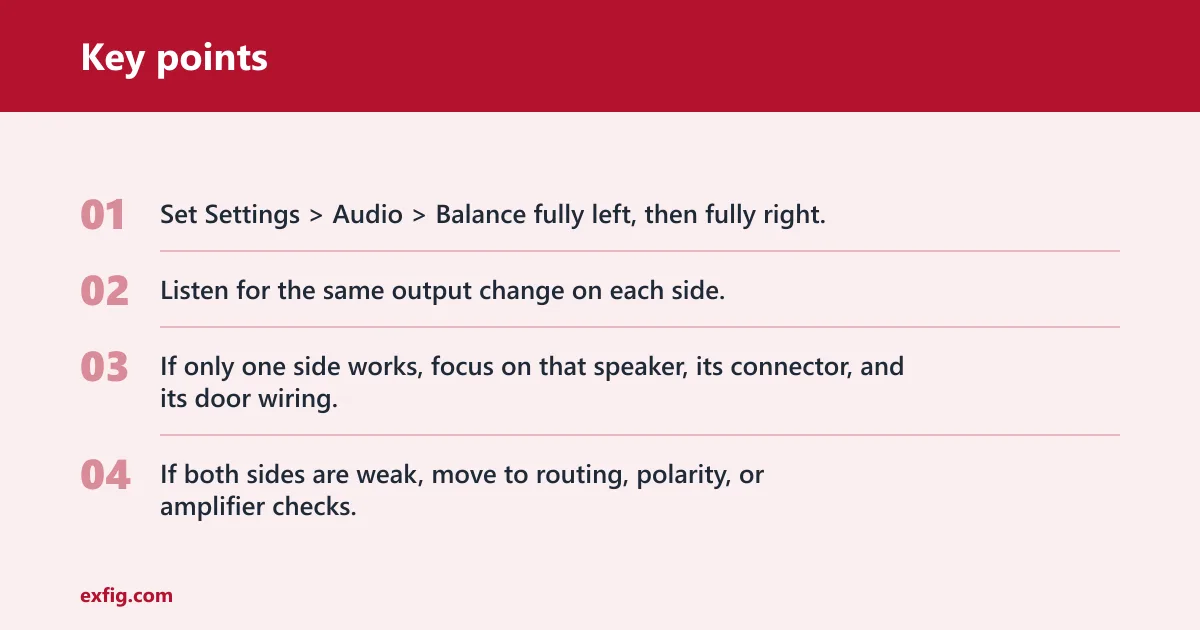
- Set Settings > Audio > Balance fully left, then fully right.
- Listen for the same output change on each side.
- If only one side works, focus on that speaker, its connector, and its door wiring.
- If both sides are weak, move to routing, polarity, or amplifier checks.
Picture a driver that fades left and hears a clean left speaker but no right output. That points away from global settings and toward a right-side wiring, connector, or speaker fault.
How do you know if wiring is the problem?
A loose or broken connection behind the dash or in the door jamb can cause a quiet channel. The door wiring near the hinge flexes every time the door moves, and repeated motion can sometimes crack a conductor and lead to intermittent cutout, crackle, or a dead front door speaker.
Check the wiring where the door opens and closes, then inspect the connector at the head unit and the connector inside the door. If moving the door changes the sound, wiring jumps near the top of the list.
Inspect the door-jamb wiring harness
- Open the door fully and look at the rubber boot between the door and body.
- Gently move the boot and listen for crackle or dropouts.
- Inspect for broken insulation, stretched wires, or pinched sections.
- Use a multimeter to check continuity through the suspect wires.
Suppose a front door speaker cuts out only when the door swings past halfway open. That pattern is classic flex fatigue in the wiring, not a bad speaker cone.
Front speaker decision table
| Symptom | Fader / balance | Head-unit routing | Door-jamb wiring | Polarity | Amplifier | Speaker failure |
|---|---|---|---|---|---|---|
| Silent | Center controls; if sound returns, fix the setting | Check Audio Output for rear, subwoofer, or non-fading mode | Move the door and test continuity through the boot | Swap leads and confirm positive to positive, negative to negative | Check amp turn-on, fuse, and channel output | Test the speaker directly; replace if it stays silent |
| Quiet | Center the fader; balance both sides | Confirm the front channels are assigned to front output | Look for high resistance or partial breaks in the wiring | Compare loudness with correct wiring to rule out cancellation | Check for low gain or weak factory power output | Test with known-good signal; replace if output remains low |
| Distorted | Rule out boosted balance or extreme fader settings | Check for clipping from the source or DSP preset | Inspect for shorting wires touching metal | Correct phase if the sound is thin and bass-light | Check for amp clipping or failed channel protection | Replace a driver that buzzes, rattles, or distorts in isolation |
| Intermittent | See whether the issue changes with balance position | Verify the output mode does not change by source | Flex the wiring while listening for crackle or dropouts | Phase faults are usually steady, not intermittent | Test amp wiring and output under vibration | Check for voice-coil rub or loose internal leads |
Speaker or amplifier?
Use symptoms to separate a weak system from a failed speaker. A failing speaker may buzz, distort, rattle, or stay silent during isolation testing. Factory head units make little power, which can leave speakers underpowered, while an amplifier can also fail or enter protection mode.
Out-of-phase wiring can make speakers sound thin and weak, and it can reduce bass through partial cancellation. If both front speakers sound hollow after a recent install, polarity is a better suspect than a blown pair.
How to check a front speaker for failure
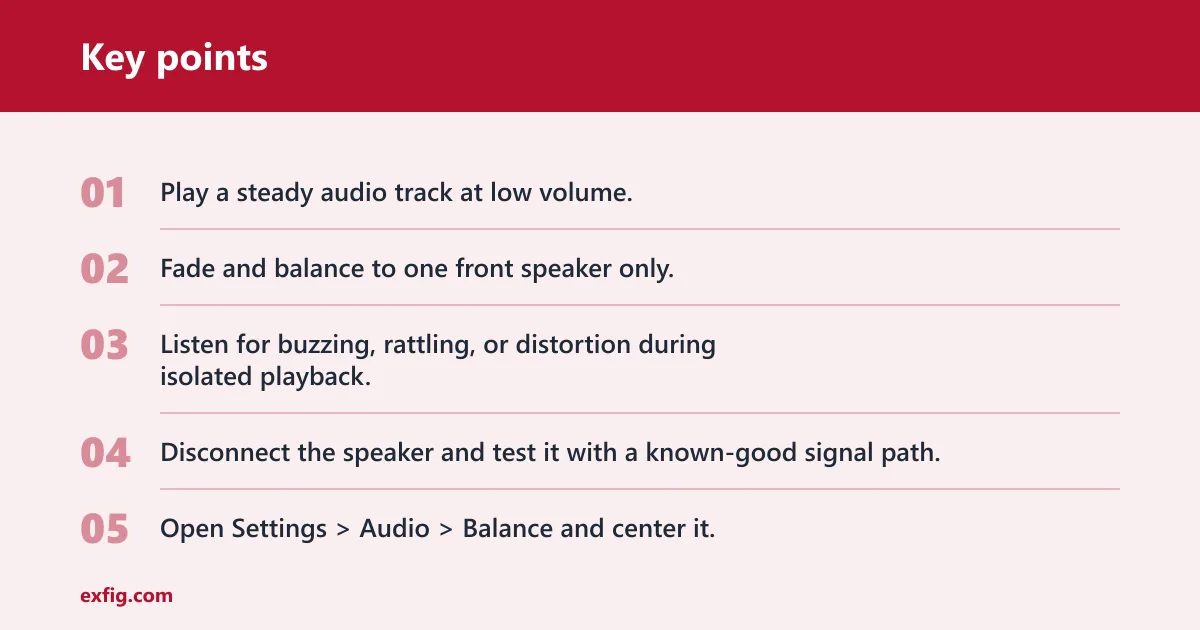
- Play a steady audio track at low volume.
- Fade and balance to one front speaker only.
- Listen for buzzing, rattling, or distortion during isolated playback.
- Disconnect the speaker and test it with a known-good signal path.
If the speaker stays silent on a direct test, the driver is likely bad. If it plays cleanly on a direct test but not in the car, the problem is upstream.
How to check polarity
- Open Settings > Audio > Balance and center it.
- Inspect the positive and negative terminals at both front speakers.
- Compare the wire colors or markings with a wiring diagram.
- Reverse the suspect pair only as a test, then retest bass response.
When wiring is out of phase, the front image can feel weak and bass-light even though both speakers are playing. That points to wiring, not a dead driver.
Will an amplifier fix weak or silent front speakers?
An amplifier can fix a power shortfall, especially when factory head unit power is too low for aftermarket speakers. It will not repair broken door wiring, a bad connector, or a failed speaker. If the front pair is silent because the signal never reaches the door, more power will not help.
Use an amplifier when the speakers work but remain quiet after settings, routing, and wiring checks pass. Do not use it as a substitute for continuity testing.
Common mistakes
The biggest error is replacing speakers before checking routing and wiring. A second mistake is ignoring factory amplifier or active crossover settings, especially in systems where the head unit sends separate signals to the front channels.
Buying the wrong size or depth is another avoidable problem. A 6.5-inch speaker size is common, but fit depends on more than diameter, including depth and vehicle compatibility.
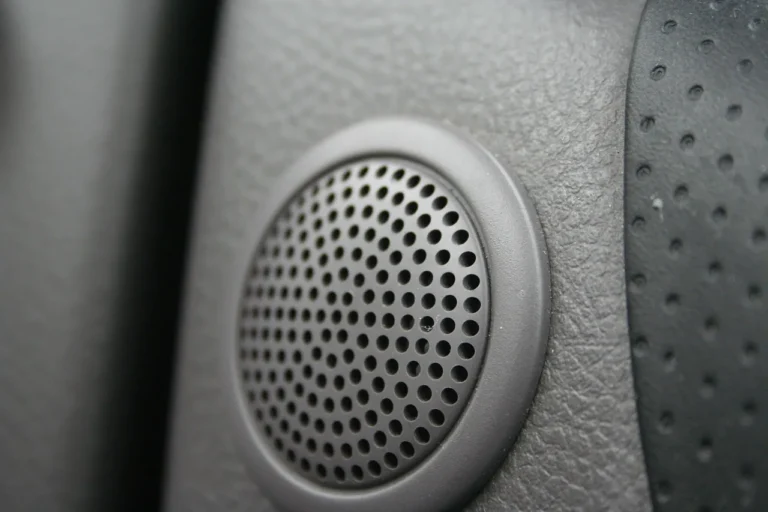
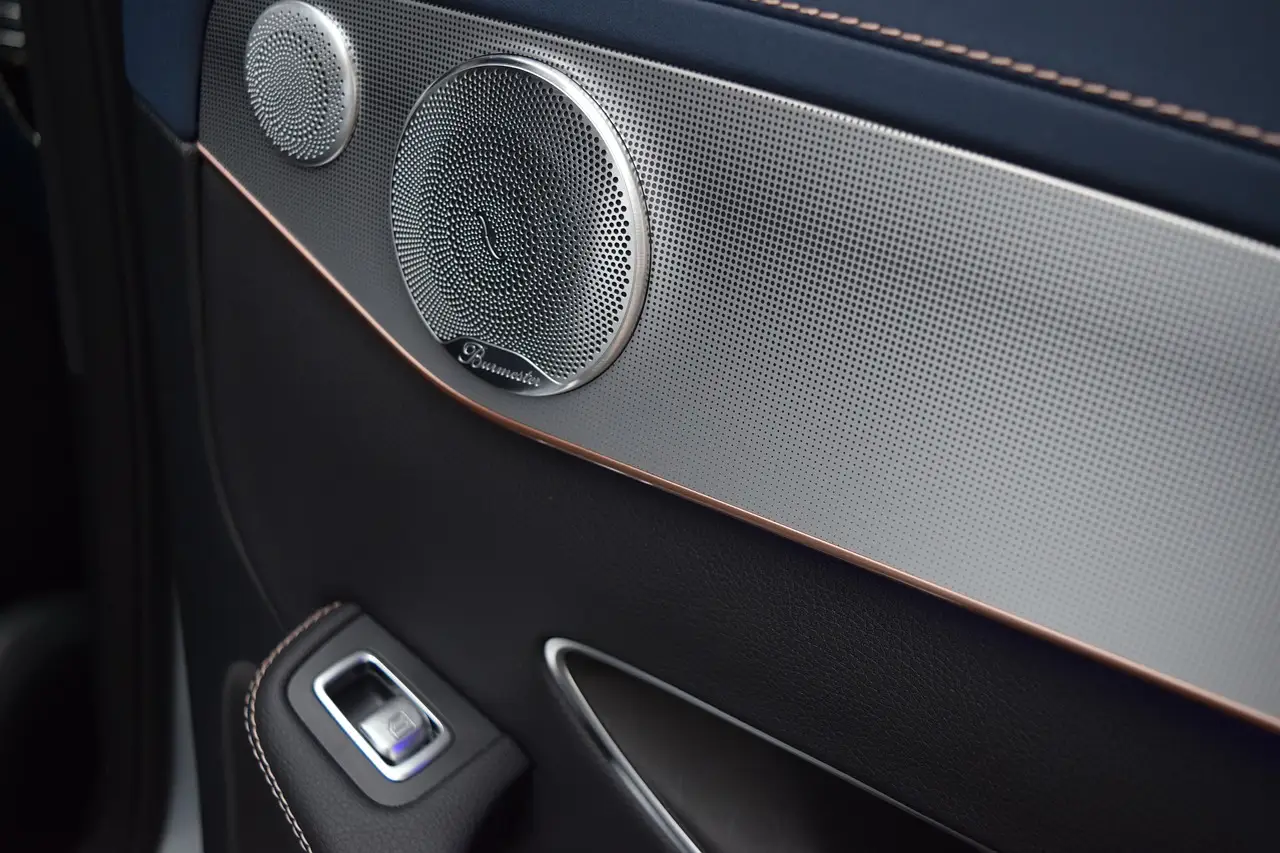
Another trap is assuming every front door speaker is a simple coaxial unit. A 6-1/2 inch coaxial speaker combines woofer and tweeter in one assembly, while a 6.5-inch component speaker kit uses separate tweeters and crossovers. That difference matters when you replace only one part of a factory system.
Frequently asked questions
Why are my front door speakers not working?
Start with Settings > Audio > Fader/Balance and confirm the front channels are not faded out. If the setting is correct, inspect the door wiring, then check the speaker connector, polarity, and the front channel output at the head unit or amplifier.
How do I know if a front car speaker is blown?
A blown speaker often buzzes, rattles, distorts, or stays silent during isolated testing. Set balance to one side, play a steady track, and listen closely. If the driver fails on a direct signal test but the wiring checks out, replacement is the next step.
Could wiring in the door jamb cause front speaker failure?
Yes. The door wiring flexes every time the door opens, so broken strands can cause crackle, fade-outs, or a dead channel. Move the door while listening, then check continuity through the boot before replacing the speaker or head unit.
What if both front speakers are weak but not dead?
Check Source > Audio Output for rear speaker or non-fading mode routing, then check polarity. Out-of-phase wiring can make the front pair sound thin and bass-light. If the wiring is correct, factory head unit power may simply be too low.
What should I replace first if the front speakers still fail?
Replace the part that failed the simplest test. If continuity is bad, repair the wiring. If power is present but output is low, test the amplifier. If the speaker buzzes or stays silent on isolation, replace the driver after checking fit with a vehicle fit guide.
How do I choose between a coaxial and component replacement?
Choose a 6-1/2 inch coaxial speaker when you want the simpler all-in-one format and the vehicle uses that fitment. Choose a 6.5-inch component speaker kit when the system expects separate tweeters and crossovers. Check size, depth, and vehicle compatibility before ordering.