Are All USB-C Car Chargers the Same?

No—USB-C car chargers differ a lot, and charging speed depends more on protocol support, port mix, and cable quality than on the USB-C label or a big wattage number. Pick the wrong one and a phone may charge slowly, a tablet may sip power, or a laptop may refuse to draw enough. This guide explains the specs that matter, how to compare chargers, and what to buy for phones, tablets, and laptops.
Why USB-C labels aren’t enough
No. A USB-C car charger still has to convert a vehicle’s 12V or 24V input into the output profile your device can use, and that output is where the real differences show up. Two chargers can both say “USB-C” yet behave very differently because of USB Power Delivery support, PPS, per-port wattage, total output wattage, and how power is split across ports.
Why the label is not enough
USB-C only names the connector shape. It does not tell you whether the charger supports USB Power Delivery, whether it can supply PPS for some Android phones, or whether it stops at a lower charging ceiling when both ports are busy. That is why one car charger may work well for a phone but fall short for a laptop.
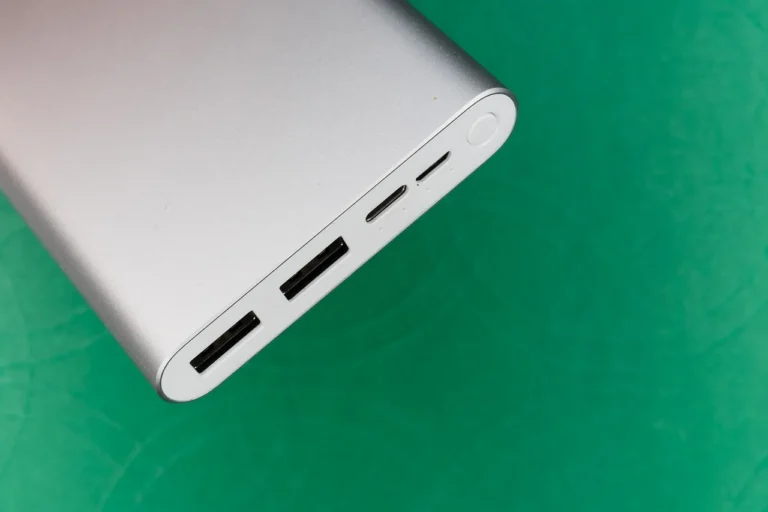
USB-A and USB-C can also sit on the same charger and perform differently. USB-A often has a lower fast-charging ceiling for modern devices, while USB-C is the port type most buyers need for current phones, tablets, and laptops.
What the vehicle plug actually does
The car socket is the input side. The charger typically takes 12V from most passenger vehicles, or 24V in some trucks and larger vehicles, then converts that power into USB output. The vehicle connection stays the same, but the charger’s output profile decides what your device can actually use.
USB-C vs USB-A in the same charger
Mixed chargers often look flexible, but the ports are not equivalent. A USB-C port may support PD and deliver much higher power, while a USB-A port may cap out earlier and use older charging behavior. In mixed-family use, that difference matters more than the number printed on the package.
USB-C charger decision table
| Device type | Minimum protocol | Recommended wattage | Cable requirement | Common failure mode |
|---|---|---|---|---|
| iPhone | USB Power Delivery | 20W to 30W | USB-C to Lightning cable, or USB-C to USB-C on newer models that support it | USB-A port caps speed near legacy charging rates |
| Samsung Galaxy | PD with PPS | 25W to 45W | USB-C to USB-C cable rated for the needed current | PD only, without PPS, can miss full-speed charging |
| Google Pixel | PD with PPS | 25W to 45W | USB-C to USB-C cable rated for the needed current | Wrong cable or no PPS limits peak speed |
| iPad | USB Power Delivery | 30W to 45W | USB-C to USB-C cable, or USB-C to Lightning for older Lightning models | Low-watt USB-A port underfeeds larger iPads |
| 13-inch laptop | USB Power Delivery | 65W | USB-C to USB-C cable that supports the needed wattage | Charger shares power and drops below what the laptop expects |
| 16-inch laptop | USB Power Delivery with EPR support where required | 100W+ | High-wattage USB-C to USB-C cable with the right current rating | Standard PD charger tops out too low for heavy use |
| Mixed-family use | PD on every USB-C port, PPS on at least one port | 45W to 100W total, depending on the devices | At least one USB-C to Lightning cable and one USB-C to USB-C cable | Two devices share output and each port slows down |
Do you need PD, PPS, or EPR?
For most buyers, yes, the protocol matters more than the connector shape. USB Power Delivery is the baseline fast-charging standard for many phones and tablets, including iPhone and iPad models that charge from USB-C. PPS is mainly for full-speed charging on some Samsung Galaxy and Google Pixel phones. EPR matters for higher-wattage laptop charging.
USB Power Delivery for iPhone and iPad
PD is the standard to look for if you want dependable fast charging from USB-C car chargers. Wirecutter says some USB-C ports should support at least 18W output for fast charging, and Maplee-Tech describes PD as the baseline standard for fast charging. That makes PD the first filter for most modern Apple devices and many tablets.
Maplee-Tech’s testing also shows why the port type matters. It reports USB-A capping an iPhone near 7W, while USB-C PD reached 29W on the same iPhone. That difference is large enough to change whether a short drive adds a useful amount of battery or only a small bump.
PPS for Samsung Galaxy and Google Pixel
PPS sits on top of PD and is mainly about getting some Android phones to their full charging speed. Maplee-Tech says PPS is needed for Samsung Galaxy and Google Pixel full speed. If your household includes either brand, a charger with PD alone may work, but PPS is the safer choice when speed matters.
EPR for high-wattage laptops
EPR is relevant when you move into 140W-class laptop needs and similar high-power USB-C charging. Many car chargers do not reach that level, and many stop below the output that larger laptops prefer. If a charger does not list EPR support, assume it is meant for phones, tablets, and lighter laptops rather than the biggest USB-C notebooks.
What wattage do you need in a car charger?
Wattage sets the ceiling, but only after the protocol and cable are right. A 100W label does not help if the port only offers a lower standard or if power is split across two devices. For most phones, 30–45W is enough. For most laptops, 65W is the practical target. For larger laptops, 100W+ is the safer range.
30–45W for phones and tablets
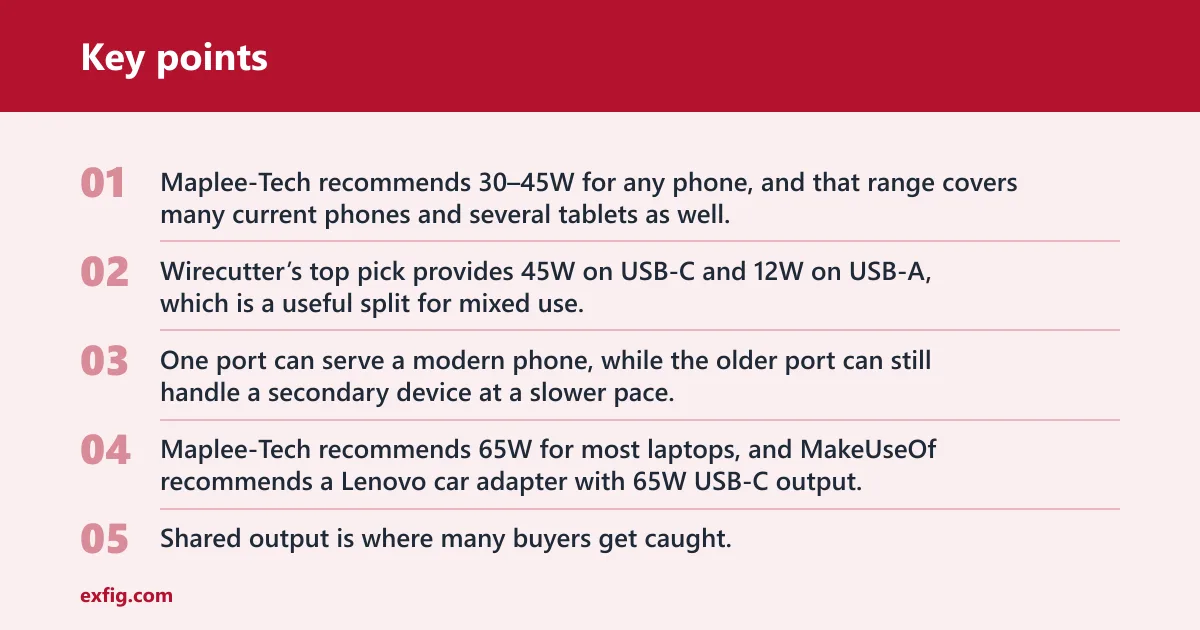
The same source recommends 30–45W for any phone, and that range covers many current phones and several tablets as well. A charger in this class is often the sweet spot for daily driving because it leaves room for a phone to charge well without turning the charger into an oversized, expensive unit.
Wirecutter’s top pick provides 45W on USB-C and 12W on USB-A, which is a useful split for mixed use. One port can serve a modern phone, while the older port can still handle a secondary device at a slower pace.
65W for most laptops
For laptop use, 65W is the common target. The same source recommends 65W for most laptops, and MakeUseOf recommends a Lenovo car adapter with 65W USB-C output. That level is usually enough for many 13-inch laptops and some lighter 14-inch systems, especially when you are charging and working at the same time.
100W+ for larger laptops
High-power laptops need more headroom. A charger in the 100W+ class is the better fit for larger notebooks, and some laptop-oriented car chargers go far beyond that. The Auto Wire lists a laptop-capable charger at 167.5W total output, which shows how far the category can go when the goal is to serve more than a phone.
What changes when two ports are used
Shared output is where many buyers get caught. A charger may list a high total wattage, but that total may be divided between ports when both are in use. MakeUseOf’s Anker PowerDrive III Duo has two USB-C ports and 40W maximum output, while The Auto Wire’s budget option provides 40W total across two ports. In both cases, two devices mean less power per device than the headline number suggests.
A common first-timer mistake is buying a two-port charger with one laptop in mind, then plugging in a phone and a tablet together. The laptop may still charge, but the shared output can pull the system below the level that keeps it moving at full speed.
Do cables change charging speed?
Yes. Cable quality and cable standard support can change what a charger actually delivers. A USB-C charger with the right protocol can still underperform if the cable cannot carry the needed current or lacks the right charging support. The plug shape alone does not guarantee the result.
USB-C to USB-C cable requirements
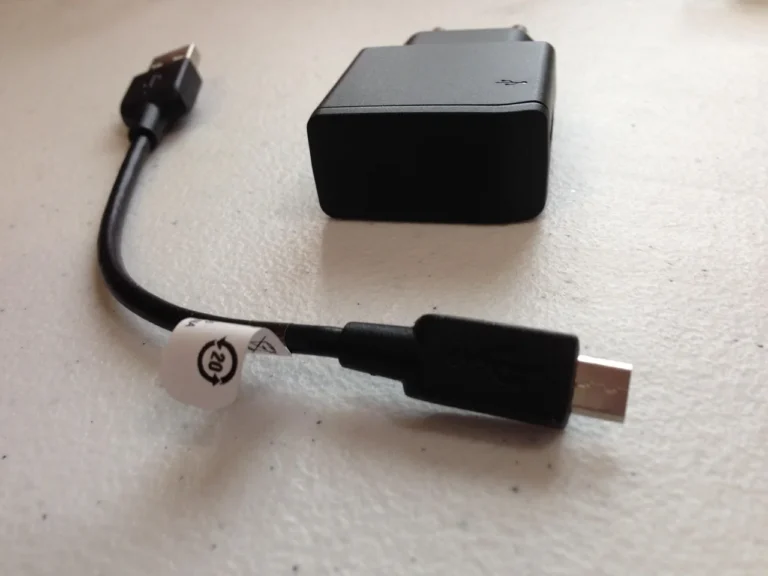
For USB-C phones, tablets, and laptops, use a USB-C to USB-C cable that supports the charging standard and wattage you want. Some cables are built for lower current and some are designed for higher-power charging. If the cable is weak, the charger may fall back to a slower profile even when the port can do more.
USB-C to Lightning cable requirements
Older iPhones need a USB-C to Lightning cable to get fast charging from a USB-C car charger. That cable lets the phone use PD rather than getting stuck on the slower behavior common to USB-A setups. If you are buying for an iPhone user, this cable matters as much as the charger itself.
What cable faults look like
Some USB-C cables only charge slowly, and some do not support the wattage you expected. If charging is slower than the charger’s spec suggests, the cable is one of the first things to check. The cable may be included with the charger, but many do not include the right one for your device mix.
- Match the device first. Start with the device type, then choose the protocol it needs. iPhone and iPad buyers should look for PD, while Samsung Galaxy and Google Pixel buyers should look for PD with PPS.
- Set the wattage target. Use 30–45W for phones, 65W for most laptops, and 100W+ for large laptops. If two devices will charge at once, check whether the charger’s total output is shared.
- Check the cable separately. Buy the right USB-C to USB-C cable or USB-C to Lightning cable, and make sure it supports the charging level you want. A weak cable can erase the benefit of a better charger.
- Review the port mix. If you want one charger for a family car, look for at least one strong USB-C port and only treat USB-A as a backup. USB-C and USB-A do not deliver the same fast-charging ceiling for modern devices.
Are all car chargers the same?
No. Car chargers vary by input handling, port type, wattage, protocol support, and how they split power between ports. A unit that is fine for one phone may be a poor match for a tablet or laptop. The question is not whether it fits the socket. The question is what it can deliver on the output side.
Say your car has one charger with two USB-C ports and a family needs one iPhone, one Galaxy phone, and one laptop handled on the road. A charger with PD on both ports, PPS on one port, and enough total wattage for shared use is a far better fit than a generic USB-C model with no protocol detail.
Frequently asked questions
Are all USB-C car chargers the same?
No. USB-C is only the connector type. The charger may still differ in PD support, PPS support, total output wattage, per-port wattage, and how it behaves when two devices are plugged in. Those differences decide whether your phone, tablet, or laptop charges at full speed or falls back.
Are all USB chargers the same voltage?
No. USB charging is not one fixed voltage. The charger and device negotiate the output, and USB Power Delivery can use different profiles depending on what the device asks for. That is why one charger may be fine for a phone while another is needed for a laptop.
USB vs USB-C charger: what is the difference?
USB is the broader family, while USB-C refers to the oval connector shape. A USB charger with a USB-A port may offer lower fast-charging ceiling for modern devices, while a USB-C charger can support PD and other higher-power charging behavior. The port type alone does not tell you everything.
Do USB-C car chargers charge faster than USB-A chargers?
Often, yes, because USB-C car chargers are more likely to support PD and higher wattage for modern devices. The same source reports an iPhone near 7W on USB-A and 29W on USB-C PD. The gap can be large, especially for newer phones and tablets.
What wattage do I need in a USB-C car charger?
Use 30–45W for most phones and tablets, 65W for most laptops, and 100W+ for larger laptops. If you plan to charge two devices at once, choose a charger with enough total output to cover both, because the shared total can reduce what each port delivers.
Do some USB-C cables only charge?
Yes. Some cables are limited in speed or capability, and some do not support the charging standard your device wants. That can keep a charger from reaching its rated output. For fast charging, match the cable to the device and the wattage, not just to the connector shape.
What should I look for in a USB-C car charger for a laptop?
Look for USB Power Delivery, enough wattage for the laptop, and a cable that supports that wattage. For most laptops, 65W is a useful target. For larger laptops, look for 100W+ and check whether the charger maintains that output on a single port or only as a shared total.
Do I need PPS in a USB-C car charger?
Only if you want full-speed charging on some Samsung Galaxy and Google Pixel phones. PPS is not required for iPhone or iPad charging. If your car charger is for mixed use, PPS is worth having, but PD is still the baseline feature to check first.
Are all type C chargers the same?
No. Type C only names the connector. One charger may support only basic charging, while another supports PD, PPS, or higher-wattage laptop charging. If speed matters, read the output details carefully instead of assuming every USB-C charger performs the same way.
Are all usb chargers the same?
No. USB chargers differ by port type, charging standard, wattage, and how they share output across ports. A USB-A charger may be fine for low-demand use, while a USB-C PD charger is usually the better pick for modern phones and laptops. The label alone is not enough.
Are all c chargers the same?
No. A “C charger” can mean very different things in practice. One may support PD only, another may add PPS, and another may be built for higher-power laptop charging. If you want predictable speed, match the charger to the device, the cable, and the wattage you actually need.