
What Is a Dual Channel Dash Cam and How Does It Work?

A dual channel dash cam records two video streams at once, usually front and rear, so one unit captures both the road ahead and what happens behind you. If you ignore how it records, syncs, stores, and powers those clips, you can end up with missing evidence or the wrong camera angle in a crash. This guide explains what dual channel means in practice, how the two feeds work together, and what to check before you buy.
Front and rear recording basics
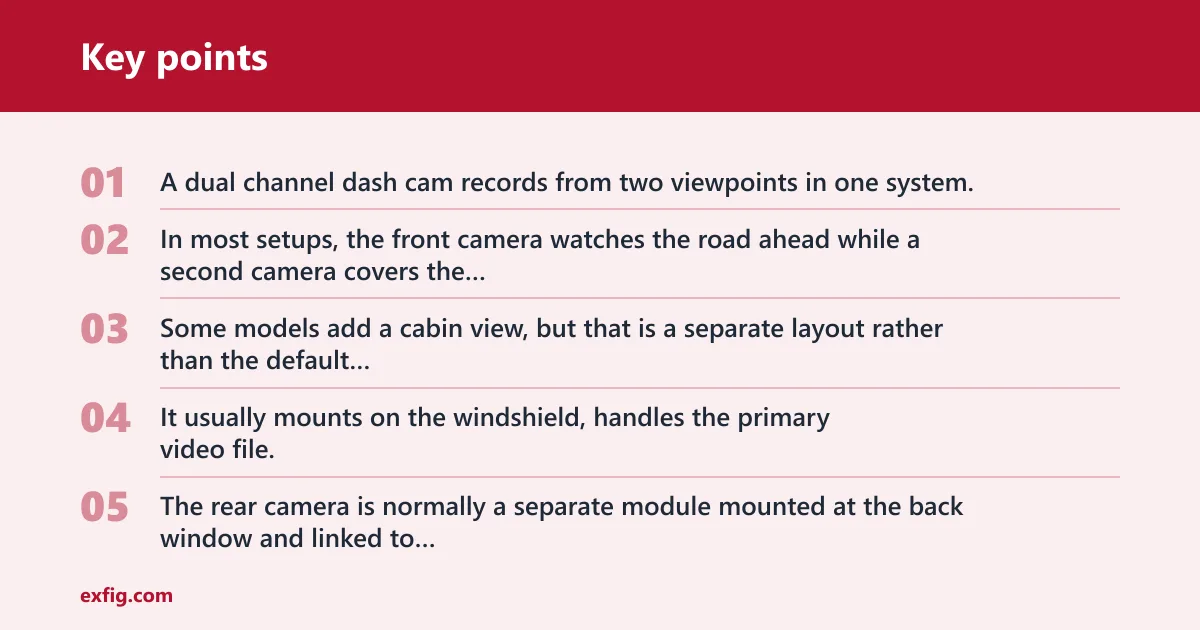
A dual channel dash cam records from two viewpoints in one system. In most setups, the front camera watches the road ahead while a second camera covers the rear. Some models add a cabin view, but that is a separate layout rather than the default front-and-rear setup.
The front camera unit is the main recorder. It usually mounts on the windshield, handles the primary video file, and often provides the screen, app pairing, or menu controls. The rear camera is normally a separate module mounted at the back window and linked to the front unit by cable.
How it differs from single-channel recording
A single-channel dash cam records one direction, so it can miss what happens behind the vehicle. A dual channel system splits the job into two time-synced streams. That means you get two angles from the same event, which matters when another driver hits from behind or cuts in from the rear lane.
People often miss the practical difference: dual channel does not mean one camera sees more. It means the system records two files at the same time, then stores and reviews them together.
When cabin recording is part of the setup
Some dual lens models also record the interior. Nexar notes that some dual lens dash cams record the interior, and that creates a front-inside or front-rear-plus-cabin setup. That is useful for rideshare, fleet, or family use, but it is different from a standard front-rear system.
For privacy, that extra view changes what is captured inside the vehicle. It also changes how you should position the camera, since the cabin lens needs a clear line of sight to seats and occupants.
📊 Consumer Reports says the best dash cams often offer 4K or 2K resolution. Source: Consumerreports.
How dual channel recording works
Dual channel recording works as a two-stream system. The front camera captures the road ahead, the rear camera captures traffic behind, and the main unit keeps the clips aligned by time. Many systems start automatically when the ignition key is turned, then write files to a microSD card in a continuous loop.
Front camera as the main unit
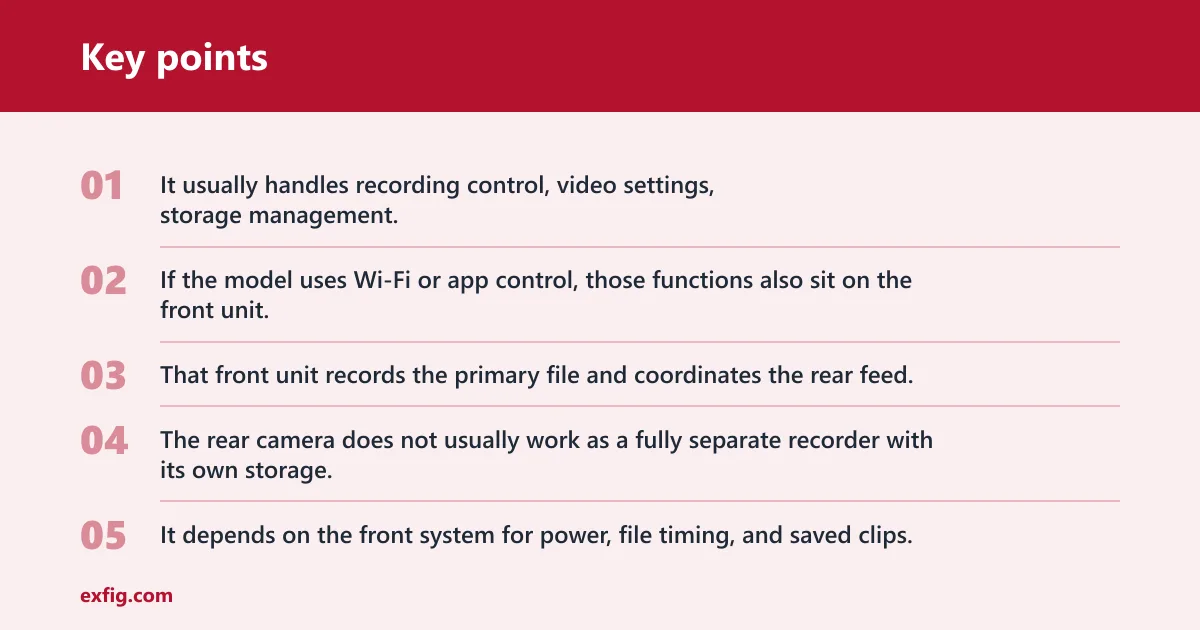
The front camera is the control center. It usually handles recording control, video settings, storage management, and any screen or app features. If the model uses Wi-Fi or app control, those functions also sit on the front unit, which is why setup often begins there.
That front unit records the primary file and coordinates the rear feed. The rear camera does not usually work as a fully separate recorder with its own storage. It depends on the front system for power, file timing, and saved clips.
Rear camera signal path and sync
The rear camera sends video to the front unit through a wired connection on most models. ZDNET says setting up a multi-camera dash cam requires running wires. That cable is the signal path, and it is why the rear camera is usually a separate module instead of a second standalone dash cam.
Both streams are synced so you can review them as matching clips. If the front file shows a brake event at 10:14:22, the rear clip should line up with the same moment. That alignment is what makes the footage useful in a claim review.
Loop recording and file locking
Dash cams record in continuous loop on short segments. Nextbase says footage is recorded in continuous loop on short 3-minute segments. When the microSD card fills up, the oldest unlocked clips are overwritten first, so the camera keeps recording without manual deletion.
Crash footage is handled differently. Nextbase says dash cams save crash footage automatically by locking files. A G-sensor detects impact, then marks those clips so loop recording does not erase them. That helps preserve evidence after a collision or hard bump.
Dual channel setup and storage matrix
Dual channel systems need more storage than a single-camera setup because they write two video files at once. The exact penalty depends on resolution, bitrate, and whether parking mode is active, but the basic rule is simple: two cameras fill the card faster than one.
Say your single-channel setup fits a day of commuting on a 32GB card. Adding a rear camera can cut that retention roughly in half at the same resolution, because the front and rear streams are both writing data. Higher resolution trims retention even more.
| Configuration | Power method | Parking mode | Rear camera needs cable | Storage penalty vs single channel |
|---|---|---|---|---|
| Front only, 1080p | 12V socket | No | No | Baseline |
| Front + rear, 1080p | 12V socket | No | Yes | About 2x more storage use |
| Front + rear, 1440p | 12V socket | No | Yes | More than 2x versus a single 1080p stream |
| Front + rear, 1080p | Hardwire kit to fuse box | Yes | Yes | About 2x, plus parking clips |
| Front + rear + cabin, 1080p | Hardwire kit to fuse box | Yes | Yes | More than 2x because of the extra view |
| Front + rear, app-based setup | 12V socket or hardwire kit | Depends on model | Yes | About 2x, plus any app-saved clips |
What the table means: storage grows fast because each added camera writes its own stream. A 32GB card that can hold roughly four hours at 720p in a single-stream setup will usually not hold that same duration once a rear feed is added. Dual channel reduces retention, even before parking clips are counted.
A common first-timer mistake is choosing a 32GB card for dual 1440p recording and expecting long retention. Nextbase says 32GB holds about two hours at 1440p Quad HD, so a front-and-rear setup at that resolution leaves far less time on the card than a single lower-resolution camera.
Where does the rear camera mount?
The rear camera usually mounts on the rear window or near the upper rear glass, where it can see traffic behind the vehicle. The goal is a stable view with minimal vibration and a clear path through the glass. Most rear modules are adjustable so you can aim them slightly up or down.
Placement matters because the rear lens is only useful if it sees the lane behind you. A poor mount can leave the camera aimed too high, too low, or blocked by tint, headrests, or a wiper sweep area.
Cable routing choices
The rear camera normally needs a cable run from the front unit to the back of the vehicle. That wire may follow the headliner, door trim, or floor trim depending on the car layout. Clean routing helps avoid pinches, rattles, and accidental unplugging.
If the cable is loose, the rear feed can drop out or fail intermittently. That is one of the biggest failure cases people miss, because the front camera may still appear to work while the rear file is blank.
Adjustability and field of view
Many rear cameras can tilt or swivel after installation. That matters because vehicles differ in rear glass angle, hatch height, and tint. The best position is one that captures the lane behind without pointing too much at the roofline or trunk edge.
Some multicamera systems provide views out the front and back, and the rear angle is part of what makes that usable. Consumer Reports notes that some multicamera dash cams provide views out the front and back, which is the practical value of the second lens.
How is a dual channel dash cam powered?
Dual-channel dash cams are usually powered by the vehicle’s 12V system. That can mean a cigarette lighter socket, or a hardwire kit connected to the fuse box. The power path matters because it determines whether the dash cam shuts off with the ignition or keeps working in parking mode.
12V socket power
A 12V socket is the simplest option. It is easy to install and usually turns the camera on and off with the ignition. That makes it a good fit for drivers who want basic front-and-rear recording while driving, without parking surveillance.
This setup is also the least involved for cable routing. The camera powers up automatically when the vehicle starts, then records until the car is shut off or the socket loses power.
Hardwire kit and fuse box wiring
A hardwire kit connects the dash cam to the vehicle’s fuse box or another constant power source. That is what many parking mode systems need, because the camera has to receive power after the ignition is off. Some models also use battery protection settings to avoid draining the car battery.
This is the point where many buyers get tripped up. Parking mode is not automatic on every dual channel camera. If the model needs always-on or buffered recording, you usually need hardwire support or an external battery pack.
What power means for parking mode
Parking mode can work in different ways. Some cameras record only when a bump or impact is detected. Others use motion-triggered clips. Buffered parking mode keeps a short buffer before the trigger, then saves the few seconds before and after the event.
That distinction matters in real use. Impact-only recording may miss the lead-up to a door ding, while buffered recording can capture the car approaching the vehicle before contact. Availability depends on the model and its power setup.
Do dual channel dash cams need a microSD card?
Yes. Dual channel dash cams need local storage, and that is usually a microSD card. The card holds the front and rear clips, plus any parking footage and locked event files. Without a card, the camera has nowhere to save the recording.
How capacity affects retention time
Storage capacity directly affects how long the camera can keep footage before loop recording starts overwriting older files. Nextbase says 16GB can hold up to two hours at 1080p HD 30 fps.
Those figures show the tradeoff clearly. Higher resolution produces larger files, and dual channel recording doubles the stream count. If you want long retention, you need a larger card and you may still lose time compared with a single-camera setup.
What happens when the card fills up
Once the card is full, the camera overwrites the oldest unlocked footage first. Locked crash clips stay in place until you delete them or reformat the card. That is why a card with too little capacity can still work, but it shortens the window before older routine footage disappears.
Suppose your commute takes 40 minutes each way and your camera records front and rear at 1440p. A small card may cycle out yesterday’s drive by the end of the week, while a larger card keeps more days available for review.
Can a dual dash cam record while parked?
Yes, some can, but only if the model supports parking mode and has the right power source. Parking mode may be impact-triggered, motion-triggered, or buffered. Many units need a hardwire kit or an external battery to stay powered after the ignition is off.
Practical differences between parking modes
Impact-triggered parking mode is the simplest. The camera sleeps until the G-sensor or another detector senses a hit, then wakes and saves a clip. Motion-triggered parking mode watches for movement near the car, while buffered systems keep a rolling record so the clip begins just before the trigger.
That power requirement is why a 12V plug alone is often not enough. If the socket cuts power with the ignition, the camera cannot stay awake long enough to monitor the parked vehicle.
Failure cases to check before buying
Some models depend on an app or Wi-Fi for setup, which can make initial pairing awkward if the rear camera is already routed and installed. Others lose the rear feed when the cable is bent too tightly at the hatch or pinched by trim. Both problems can leave you with a front file and no rear evidence.
Check how the camera behaves if the rear module disconnects. Good systems usually warn you or stop recording the dual channel file correctly. Poor routing can hide the problem until you need the clip.
What video resolution is best for a dual channel dash cam?
The best resolution depends on how much detail you need and how much storage you can spare. The same source says the best dash cams often offer 4K or 2K resolution, while 1080p provides less detail than higher resolutions. That tradeoff is sharper evidence versus shorter retention time.
How resolution changes file size
Higher resolution increases file size, which matters more in dual channel systems because two streams are being saved at once. A 4K front camera with a rear stream will fill a card much faster than a 1080p front camera with no rear view. That is why a large card is not optional for many higher-end setups.
For most drivers, 1080p is the storage-friendly baseline. 1440p Quad HD gives a cleaner read on plates and signs when conditions are good. 2K and 4K improve detail further, but the storage penalty is immediate.
What resolution fits which use case
If you want longer retention and a lower-cost card, 1080p is still workable. If you want clearer detail for front and rear evidence, 1440p or 2K is a better middle ground. 4K is best reserved for models with strong storage support and a setup that can handle the larger files.
Frequently asked questions
How does a dual channel dash cam work?
It records two synchronized video streams at once, usually front and rear. The front camera acts as the main unit, the rear camera sends video through a cable, and both clips are saved to a microSD card in loop recording. That gives you matched evidence from two angles.
What does dual channel mean on a dash cam?
Dual channel means the camera system has two recording paths. In most cases that is front and rear coverage, though some models replace the rear view with a cabin view. The key point is that one unit records more than one angle at the same time.
Do dual channel dash cams record front and rear at the same time?
Yes. That is the main point of a dual channel setup. The front and rear cameras record together, and the files are time-synced so you can review one event from both directions without guessing which clip matches the other.