What Is Parking Mode on a Dash Cam and How Does It Work?

Parking mode is a dash cam state that records while your car is parked, using motion, impact, or time-lapse triggers. It needs steady power from hardwiring, a battery pack, or a dedicated adapter. Done badly, it can drain the car battery, miss a hit-and-run, or fill storage with false alerts. This guide explains how parking mode works, what it draws power from, and which setup fits street parking, garages, and long stops.
What parking mode does
Parking mode keeps the camera alert after the ignition turns off. It is meant for parked-vehicle surveillance, so the dash cam can capture events while the car is unattended rather than only while driving.
That matters because a normal drive is simple: power is present, the camera records, and files save continuously. Once the engine stops, parking mode has to rely on another power source and a trigger rule.
What changes when the engine turns off
When ignition power disappears, a dash cam either shuts down or switches into a parking state. Some models use ignition-triggered switching, so the camera changes modes as soon as the car power drops.
If the camera has no keep-alive power, it cannot stay on. A normal 12V outlet usually stops recording when the car turns off, which is why many basic cable setups are poor parking-mode solutions.
What parking mode records while the car is unattended
Parking mode is built to capture parked incidents such as hit-and-runs, vandalism, and theft attempts. It does not stop damage. It records the event so you have footage of what happened.
Common variants include motion detection, impact detection, buffered recording, time-lapse, and low-bitrate recording. Each one trades coverage, storage use, and trigger reliability differently.
Why parked recording depends on constant power
A dash cam cannot keep recording after shutdown unless it still has power. That power can come from a hardwire kit, an OBD-II cable, a battery pack, or a live outlet that stays active after the ignition turns off.
Without that supply, parking mode never really starts. The camera may power down with the vehicle, which leaves no coverage in the exact period you care about most.
How parking mode works on a dash cam
Parking mode works by changing the camera from driving mode to parked monitoring when the vehicle loses ignition power or when the camera detects a parked state. The camera then records only when its chosen trigger fires, or it records in a reduced-sampling mode to save storage.
How the camera switches into parking mode
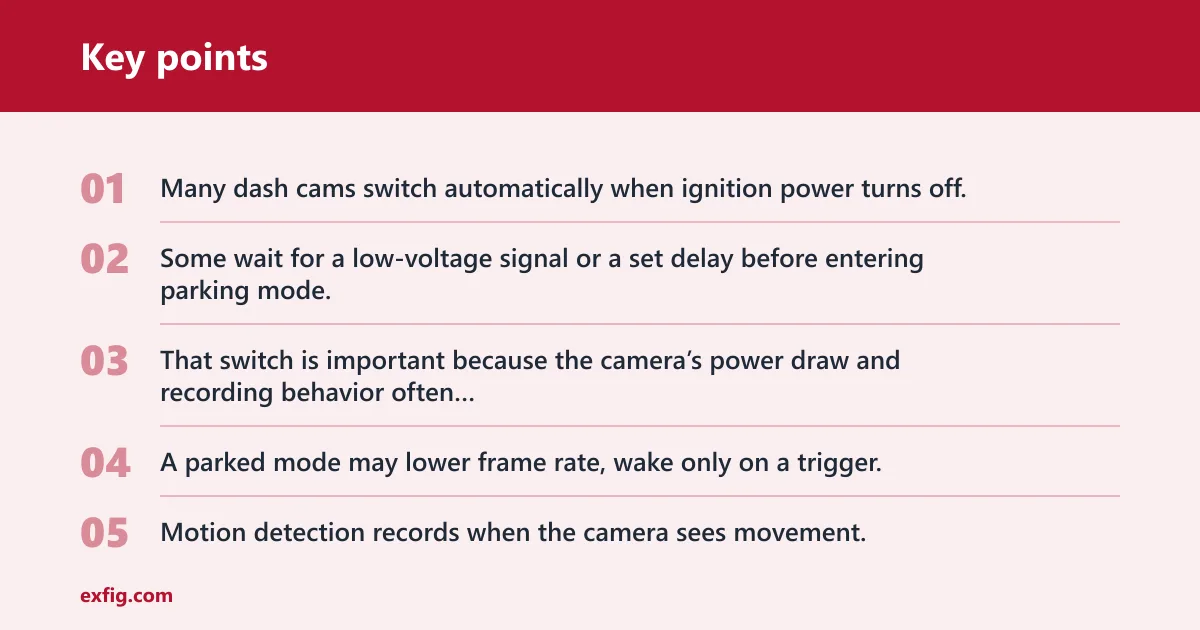
Many dash cams switch automatically when ignition power turns off. Some wait for a low-voltage signal or a set delay before entering parking mode, which helps avoid mode changes during brief stops.
That switch is important because the camera’s power draw and recording behavior often change at the same time. A parked mode may lower frame rate, wake only on a trigger, or start a short buffered clip.
How motion, impact, and buffered recording differ
Motion detection records when the camera sees movement. It can be useful in quieter spots, but it may also be triggered by pedestrians, passing cars, headlights, leaves, and wind-driven shadows.
Impact detection, often called G-sensor recording, reacts to vibration or collision. That makes it better for bumps, door dings, and hit-and-runs. It is a different trigger from motion detection, even though both are commonly listed under parking mode.
Buffered parking mode adds a pre-event window. It saves footage from seconds before the trigger, which matters when the first hit happens before the camera fully wakes up. That extra context can show the car approaching, the moment of contact, or a person lingering nearby.
How time-lapse and low-bitrate modes reduce storage use
Time-lapse records fewer frames over time instead of full-motion video. It is a practical choice for long parking periods because it lowers file size and makes long sessions easier to store.
Low-bitrate recording is another storage-saving approach. It keeps the camera recording continuously or semi-continuously, but at a lower data rate. That can preserve more total parked time at the cost of less detail in each frame.
Parking mode decision table
The best parking mode depends on where you park. Street parking usually needs better event capture and stronger power protection. A garage may tolerate motion triggers better. Apartment lots and long workday parking often favor lower-drain settings.
| Parking environment | Trigger type | Power source | Battery-risk level | False-trigger risk | Best-fit recommendation |
|---|---|---|---|---|---|
| Busy street parking | Buffered impact detection | Hardwire kit with low-voltage cutoff | Medium | Low to medium | Choose buffered recording so a scrape or bump is captured with pre-event footage. |
| Apartment lot with foot traffic | Impact detection | Hardwire kit or external battery pack | Medium to high | Medium | Favor impact-triggered recording over motion detection to avoid constant clips from people walking past. |
| Enclosed garage | Motion detection or low-bitrate | Live 12V outlet only if it stays live; otherwise hardwire | Low to medium | Low | Use motion detection if you want event clips, or low-bitrate recording for longer unattended periods. |
| Home driveway | Buffered motion detection | Hardwire kit with cutoff protection | Medium | Medium | Use motion if the driveway is calm; add buffering so the clip includes the lead-up to the event. |
| Long airport stay | Time-lapse | External dash cam battery pack | Low | Low | Use time-lapse for long parking periods where you want coverage without heavy battery draw. |
Picture a sedan parked curbside under tree branches. If the camera uses motion detection, every swaying leaf can start a clip. If it uses impact detection with buffering, it is less likely to fill the card with useless files and more likely to keep the important moment around the hit.
Say your car sits in a shared apartment lot where people walk by every hour. Motion detection may create a long list of short clips, many of them from headlights or footsteps. Impact detection is usually the cleaner choice there, because it waits for a real bump or vibration instead of ordinary movement.
What power do you need?
Parking mode needs a power source that stays available after shutdown. The usual choices are a hardwire kit, an OBD-II power cable, an external battery pack, or a 12V/USB source that remains live after the ignition turns off.
Hardwire kit and fuse-box power
A hardwire kit connects the dash cam to the fuse box. It is the most common way to enable proper parking mode because it can supply parked power and usually includes low-voltage cutoff protection.
That cutoff matters. It tells the camera to stop drawing power before the vehicle battery gets too low, which reduces the chance of a no-start problem the next morning.
OBD-II cable as an alternative
An OBD-II power cable plugs into the vehicle’s diagnostic port. It is often easier than hardwiring and can work well on many vehicles, but compatibility varies by car and by dash cam.
That variation matters in practice. Some vehicles keep the OBD-II port live in a way that supports parking recording. Others do not. Some owners also prefer not to leave a cable exposed at the diagnostic port.
When a battery pack makes sense
An external dash cam battery pack is a dedicated power source for parked recording. It is useful when you want longer parked coverage without drawing as much from the car battery.
It also costs more than a simple cable setup. For long parking sessions, that extra expense can make sense if you want the camera to keep recording overnight or through a workday without tying parked recording directly to the car battery.
Why a live 12V or USB port may not work
A 12V socket or USB port may only stay live while the ignition is on. If it shuts off with the car, it cannot power parking mode after shutdown.
That is why a plug-in setup can look simple but fail in real use. If the port goes dead when the engine stops, the camera loses power before parking mode can do its job.
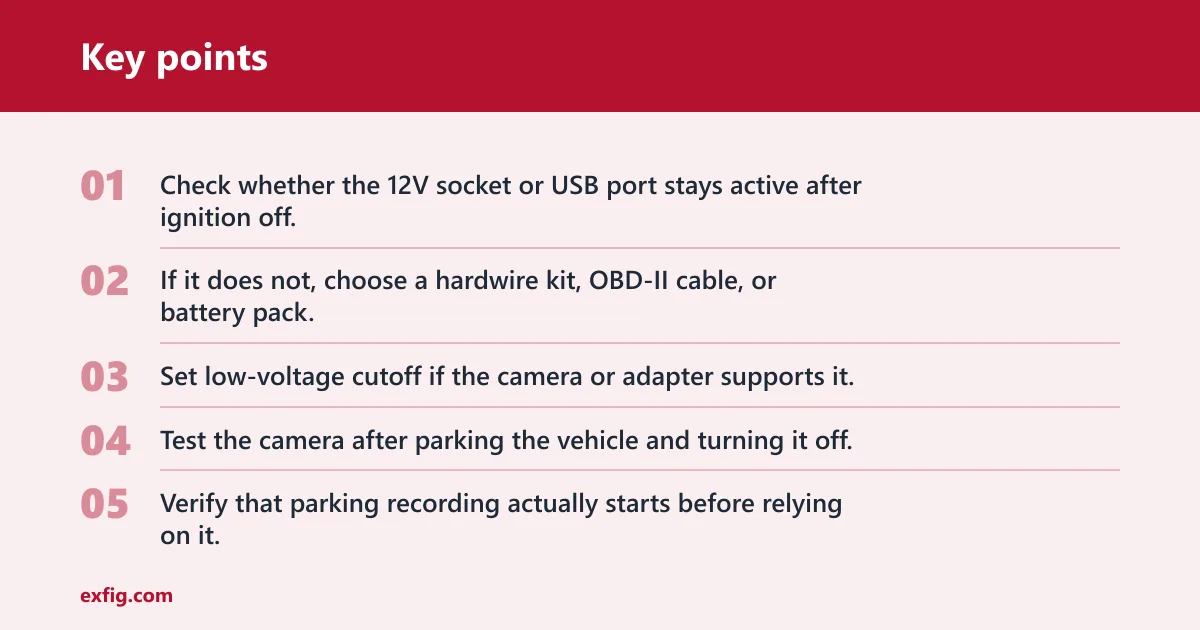
- Check whether the 12V socket or USB port stays active after ignition off.
- If it does not, choose a hardwire kit, OBD-II cable, or battery pack.
- Set low-voltage cutoff if the camera or adapter supports it.
- Test the camera after parking the vehicle and turning it off.
- Verify that parking recording actually starts before relying on it.
Which parking mode should you choose?
Start with the parking environment, then match the power source to that mode. Motion detection suits calm areas. Impact detection suits bumps and hit-and-run coverage. Buffered recording is better when you want the lead-up. Time-lapse works well for long, quiet stays.
Motion detection for low-traffic spaces
Motion detection is a good fit when the vehicle sits in a quiet garage or a calm driveway. It can capture people approaching the car, but it also reacts to ordinary movement in the frame.
If the area has headlights sweeping across the car or leaves moving in the wind, expect extra clips. That is the main tradeoff: more scene coverage, but more false triggers.
Impact detection for bumps and hit-and-runs
Impact detection is better when your main concern is a bump, scrape, or hit-and-run. It ignores many routine visual changes and waits for a physical jolt or vibration.
That makes it a better match for street parking and crowded lots. It is usually less noisy than motion detection, though very strong vibrations can still trigger it.
Buffered recording for missed first impacts
Buffered parking mode is the best fit when you want the few seconds before the trigger. That matters because the first contact can happen before a normal event-only mode starts writing the clip.
With buffering, you get the lead-up and the result. That can help identify a vehicle backing into yours or a person opening a door into the side panel and walking away.
Time-lapse for long stays
Time-lapse is the right choice for long parking periods where storage and power draw matter more than full-motion detail. It compresses the day into fewer frames and can stretch coverage for hours.
It is less useful if you need to read every movement in real time. It is more useful when you want a broad record of what happened around the car during a long stay.
Will parking mode drain the battery?
Parking mode can drain the battery if the camera draws power for too long or if the cutoff protection is not set correctly. The risk depends on the mode: always-on recording drains more, event-only modes drain less, and time-lapse usually sits in between.
How low-voltage protection helps
Low-voltage protection cuts power before the vehicle battery drops too low. That is the key safeguard in many hardwire kits, and it is one of the main reasons hardwiring is preferred over a simple live feed.
Without that protection, parked recording can continue past a safe point. With it, the camera stops before the car battery reaches a level that could cause starting trouble.
Why parked time and mode choice change battery risk
Longer parked time means more battery use. A motion-triggered camera that wakes often can draw more than a time-lapse setup, especially in a busy lot where movement keeps triggering clips.
A common rule of thumb is simple: the more often the camera records full clips, the higher the drain risk. Time-lapse and buffered modes can reduce the burden, but they still need a stable power plan.
When an external battery pack is the safer option
An external dash cam battery pack is the safer option when you need extended parking coverage and want to keep the vehicle battery out of the loop as much as possible. That is useful for overnight street parking, airport stays, or long work shifts.
It adds cost, but it also separates parked recording from the starting battery. For some vehicles and parking habits, that tradeoff is worth it.
Frequently asked questions
What is parking mode on a dash cam?
Parking mode is the recording state a dash cam uses while the vehicle is parked and the ignition is off. It can watch for motion, impacts, or scheduled intervals, depending on the model. The goal is to capture incidents that happen when nobody is in the car.
How does parking mode work on a dash cam?
The camera switches into a parked state after ignition power turns off or when a parked-power signal is detected. It then records only when its trigger fires, or it records in a reduced-data mode such as time-lapse or low-bitrate recording. That keeps the camera active without full-time driving mode behavior.
Does a dash cam record when the car is off?
Only if it still has power after the car is off. A dash cam on a normal 12V outlet usually stops recording when the car turns off, while a hardwire kit, OBD-II cable, battery pack, or live outlet can keep parking mode running if the setup supports it.
What power do you need for dash cam parking mode?
You need a power source that stays active after shutdown. The most common options are a hardwire kit with low-voltage cutoff, an OBD-II power cable, or an external battery pack. A 12V socket or USB port may work only if it remains live after ignition off.
Is motion detection or impact detection better for parking mode?
It depends on the parking space. Motion detection is useful in quiet areas but can be triggered by pedestrians, headlights, and leaves. Impact detection is usually better for bumps and hit-and-runs because it responds to vibration or collision instead of visual movement.
Will parking mode drain my car battery?
It can, especially if the dash cam records often or stays on for many hours. Low-voltage protection helps limit that risk by cutting power before the battery gets too low. For longer parking periods, an external battery pack is often the safer setup.