OBD2 Compatibility: Will It Work with Your Car?

An OBD2 scanner usually works on U.S. gasoline cars from 1996+ and diesels from 2008+, but real compatibility also turns on market, protocol support, and the scanner’s app or phone requirements. Skip one of those checks and you can end up with a tool that powers on and plugs in, yet still will not read codes, live data, or emissions monitors. This guide separates connector fit, model-year and regional rules, protocol support, and phone or app limits so you can sort that out before you buy or troubleshoot.
OBD2, also written OBD-II, is the standard diagnostic system used to read emissions-related fault information through the car’s diagnostic socket. In practical use, a scanner connects to the vehicle’s 16-pin trapezoid-shaped data link connector, reads emissions-related diagnostic trouble codes, and on supported vehicles may also show live data and readiness monitors.
What decides OBD2 compatibility?
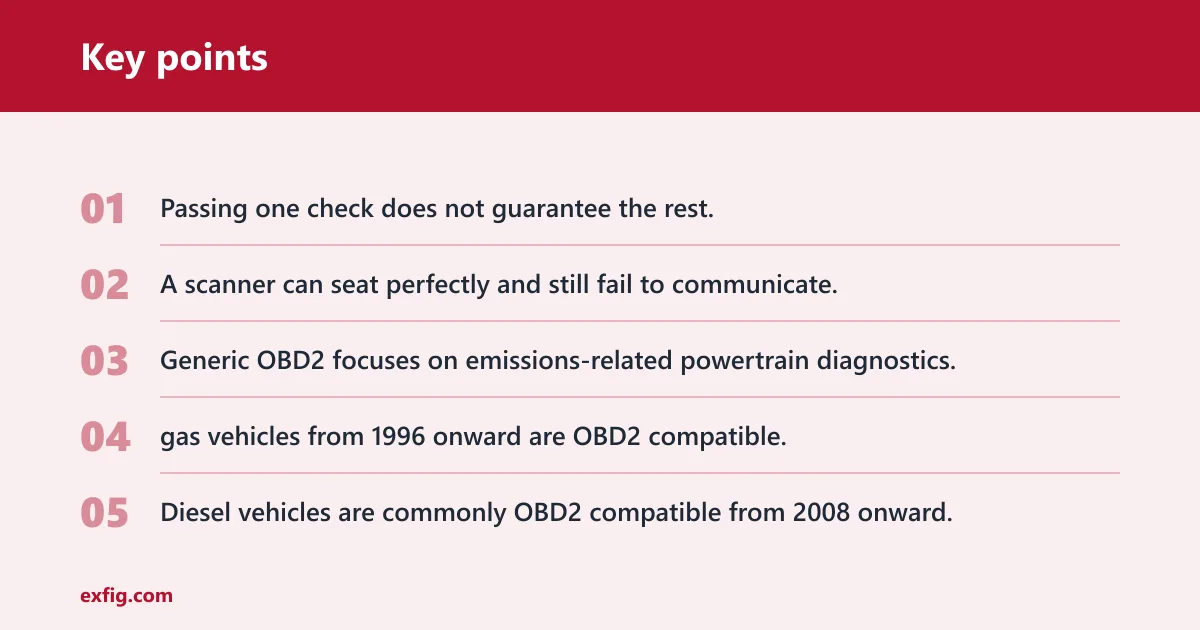
OBD2 compatibility typically comes down to a few checks: whether the scanner physically fits the 16-pin port, whether the vehicle follows OBD2 or EOBD rules for its year and market, whether the scanner supports the vehicle’s communication protocol, and whether the device or app can communicate with the adapter. Passing one check does not guarantee the rest.
Port fit is only the first check
OBD2 scanners plug into a standardized 16-pin diagnostic socket, usually mounted under the dash on the driver side, but the plug shape only tells you the connector matches. A scanner can seat perfectly and still fail to communicate. That happens when the vehicle uses an unsupported protocol, the adapter is poor quality, the app does not support the adapter, or the car has a 16-pin socket without full generic OBD2 access.
That distinction matters because many owners read “it fits” as “it works.” The connector confirms the socket shape, not the software support, protocol, or module access behind it.
Generic OBD2 access is narrower than full vehicle access
Generic OBD2 focuses on emissions-related powertrain diagnostics. That usually means engine fault codes, freeze-frame data, readiness monitors, and a standard set of OBD-II PIDs for live data. It does not automatically mean access to ABS, SRS, body modules, service resets, injector coding, or transmission functions.
A basic reader may clear a check-engine light and read pending and stored powertrain codes, yet still show nothing useful for an airbag light. That is normal, not a defect.
Vehicle rules, scanner limits, and app limits all matter
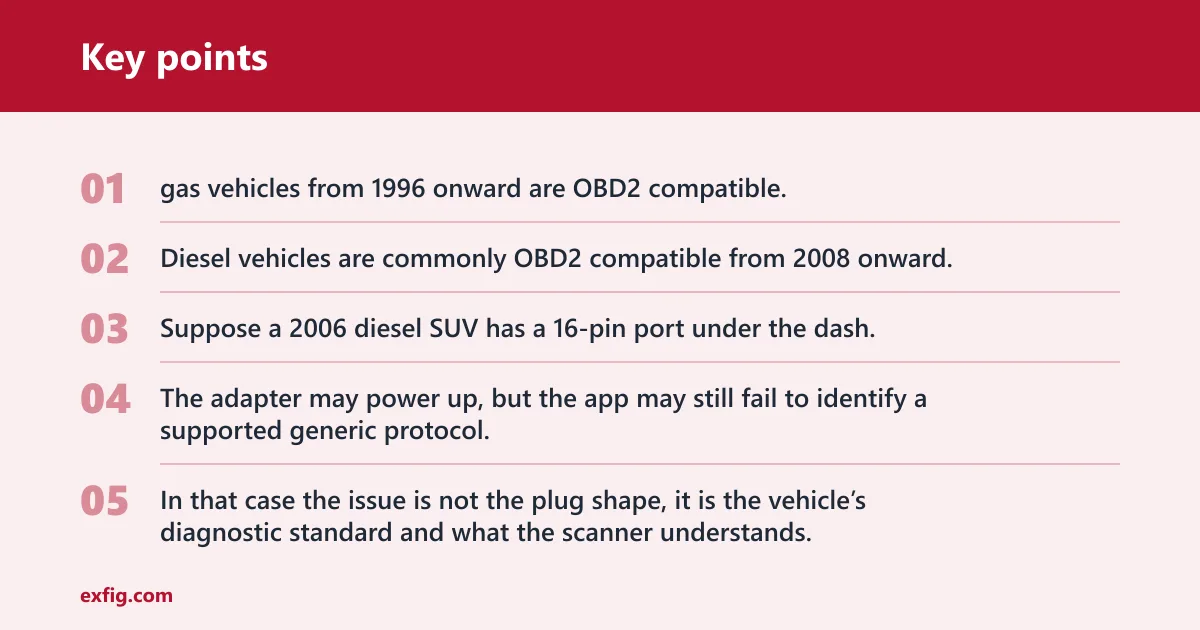
Most U.S. gas vehicles from 1996 onward are OBD2 compatible. Diesel vehicles are commonly OBD2 compatible from 2008 onward. Those are solid starting points, but imports, gray-market vehicles, older diesels, and some regional models fall outside those clean cutoffs.
Scanner type also changes the odds. A basic handheld reader removes most phone and app variables. A Bluetooth dongle adds pairing rules, operating-system limits, and app support. A professional tool may cover more vehicles, but it still needs current firmware or software for newer modules.
What OBD2B compliant really means
“OBD2B compliant” usually refers to a Honda/Acura ECU and wiring generation, not a universal vehicle-wide certification. The supporting guide explains how that label is used in listings and under the dash, how it differs from standard OBD2 wording, and why a car can still fail to connect even when the label looks right. See OBD2B compliance for the details.
This matters because the wrong interpretation can lead to buying the wrong cable, choosing the wrong scanner, or chasing a false no-communication problem when the real issue is protocol, wiring, or adapter mismatch.
Which vehicles are OBD2 compliant?
Outside those bands, or outside the U.S. market, the answer shifts from “yes” to “check carefully,” because rollout timing, protocols, and generic data support vary by fuel type, region, and model.
Gas vehicles: the main cutoff
A common DIY cutoff is that many U.S. gas vehicles from 1996 onward are OBD2 compatible. If the vehicle is a normal U.S.-market gasoline car or pickup from that point forward, a generic code reader usually has a good chance of reading engine codes and live data.
Pre-1996 gasoline vehicles are different. Some use manufacturer-specific diagnostics, some use older connectors, and some need a brand-specific adapter or a dedicated tool rather than a generic OBD2 reader.
Diesel vehicles: the common cutoff and the gray area
Diesel vehicles are commonly OBD2 compatible from 2008 onward. That makes 2008 a useful planning line, but older diesels are a frequent edge case, especially if the goal is generic emissions data through an inexpensive consumer scanner.
Suppose a 2006 diesel SUV has a 16-pin port under the dash. The adapter may power up, but the app may still fail to identify a supported generic protocol. In that case the issue is not the plug shape, it is the vehicle’s diagnostic standard and what the scanner understands.
Europe, imports, and regional naming
Most modern cars are OBDII/EOBD compliant. In Europe, EOBD is the term many owners see, and rollout timing differs by region, model, and fuel type. Japan and other markets may use market-specific naming or support generic diagnostics on a different schedule.
Imported and gray-market vehicles need extra caution. Some have a 16-pin connector yet provide only partial generic support, or support it only for the engine ECU. Older Nissan and Toyota models are common examples where some tools or apps can read limited data only, sometimes just DTCs, with little live data or no access beyond the engine computer.
Some old cars only support limited OBDII features and may read only DTCs. That is why “OBD2 compatible” should be read as a range of access, not a promise of full scanning depth.
Will any OBD2 scanner work on any car?
No. A scanner may fit the port and still fail because the vehicle falls outside generic OBD2 coverage, uses a protocol the tool does not support, needs updated software, or requires a brand-specific tool for the system you want to access. Scanner type changes compatibility risk more than many buyers expect.
Basic code readers
These are the least complicated option for standard engine and emissions checks. On a supported vehicle, a basic reader is often enough to read and clear check-engine codes, view readiness monitors, and pull a small set of generic live data.
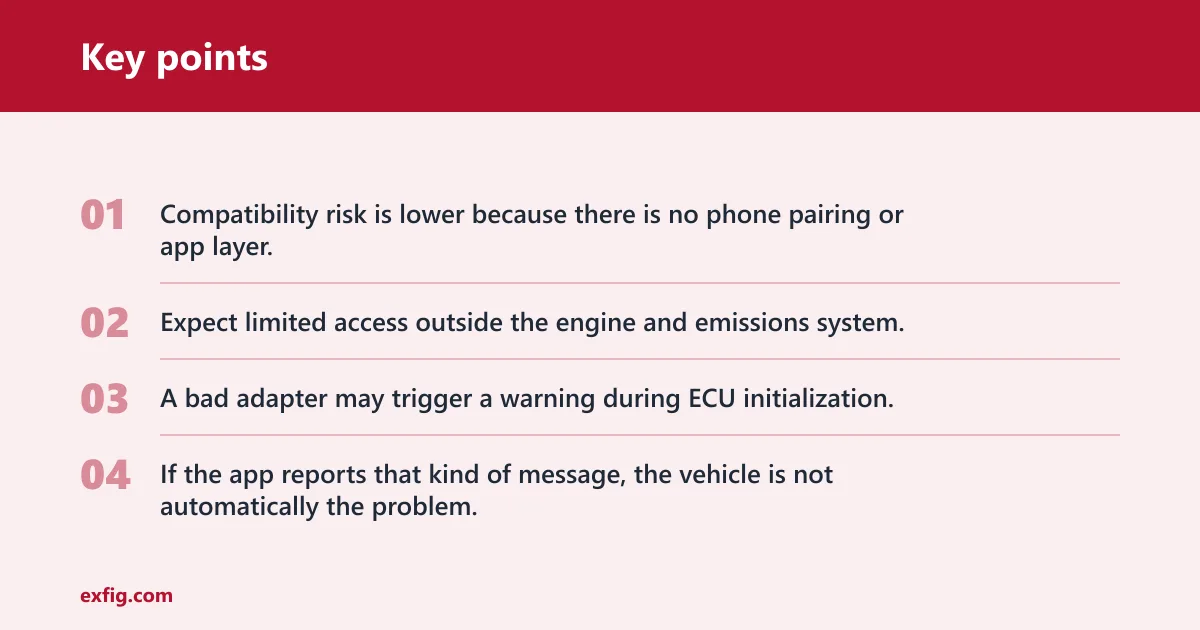
Compatibility risk is lower because there is no phone pairing or app layer. Coverage is also narrower. Expect limited access outside the engine and emissions system.
Bluetooth and Wi-Fi adapters
These are popular because they are cheap and small, and many use an ELM327-type adapter. They can work well, but quality varies widely. Clone quality is the biggest weak spot: failed pairing, unstable live data, slow refresh, and incomplete protocol support are common failure modes.
A bad adapter may trigger a warning during ECU initialization. If the app reports that kind of message, the vehicle is not automatically the problem.
A common first-timer mistake is buying the cheapest ELM327 dongle, seeing the power light come on, and assuming the setup is sound. The adapter may still be missing proper protocol support or may drop the connection as soon as live data starts streaming.
Make-specific and professional tools
These tools are the answer when generic access is not enough. They are better for ABS, airbag, transmission, service functions, coding, and older vehicles with partial generic support. They also matter when a brand uses extra modules or data items that a generic reader cannot interpret.
Even here, updates matter. A tool with old firmware or old software may miss newer modules, newer model years, or later revisions within the same platform.
Compatibility decision table
| Vehicle year | Fuel type | Market region | Connection method | Likely outcome | Notes |
|---|---|---|---|---|---|
| 1996 and newer | Gasoline | U.S. | Basic handheld reader | Should work | Main generic OBD2 cutoff; good fit for engine codes, monitors, and common live data. |
| 1996 and newer | Gasoline | U.S. | Bluetooth adapter with Android app | Should work | Usually fine if the adapter supports the vehicle protocol and the app is stable. |
| 1996 and newer | Gasoline | U.S. | Bluetooth adapter with iPhone app | May work with limited data | Adapter and app must match iOS requirements; classic Bluetooth is a common blocker. |
| 2008 and newer | Diesel | U.S. | Basic handheld reader | Should work | Common diesel compatibility cutoff for generic emissions diagnostics. |
| Before 2008 | Diesel | U.S. | Basic handheld reader | Unlikely to work | Older diesels are a frequent edge case; a 16-pin port alone does not confirm generic OBD2. |
| Before 1996 | Gasoline | U.S. | Any generic OBD2 reader | Unlikely to work | Often needs manufacturer-specific diagnostics or a different connector. |
| Late 1990s to early 2000s | Gasoline | Europe | Basic handheld reader | May work with limited data | EOBD rollout varies by model and fuel type; check the exact vehicle, not just the decade. |
| Modern era | Gasoline or diesel | Europe | Bluetooth LE adapter with iPhone app | Should work | Most modern cars are OBDII/EOBD compliant, but iPhone support still depends on Bluetooth LE and the app. |
| Older import | Gasoline | Non-U.S. or gray market | Generic app and ELM327 clone | May work with limited data | Some Nissan and Toyota cases read only DTCs or sparse live data. |
| Any year with ABS/SRS goal | Any | Any | Generic code reader | May work with limited data | Generic OBD2 mainly covers emissions-focused powertrain diagnostics, not every module. |
| Any year supported by the vehicle | Any | Any | Make-specific or professional tool | Should work | Best choice when generic support is partial or when non-engine modules matter. |
Which protocol does your car use?
The protocol is the language between the vehicle and the scanner. Many current vehicles use ISO 15765 CAN bus, but compliant older vehicles may use ISO 14230-4 KWP2000, ISO 9141-2, or SAE J1850 variants. If the tool does not support the vehicle’s protocol, connection fails even when the plug fits.
CAN: ISO 15765
OBD2 scanners use ISO 15765 CAN bus on many vehicles today. If the vehicle is newer and fully compliant, CAN is often what a generic app or scanner will find first. This is one reason many modern cars connect quickly with decent consumer tools. (Motortrend)
KWP2000 and ISO 9141-2
These protocols show up on many earlier compliant vehicles. They are normal OBD2 protocols, but some weak adapters handle them poorly or slowly. A scanner that advertises “works with OBD2” should support them, yet cheap clones do not always implement them well.
SAE J1850 VPW and PWM
These are older OBD2 protocols that still matter for compatibility checks on late-1990s and early-2000s vehicles. If a tool or app only talks about CAN support, that is a warning sign for older vehicles.
Picture a 2001 pickup that powers an adapter but never leaves “initializing.” The likely suspects are unsupported J1850 communication, a weak ELM327 clone, or an app that does not handle that protocol well.
Will a Bluetooth scanner work with your phone?
Sometimes, but the phone matters as much as the car. Android commonly works with classic Bluetooth adapters, while iPhone and iPad setups often need Bluetooth Low Energy or Wi-Fi, depending on the app. Buying the right adapter for the wrong phone is one of the most common compatibility mistakes.
iPhone and iPad: why Bluetooth LE matters
For iOS, adapter type is the key check. Car Scanner supports Bluetooth 4.0 LE adapters on iOS. Classic Bluetooth adapters are not supported on iPhone/iPad by that app.
That does not mean every iPhone-compatible app uses the exact same rule, but it shows the pattern clearly: iOS support is app-specific, and many low-cost classic Bluetooth ELM327 adapters that work on Android will not work on iPhone.
Android: classic Bluetooth is common
Android is usually the easier path for low-cost Bluetooth dongles. Many apps support classic Bluetooth ELM327 adapters there, so the phone itself is less often the blocker. The bigger risks are adapter quality, protocol support, and app stability.
When Wi-Fi adapters make more sense
Wi-Fi adapters can bypass some Bluetooth limits, especially on phones that do not support the Bluetooth method used by the adapter. The tradeoff is convenience: a Wi-Fi scanner often takes over the phone’s active Wi-Fi connection while in use.
That can be fine for occasional diagnostics. It is less pleasant if the goal is leaving a dashboard app connected during a drive while also wanting internet access on the same device.
Where is the OBD2 port, and what if the plug fits but nothing connects?
The OBD2 port is usually under the dashboard, often below the driver-side dash area. If the scanner plugs in but will not connect, start by separating power problems from communication problems: no lights often points to no power at the port, while lights with no data usually point to protocol, app, ignition-state, or adapter issues.
Typical port locations
The OBD2 port is usually located under the dashboard. In many vehicles it is near the steering column, above the driver’s footwell, or behind a small trim flap. It is the standard 16-pin socket used by readers and adapters.
No power at the port
If the scanner stays dead, check the simple causes first. Some ports lose power because of a blown fuse, wiring issue, or a loose connector behind the trim. If another known-good scanner also stays dead, the issue is more likely with the vehicle than with the tool.
Connected adapter, no data
If the adapter powers up but the app shows no ECU connection, work through the chain: ignition state, protocol support, app selection, and adapter quality. Generic tools also fail when asked to read modules outside generic emissions coverage.
Say your phone sees the adapter, the adapter LEDs blink, and the app still reports no ECU after you turn the key to the run position. That points more strongly to app mismatch, unsupported protocol, or a weak clone than to a missing port.
When do you need a special adapter or brand-specific tool?
In those cases, a special adapter or brand-specific tool is often the only reliable path.
Pre-OBD2 and partial-support vehicles
Older cars often sit in the gap between “has a diagnostic system” and “supports generic OBD2.” A special cable, a brand-specific interface, or dedicated software may be needed. This is common on older imports and on vehicles sold in one market but imported into another.
ABS, airbag, transmission, and service functions
These systems usually sit outside generic emissions-focused OBD2 coverage. A generic code reader may never see an ABS fault, even when the ABS warning lamp is on. For brake bleeding functions, EPB service mode, transmission adaptation, or SRS diagnostics, a make-aware tool is the safer assumption.
Older Nissan, Toyota, and similar limited-data cases
Some older Nissan and Toyota models are known for partial generic support. A scanner may read generic engine codes yet expose very little live data, or no non-engine data at all. In those cases, the vehicle is not fully useless with a generic tool, it is simply limited.
That distinction helps with buying. If the goal is only reading a check-engine light, limited support may be acceptable. If the goal is deep diagnosis or module access, it is the wrong tool.
How to check compatibility before you buy
- Confirm the vehicle basics. Check the model year, fuel type, and market where the vehicle was originally sold. The main U.S. cutoffs are 1996 and newer for most gasoline vehicles and 2008 and newer for many diesel vehicles, but imports and gray-market cars need extra caution.
- Find the diagnostic port. Look under the driver-side dashboard for the 16-pin connector. If the car does not have that port, or has a different connector, a generic OBD2 scanner is the wrong starting point.
- Match the scanner type. Use a basic handheld reader for low-risk engine-code work on standard vehicles, a Bluetooth or Wi-Fi adapter only if the phone and app are known matches, and a make-specific tool if ABS, SRS, transmission, or service functions matter.
- “OBD2 compatible” is too vague on its own.
- Verify phone and app support. If using iPhone or iPad, confirm that the exact app supports the exact adapter type, especially Bluetooth LE versus classic Bluetooth. For Android, check app support too, but expect fewer Bluetooth restrictions.
- Plan for limited access. Assume generic OBD2 will cover emissions-related powertrain diagnostics first. If the goal is airbags, ABS, body modules, or service resets, budget for a brand-specific or professional tool from the start.
Frequently asked questions
Will an OBD2 scanner work with my car?
Usually, if it is a U.S.-market gasoline vehicle from 1996 onward or a diesel from 2008 onward, but that is only the first screen. Real-world success also depends on region, protocol support, adapter quality, and whether the scanner or app supports your phone and the systems you want to read.
What year cars are OBD2 compatible?
For the U.S. market, most gasoline cars and light trucks from 1996 onward are OBD2 compatible. Diesel compatibility commonly starts at 2008. Outside those cutoffs, or outside the U.S., check the exact vehicle because regional rollout timing and generic data support can differ.
Does my diesel have OBD2?
Many diesel cars and light trucks are compatible from 2008 onward. Earlier diesels are the common trouble spot: some have a 16-pin port but limited or no generic OBD2 support. If the vehicle is older, imported, or heavy on brand-specific systems, verify before buying a generic scanner.
Can I use any OBD2 scanner on any car?
No. The connector may fit, but the scanner still has to support the vehicle’s protocol, the car’s diagnostic standard for that year and market, and the modules you want to access. Generic readers are mainly for emissions-related powertrain diagnostics, not every system in the vehicle.
Why won’t my OBD2 scanner connect?
The usual causes are no power at the port, a blown fuse, ignition not in the correct state, unsupported protocol, app mismatch, or a poor ELM327 clone. Connection also fails when a generic tool is used on non-generic modules such as ABS or airbags.
Will an OBD2 Bluetooth scanner work with iPhone?
Only if the adapter type matches what the app supports. On iPhone and iPad, Bluetooth Low Energy support often matters, while many classic Bluetooth ELM327 adapters that work on Android do not work on iOS. If in doubt, check the app’s supported adapter list before ordering.