Can a Vent Phone Mount Block Hazard Buttons in Cars?

Yes, if the mount sits in front of the center stack, it can block hazard buttons, screen edges, or climate controls. Pick a position that leaves every control fully visible and reachable with one hand. Blocked buttons slow emergency use and make simple tasks annoying. This guide shows how to measure control clearance before you buy, plus which vent-mount styles are least likely to interfere.
Can a vent phone mount block controls?
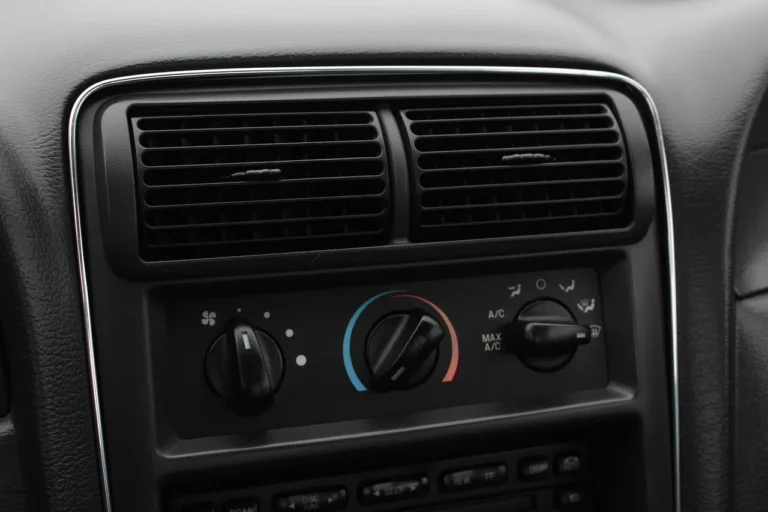
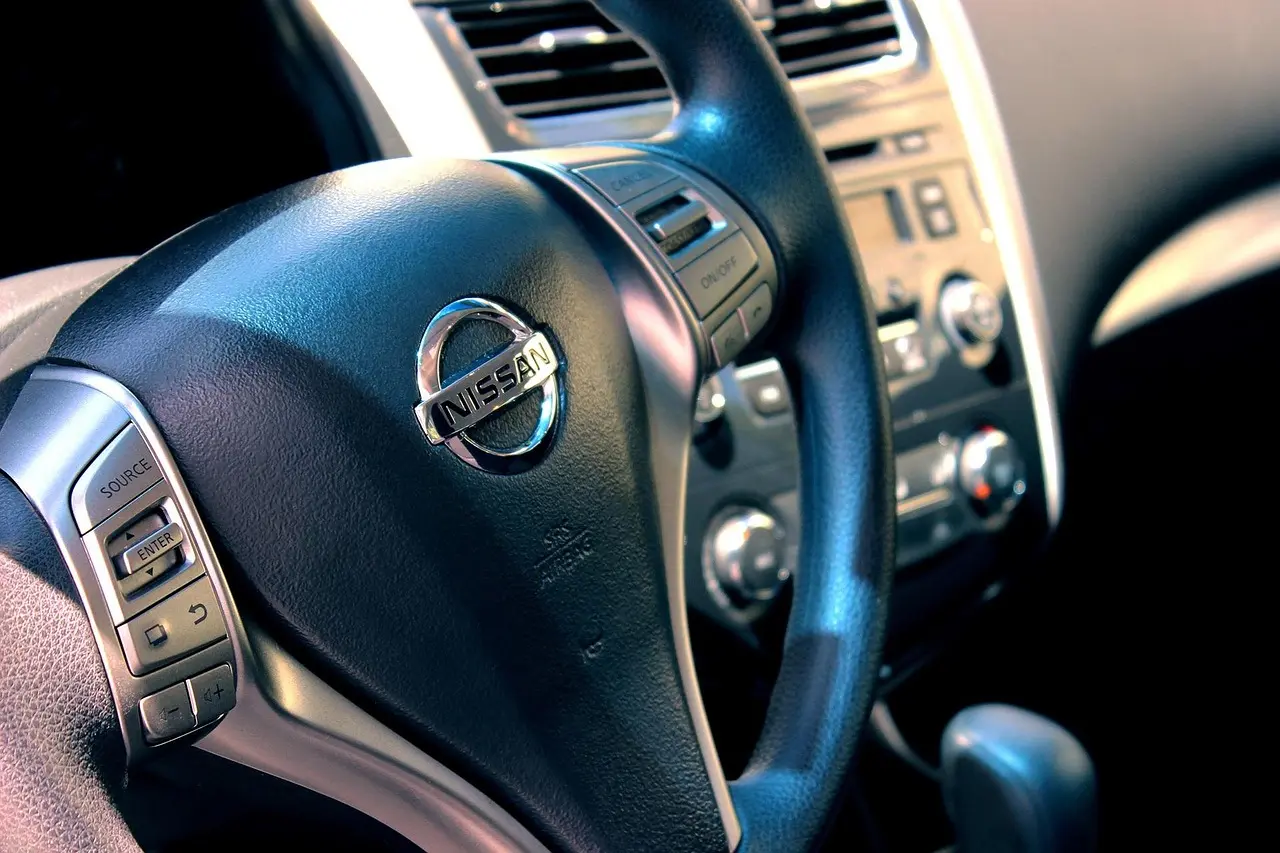
A vent mount can block more than airflow. The phone, clamp, or support arm may sit over hazard switches, drive-mode buttons, screen edges, or climate controls if the vents are low on the center stack or close to the screen. The problem is clearance, not just clip fit.
Modern cabins often pack the main controls into a tight vertical area. That means a mount that looks fine on an empty dashboard can become a problem once a phone is attached. If the hazard button is no longer obvious at a glance, or if a climate knob needs a second reach around the phone, the layout is too tight.
Vent mount clearance checklist
Use this before buying. It is a text-only check, so you can do it from product photos, vehicle photos, or a quick in-person look. If any item fails, treat the vent mount as a poor fit for that cabin.
| Check | Pass rule | Fail rule | What it means |
|---|---|---|---|
| Vent location | Mount can sit without crossing the hazard button, screen bezel, or any climate control you use often. | Phone or arm sits directly in front of a button, dial, screen edge, or storage lid you need. | Controls must stay visible and reachable. |
| Hazard button accessibility | Hazard button is visible and reachable with one hand in a single motion. | Hazard button is partly hidden, narrowed, or requires reaching around the phone. | Emergency access matters most. |
| Screen overlap risk | Mount stays below, beside, or well clear of the touchscreen bezel and its corners. | Phone edge or arm overlaps the screen corner, bezel, or nearby hard buttons. | Screen and adjacent keys need open space. |
| Airflow impact | At least part of the vent remains open and air direction can still be aimed away from the phone. | Phone or clamp covers most of the grille or forces a hot or cold stream onto the device. | Cooling and heating performance drop. |
Which vent layouts are most likely to fail?
Low center-stack vents, vents beside the hazard switch, vents under large touchscreens, and weak slats are commonly the most troublesome spots. Tech DHgate notes that vent mounts can fail when vents are round, loose, deep, or blocked by controls, and that some vent clips need horizontal slats.
The shape of the vent matters, but the cabin layout matters more. A mount can fit the slats and still fail the clearance check because the phone sits where a button should be easy to see.
Low center-stack vents
These are the most common conflict zone. If the vent sits below the main screen, a phone can rise into the lower bezel or sit over climate dials. On a smaller dashboard, even a compact phone can crowd the center controls.
Side vents near the screen
Side vents can be safer than center vents, but only if the phone stays outside the screen edge and does not block the passenger-side airflow controls. If the vent is close to the display corner, check the bezel clearance carefully.
Round vents and weak slats
Round vents often give the mount less purchase, and weak slats may twist or droop under the load. Car and Driver reports that a vent mount’s vent grip could be poor, and that matters most when the slats are thin or flex easily. Horizontal slats usually give more predictable support than round grilles or narrow vertical fins. (Caranddriver)
Say your center stack has a large screen with a hazard button directly below it. A vent mount clipped to the lower vent may not touch the screen itself, yet the phone can still cover the hazard button and the top of the climate panel. That cabin fails even if the vent clip feels solid.
How do you measure hazard, screen and airflow clearance?
Measure the space from the mount point to the nearest button, screen edge, and airflow path before you buy. A simple finger-width check works for a quick screen, and a ruler gives a better read for tighter cabins. The goal is to confirm that nothing important sits under the phone.
Finger-width check
- Place two fingers first. Hold two fingers between the vent and the nearest hazard button or screen edge. If your fingers touch the control, the phone mount will likely crowd it once installed.
- Check the swing path. Move your hand as if you were pressing the hazard switch or a climate dial. If your hand has to angle around the mount, that control is too close.
- Watch the top edge. Look at the upper edge of the phone area, not only the clip point. A mount can start below the screen and still overlap the bezel when the phone hangs down.
Ruler check
- Measure the nearest control. Use a ruler from the center of the vent mount area to the hazard button, screen edge, or control you use most. Record the smallest distance.
- Compare the phone footprint. Add the phone height and any extra length from the mount arm or magnetic plate. If that total reaches the control zone, expect overlap.
- Confirm open airflow. Look for at least part of the vent grille remaining visible after placement. If the mount covers most of the vent face, expect weaker airflow and more stress on the slats.
A common first-timer mistake is checking only the vent shape and ignoring the phone’s final position. The clip may fit a horizontal slat, but the loaded phone can sit about 2 or 3 inches lower than expected and land over a climate knob.
Does the mount style change the risk?
Yes. Clip-style vent mounts and magnetic vent holders both depend on the vent structure, but they load the cabin differently. Clip-style mounts usually grip harder and can press on the slats, while magnetic holders are faster to attach and remove, but still need enough clearance for the phone body and plate.
Car and Driver says vent mounts can be best for MagSafe iPhones and/or cases, and also notes a budget vent mount still has easy one-handed operation. That convenience matters less if the mount blocks a button you need to reach fast.
Clip-style vent mounts
Clip-style mounts tend to create the most pressure on the slats. They can be stable on strong horizontal slats, but they are more likely to twist weak fins or slip on round vents. The stronger the grip, the more important the slat thickness and rigidity become.
These mounts are a poor match when the vent sits directly beside the hazard switch or the top of a climate panel. A firm grip does not fix bad placement.
Magnetic vent holders
Magnetic holders often feel simpler because the phone attaches in one motion. That makes them a good fit for MagSafe-compatible phones and cases, which Car and Driver flags as a strong use case. The tradeoff is that magnetic ease does not reduce the size of the phone face, so clearance still matters.
Case compatibility matters too. A thick or slippery case can weaken the hold, especially if the magnetic plate is not centered. If the phone shifts, it can move closer to the hazard switch or screen edge than you expected.
Vent slat grip and strength
Horizontal slats usually handle vent clips better than vertical or round layouts. The same source recommends checking vent shape and vent movement before buying, and that advice is practical: a mount that depends on one slat should not be forced onto a loose grille. If the slats bend when pressed lightly, skip the vent mount.
When is a dash or windshield mount better?
A dashboard or windshield mount is better when the vent location blocks emergency controls, the screen is too close to the vent, or the vent slats are too weak to hold the load. Dashboard and windshield options shift the phone away from the center controls, but they bring their own visibility and reach tradeoffs.
Walmart lists vent and dashboard car phone mounts together in one category, and also shows a kit with vent, suction, and cup holder setups. That is useful because the right mount often depends on the cabin, not on the phone alone.
Dashboard mount tradeoffs
A dashboard mount can preserve the vent and move the phone away from hazard buttons and climate controls. The tradeoff is surface prep. Adhesive or suction mounts need a flat or lightly curved area with enough room for the base and arm.
If the dashboard is small, the phone may end up closer to the driver’s sightline, which can help or hurt depending on the angle. Keep it low enough to avoid blocking the road view and high enough to avoid the steering wheel rim.
Windshield mount tradeoffs
A windshield mount can free the center stack entirely and gives wide angle adjustment. The tradeoff is visibility and legality concerns, which vary by location. The mount should sit low enough to stay out of the direct view of the road, yet close enough to reach without stretching.
Windshield placement can work well when the cabin has a large screen and cramped lower controls. It is less attractive if the phone would sit too high or block a corner of the glass.
When to abandon vent placement
Choose another mount if any of these are true: the hazard button is hidden, the screen edge is crowded, the climate controls are partly blocked, or the vent slats flex under the mount. If the mount needs to sit so far from the center controls that cable routing becomes awkward, the cabin is telling you to move it elsewhere.
- Check the hazard first. Make sure the hazard button stays fully visible and reachable with one hand. If the mount interferes there, stop and switch mounting type.
- Check the screen second. Confirm the phone will not cross the screen bezel or cover a nearby hard key. A touchscreen edge is easy to overlook in product photos.
- Check airflow last. Look at the vent face after placement. If most of the grille is blocked, or if the vent points straight at the phone, pick a different mount location or style.
Vent mount clearance decision matrix
Use this matrix as a simple pass-fail guide before purchase. A cabin that fails one major row is a warning. A cabin that fails two or more should usually move to a dashboard or windshield mount.
| Cabin feature | Low risk | Moderate risk | High risk | Action |
|---|---|---|---|---|
| Vent location | Vent sits away from the center controls and below no important button cluster. | Vent is near the screen edge or climate panel, but not directly in front of either. | Vent sits directly beside or below hazard, drive-mode, or climate controls. | Moderate risk needs a ruler check; high risk should skip vent mounting. |
| Hazard button accessibility | Hazard button remains fully visible and easy to hit in one motion. | Button is visible, but the phone would narrow the reach path. | Button is partly hidden or requires reaching around the phone. | Any high-risk result is a fail. |
| Screen overlap risk | Phone stays clear of the bezel and screen corners. | Phone sits near the bezel, with limited extra space. | Phone or arm overlaps the screen edge or adjacent buttons. | Moderate risk needs a closer size check; high risk is a fail. |
| Airflow impact | Vent remains mostly open and adjustable. | Some airflow is blocked, but the grille still moves air. | Mount covers most of the vent or forces bad airflow onto the phone. | High risk suggests a different mounting route. |
For example, a compact sedan may have a vent below a 9-inch screen and the hazard button just under the display. A magnetic vent holder may fit the slats, but the phone still covers the hazard row. That is a clear fail, even though the mount itself is small.
Frequently asked questions
Can a vent phone mount block hazard buttons or climate controls?
Yes. If the vent sits in front of the center stack, a phone mount can cover hazard buttons, climate dials, or drive-mode keys. The main test is whether every control stays visible and reachable with one hand. If not, move to another mounting position.
Will a vent phone mount cover my infotainment screen?
It can, especially when the vent sits under a large touchscreen or beside a screen corner. Check the bezel, not only the screen glass. If the phone overlaps the bezel or blocks a corner button, the mount is too close for that cabin.
Are vent phone mounts safe if my vents are below the touchscreen?
They can be, but only when the phone stays below the screen edge and away from the hazard button or lower climate panel. Large displays make this layout tighter. If the mount rises into the screen zone, a dashboard mount is usually the cleaner choice.
Which vent types are most likely to get blocked by a phone mount?
Round vents, loose slats, and thin vertical fins are the hardest to trust. The same source notes that some vent clips need horizontal slats, and that vents can fail when they are round, deep, or blocked by controls. Weak slats also raise the chance of sagging.
How far can a vent mount sit from the center controls?
There is no single safe distance. Use the clearance rule instead: the mount must leave the hazard button, screen edge, and any essential climate control fully visible and reachable. If you need to stretch around the phone, the mount is too close.
Is a dashboard mount better if a vent mount blocks controls?
Usually, yes. A dashboard mount moves the phone away from the vent area and can free the hazard button and climate controls. It needs a suitable surface, and a windshield mount may be better still if the dashboard is too small or crowded.