Does a Magnetic Phone Mount Affect iPhone MagSafe Charging?

Usually no: a magnetic phone mount does not stop iPhone MagSafe charging if the mount is MagSafe-compatible and lined up, but thick metal, weak coils, or non-MagSafe cases can cut speed or break the charge. Poor alignment wastes charging time and can leave the phone connected but barely charging. This guide separates holding force from charging performance and shows when a mount is harmless, slower, or non-charging.
How magnetic mounts and chargers differ
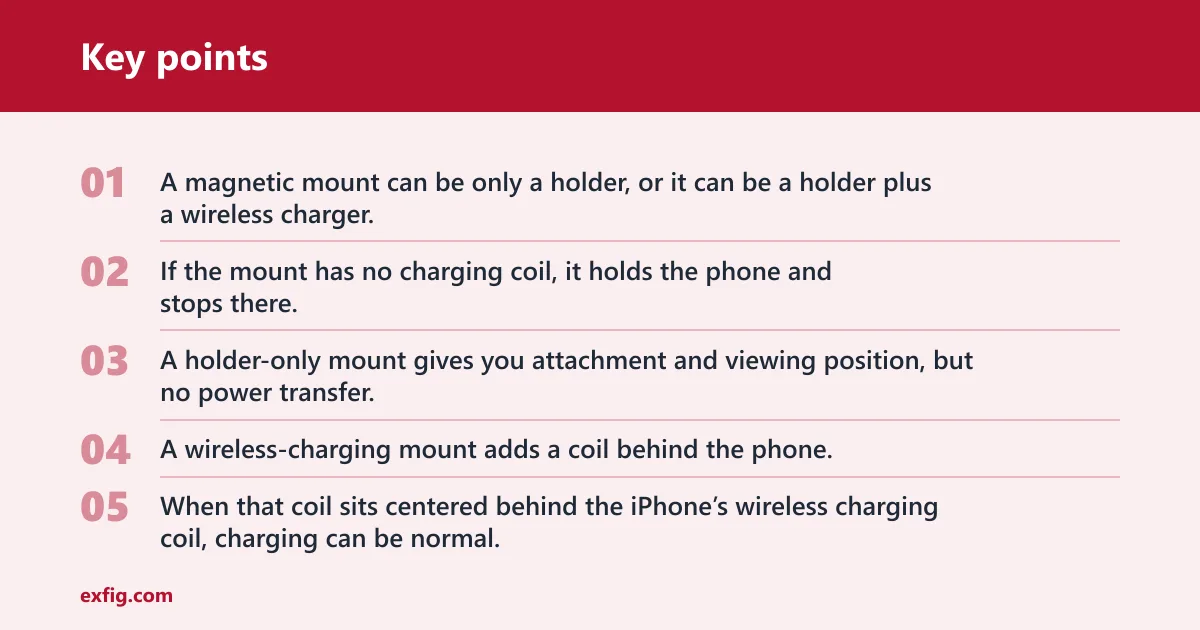
A magnetic mount can be only a holder, or it can be a holder plus a wireless charger. That split matters. Apple’s MagSafe uses magnets around a centered charging coil, so the magnet is doing alignment work, not charging by itself. If the mount has no charging coil, it holds the phone and stops there.
Holder only or charger?
A holder-only mount gives you attachment and viewing position, but no power transfer. Belkin’s magnetic phone mount is a good example from the cited listing: it works with iPhone 14, 13, and 12 series, includes 360 degrees of rotation, mentions MagSafe cases for compatibility, and explicitly says it does not charge your phone. That is a mount, not a charger.
A wireless-charging mount adds a coil behind the phone. When that coil sits centered behind the iPhone’s wireless charging coil, charging can be normal. When it sits off-center, speed drops or charging becomes intermittent. The magnet does not automatically cause the problem; the coil position does.
Why coil alignment matters
iPhone wireless charging depends on the charging coil on the back lining up with the charger’s coil. Apple’s MagSafe system was built around that centered fit, which is why it can support up to 15 watts on supported iPhones. Standard Qi on iPhone is capped at 7.5 watts, and it is less forgiving when alignment slips.
Qi2 extends the same basic idea with a magnetic profile, which helps accessories snap into the right position. Qi2.2 adds 25-watt wireless charging speed on supported devices, but that does not mean every magnetic mount becomes fast. The mount still has to place the phone correctly and keep heat under control.
Does a magnetic phone mount affect iPhone MagSafe charging?
Sometimes, but not always. A magnetic mount does not usually affect charging if it is a MagSafe-style charger with good coil alignment and a compatible case or no case at all. It affects charging when the magnets pull the phone off-center, the mount has weak power delivery, or the case changes the distance between coils.
When it does not matter
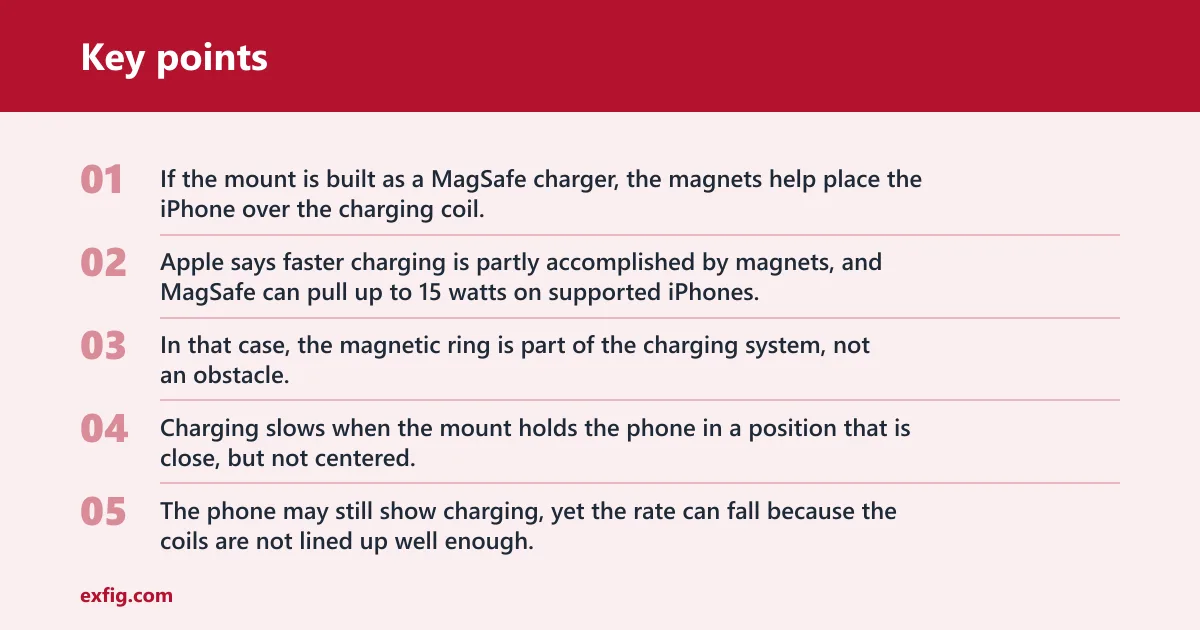
If the mount is built as a MagSafe charger, the magnets help place the iPhone over the charging coil. Apple says faster charging is partly accomplished by magnets, and MagSafe can pull up to 15 watts on supported iPhones. In that case, the magnetic ring is part of the charging system, not an obstacle.
That is also why Qi2 matters. Its magnetic profile is meant to bring MagSafe-like behavior to more phones and accessories, so a magnetic mount that follows the standard can charge more predictably than an old loose Qi pad.
When charging slows or drops out
Charging slows when the mount holds the phone in a position that is close, but not centered. The phone may still show charging, yet the rate can fall because the coils are not lined up well enough. A thick case can worsen that by moving the phone farther from the charger.
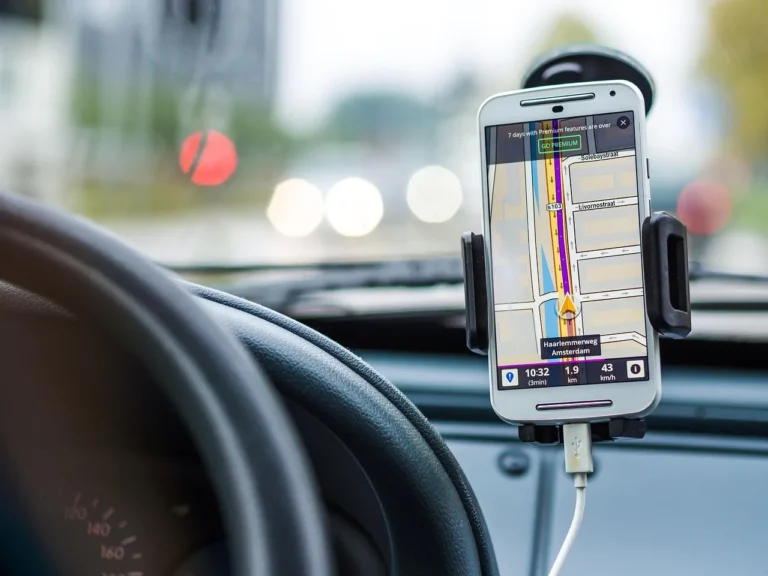
Suppose a phone sits in a dashboard mount that rotates freely and vibrates on rough pavement. The phone may stay attached, but a millimeter or two of drift can be enough to make charging jump between normal and slow. That is the failure case many product pages skip.
When charging stops altogether
Charging can stop if the accessory is only a holder, if the charger has no power, or if the phone sits so far off-center that the coils barely couple. Non-MagSafe cases and metal-backed accessories can make that more likely. In that case, the mount is not “bad at MagSafe”; it is simply not a charger.
A common mistake is assuming a metal disc or magnetic plate on a car mount will still let an iPhone snap on and charge through MagSafe without any reduction in charging speed. It does not. The magnet may only secure the phone to the mount, while the charging coil is missing entirely.
Which iPhone models support MagSafe?
MagSafe support starts with the iPhone 12 family and continues through later iPhone generations in Apple’s coverage, including iPhone 13, 14, 15, 16, and 17 models. Apple’s MagSafe support does not include iPhone SE or 16e models in the cited fact set. Older Qi-only behavior is different and usually slower.
iPhone 12 through iPhone 17 families
The practical takeaway is simple: if you are using an iPhone 12 or newer, you can use MagSafe accessories, but the charging result still depends on the accessory itself. A holder-only mount will not charge. A MagSafe charger should line up properly and can reach the higher MagSafe rate on supported hardware.
What changes with newer Qi2.2 support
Qi2.2 includes a magnetic profile and 25-watt wireless charging speed. The fastest Qi2.2 speeds are currently supported by iPhone 17 and iPhone 16 lines. Earlier iPhones can still use Qi2 chargers, which can provide the same 15-watt speeds for those models, but not the newer top rate.
This is where buyer confusion often starts. A magnetic mount may be “Qi2” or “MagSafe-compatible” and still not deliver the newest speed tier on your phone. The iPhone generation sets the ceiling.
Do MagSafe cases change charging speed?
Yes. Official MagSafe-compatible cases are made to line up properly with the magnet ring, so they usually help attachment security and reduce coil drift. Non-MagSafe cases, especially thick or metal-backed ones, can slow charging or make it inconsistent by increasing the gap between the phone and the charger.
Official MagSafe cases
Apple-style MagSafe cases keep the magnet ring positioned where the charger expects it. That helps the phone snap into the right spot, which supports more stable charging. The case can still affect charging consistency if it is unusually thick, but the base fit is built for MagSafe accessories.
Non-MagSafe cases and thick cases
Cases without MagSafe alignment are the ones most likely to create trouble on magnetic mounts. They can shift the phone slightly, soften the magnetic hold, or leave the coil too far from the charger. The result is often not a dead charge, but a slower one that comes and goes.
Do MagSafe chargers work with official MagSafe cases? Usually yes, and that is the point of the case design. The more exact question is whether the case is MagSafe-compatible, not merely “works with wireless charging.”
Magnetic mount charging outcomes table
The table below separates holder-only mounts from true wireless-charging mounts, then maps the likely result by case type and iPhone generation. Use it as a quick decision rule before you blame the phone, the mount, or the case.
| Mount type | MagSafe case | iPhone generation | Expected charging speed | Likely failure mode |
|---|---|---|---|---|
| Mount only, no charging coil | Yes | iPhone 12–17 | No charge | No charge |
| Mount only, no charging coil | No | iPhone 12–17 | No charge | No charge |
| Wireless-charging mount | Yes | iPhone 12–15 | Up to 15 watts if aligned | Misalignment if the mount sits off-center |
| Wireless-charging mount | No | iPhone 12–15 | Up to 7.5 watts on standard Qi, or slower if the case is thick | Heat or intermittent charging |
| Wireless-charging mount | Yes | iPhone 16–17 | 15 watts, or 25 watts with Qi2.2 support on compatible hardware | Heat if airflow is poor |
| Wireless-charging mount | No | iPhone 16–17 | Qi-level charging, often below the best MagSafe result | Misalignment or no stable fast charge |
If the mount is only a holder, the outcome is simple: no charging at all. If it is a charger, the case and iPhone generation decide whether you get MagSafe-class performance, older Qi-level speed, or a flaky connection that warms the phone without adding much battery.
Why does a magnetic charger get warm?
Heat usually comes from wasted energy, not from magnets alone. When the coils are slightly off-center, the charger works harder to move power across the gap, and more of that energy turns into heat. A thick case or poor ventilation can make that worse. Warm does not always mean unsafe, but it does mean efficiency dropped.
Heat from misalignment
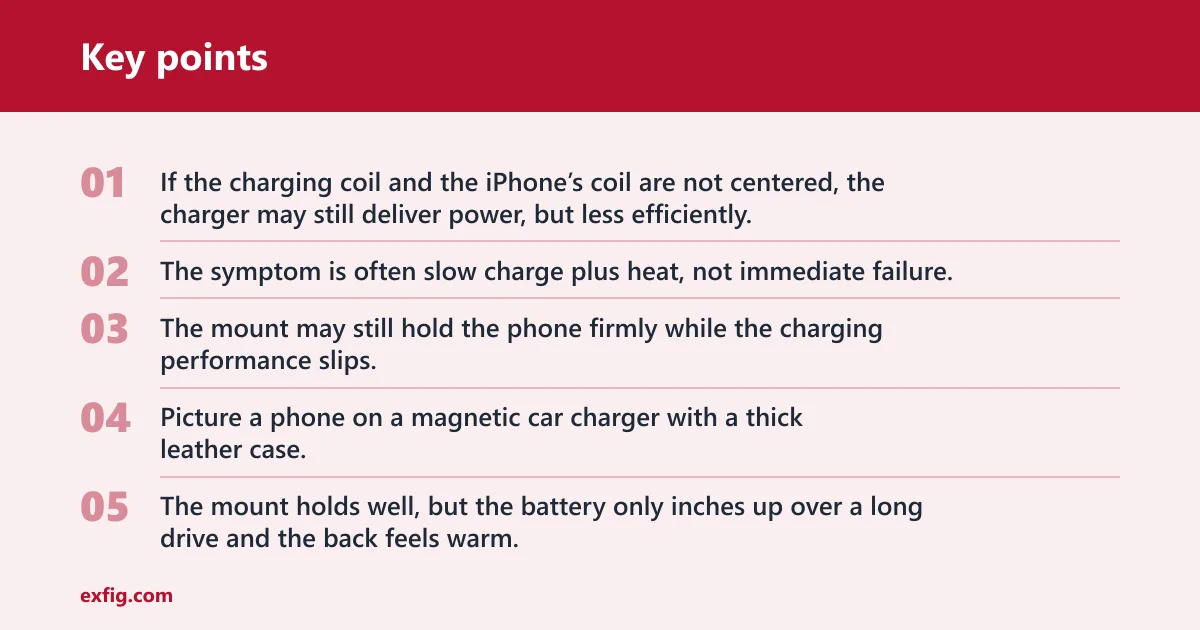
Misalignment is the most common cause. If the charging coil and the iPhone’s coil are not centered, the charger may still deliver power, but less efficiently. That creates heat in both the phone and the charger, and the phone may charge more slowly than expected.
Heat from weak power delivery
A charger that cannot supply a stable rate can also run warm because it keeps negotiating power rather than delivering it cleanly. This is more common with cheap magnetic holders that promise charging but use low-quality coils or weak power bricks. The symptom is often slow charge plus heat, not immediate failure.
Heat from case and mount fit
Case fit matters because distance matters. A MagSafe-compatible case usually keeps the magnet ring in the right place, but a bulky or non-MagSafe case can push the phone away from the coil. The mount may still hold the phone firmly while the charging performance slips.
Picture a phone on a magnetic car charger with a thick leather case. The mount holds well, but the battery only inches up over a long drive and the back feels warm. That points to coil distance and airflow, not to a battery defect.
How to tell whether your mount is safe to use
-
Check whether it charges.
Look at the product description first. If it says it does not charge, like the Belkin magnetic phone mount listing, treat it as a holder only. Do not expect MagSafe charging from a mount that has no charging coil. -
Confirm MagSafe case fit.
Use an official MagSafe-compatible case when you want the best snap-to-position behavior. If charging becomes intermittent with a non-MagSafe case, remove the case and compare the result before replacing the mount. -
Watch for heat and drift.
If the phone gets warm fast, or charging seems to start and stop while driving, the coil is probably off-center or the mount is underpowered. Re-seat the phone, improve airflow, or switch to a charger designed for MagSafe or Qi2 alignment.
A good rule is simple: if the mount is only meant to hold the phone, it should not be expected to charge the phone. If it is meant to charge, the alignment, case type, and iPhone generation decide how fast and how steady the charge will be.
Frequently asked questions
Will a magnetic car mount stop my iPhone from charging wirelessly?
Not by itself. If the mount is only a holder, there is no wireless charging to stop. If it is a wireless-charging mount, the issue is usually alignment or heat, not the magnets alone. A well-designed MagSafe car charger should still charge supported iPhones.
Can I use a magnetic mount and MagSafe charging at the same time?
Yes, if the mount is actually a MagSafe-compatible charger and the case is compatible too. The magnet ring helps the phone snap into position over the charging coil. If the mount is only a holder, you can use it with MagSafe accessories, but it will not supply power.
Do MagSafe cases change charging speed on an iPhone?
They can improve consistency because they help keep the magnets and coil aligned. Official MagSafe cases are usually the safest choice for charging stability. A non-MagSafe or thick case can push the phone farther from the charger, which often lowers speed or makes charging unreliable.
Why does my iPhone get warm on a magnetic charger?
Heat usually points to alignment loss, weak power delivery, or a case that adds too much distance. MagSafe and Qi2 systems are more efficient when the coils line up well, so poor fit can waste energy as heat. Warmth alone is not a failure, but it is a warning sign.
Will a cheap magnetic holder charge slower than Apple MagSafe?
Often yes, and sometimes it will not charge at all. Apple’s MagSafe can pull up to 15 watts on supported iPhones, while standard Qi on iPhone is capped at 7.5 watts. Cheap holders often skip the charging hardware or use weaker alignment and less stable power delivery.
What iPhone models support MagSafe charging?
MagSafe support begins with the iPhone 12 family and continues through later models in the source set, including iPhone 13, 14, 15, 16, and 17. iPhone SE and 16e are excluded from that support list. Qi2.2 top speeds currently apply to iPhone 17 and iPhone 16 lines.
Does a magnetic mount damage the iPhone battery or magnets?
A magnetic mount does not normally damage the magnets or the battery by itself. The more realistic concern is heat from poor alignment or weak charging hardware. If the phone runs warm for long periods, charge slower, or stop charging intermittently, that is the problem to fix first.