Magnetic Phone Mounts for Cars: How to Choose

Choose a magnetic car phone mount by matching the mount style to your cabin first, then buy the strongest magnet that still holds through your case, usually a bare phone, MagSafe case, or under-3-mm case works best. Get it wrong, and the phone drops on bumps, blocks vents or controls, overheats while charging, or forces longer glances away from the road. This guide matches dashboard, vent, windshield, CD-slot, and cupholder mounts to phone size, case thickness, road quality, and wired or wireless charging.
What actually keeps a magnetic mount secure?
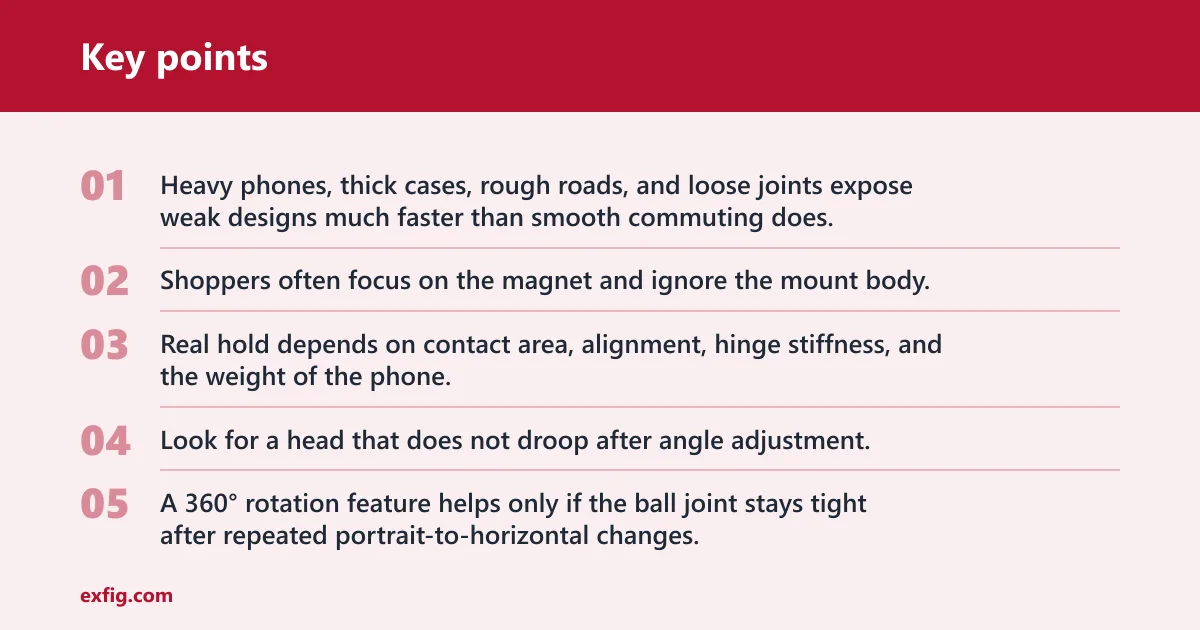
A magnetic mount stays secure only when two systems work together: the magnet must keep the phone attached, and the base must stay fixed without flexing. If either side fails, the phone moves. Heavy phones, thick cases, rough roads, and loose joints expose weak designs much faster than smooth commuting does.
Magnetic hold and base stability are separate jobs
Shoppers often focus on the magnet and ignore the mount body. That misses the main failure point. A strong magnetic head cannot save a vent clip that twists on thin slats, or a suction base that never sealed on a textured dashboard.
Real hold depends on contact area, alignment, hinge stiffness, and the weight of the phone. A large magnetic ring that centers the phone cleanly usually feels steadier than a small head with a big pull-force claim.
Heavier phones expose weak mount geometry
Large phones create more turning force. A Pro Max-sized phone sits farther from the pivot than a compact handset, so every bump adds more torque to the ball joint and base.
That is why a mount can pass a parking-lot shake test yet sag on rough pavement. Car and Driver said they tested mounts for stability, ease of use, and convenience, and tested during aggressive driving on curves and bumps. Those are the conditions that expose weak joints and flex.
Why hinge stiffness matters as much as magnet strength
Look for a head that does not droop after angle adjustment. A 360° rotation feature helps only if the ball joint stays tight after repeated portrait-to-horizontal changes. ANDERY uses 360° rotation, and Scosche includes a 360° adjustable head, but the real value depends on whether the joint resists vibration after you set it.
One-hand use matters here too. If docking the phone pushes the whole mount down or sideways, the base is underbuilt even if the magnet is strong.
Which mount type fits your car interior?
The best mount type depends more on your cabin than on the brand. Smooth flat dashboards favor suction or adhesive pads, textured dashboards do not, vent mounts depend on slat shape and stiffness, and cupholder mounts depend on holder depth and diameter. Windshield mounts place the phone higher, but local placement rules can limit them.
Dashboard mounts
Dashboard mounts work best on flat, smooth, hard surfaces within easy reach. A suction system or adhesive pad can stay stable there, and the shorter distance from base to phone usually cuts wobble.
They fail most often on textured, curved, or soft-touch dashes. Suction loses seal on grainy surfaces, while adhesives can soften in heat and leave residue when removed.
Vacuum-style systems can improve the seal on suitable surfaces. LISEN combines vacuum suction with a magnetic head, and that layout makes sense when the dash or windshield is smooth enough for suction to stay consistent.
Vent mounts
Vent mounts suit drivers who want a removable setup and do not want adhesive in the cabin. They also shorten reach if the vents sit high and close to the driver.
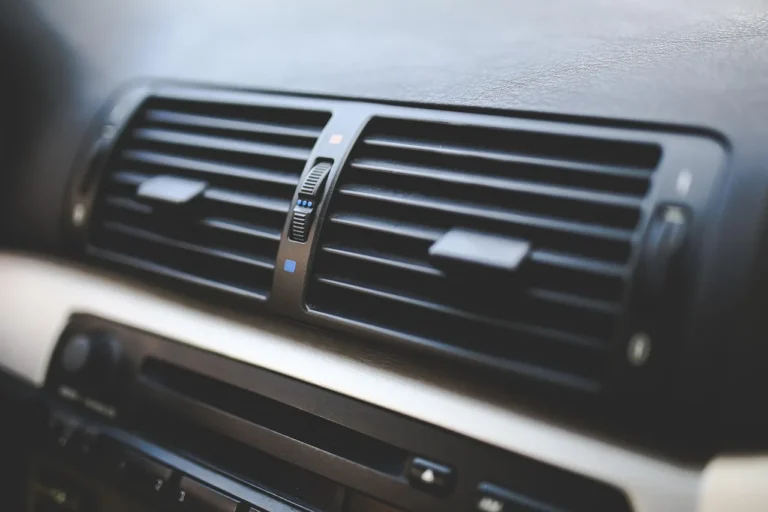
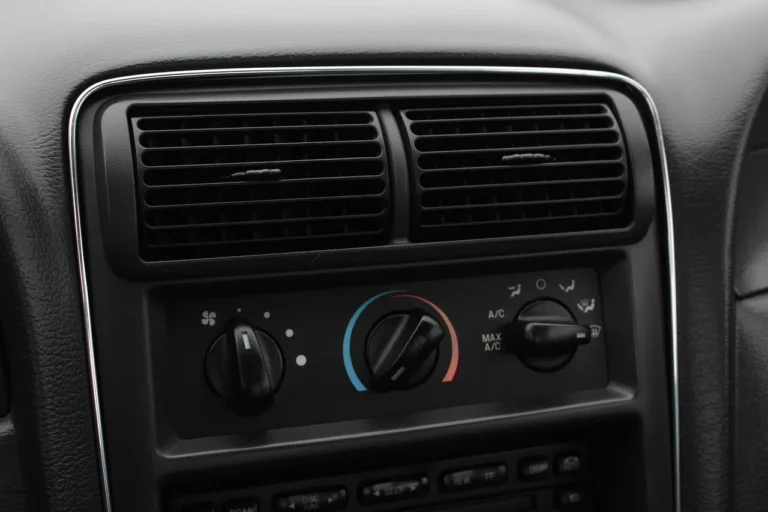
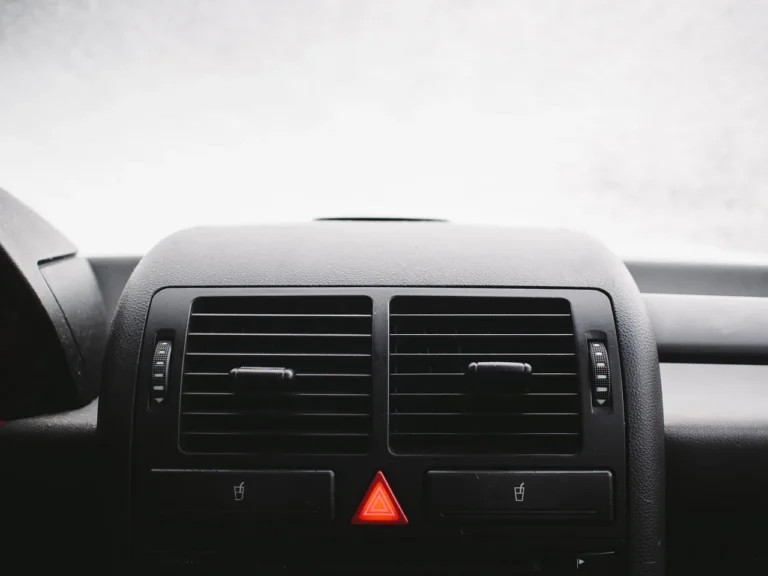
Compatibility varies a lot. Very thin vent blades, round vents, deep-set vents, and active-shutter designs can all reduce grip. Vent mounts can cover part of one or two louvers, which can cut airflow to the driver and trap heat around a phone that is already warming up from wireless charging, GPS, and screen brightness.
Low-profile horizontal slats usually work better than short vertical tabs. Over time, repeated phone removal can loosen the clip or make the whole mount pivot downward.
Windshield and cupholder mounts
Windshield mounts usually put the phone closest to your natural forward line of sight, often near instrument height or slightly above, so navigation takes shorter eye movement than a low cupholder mount. They still need a legal placement area and a clean, flat section of glass. Curved windshields and steep rake angles can push the phone too far away.
Cupholder mounts avoid adhesive and vent compatibility problems. They can be very stable on rough roads because the base sits deep, but cupholder size and depth vary widely. Some expanders fit loosely in wide holders, and some arms place the phone low enough that the driver looks away longer.
CD-slot mounts can still make sense in older cars that no longer use the slot. They are a niche option, but useful when the dash is heavily textured and the vents are weak.
How strong should the magnet be?
The magnet should be strong enough to resist bumps and cornering with your actual phone and case, but raw force numbers alone do not predict real hold. For heavier phones, thick cases, or rough roads, treat high force claims as a starting filter and then judge contact area, alignment, hinge stiffness, and base design.
What force claims can tell you
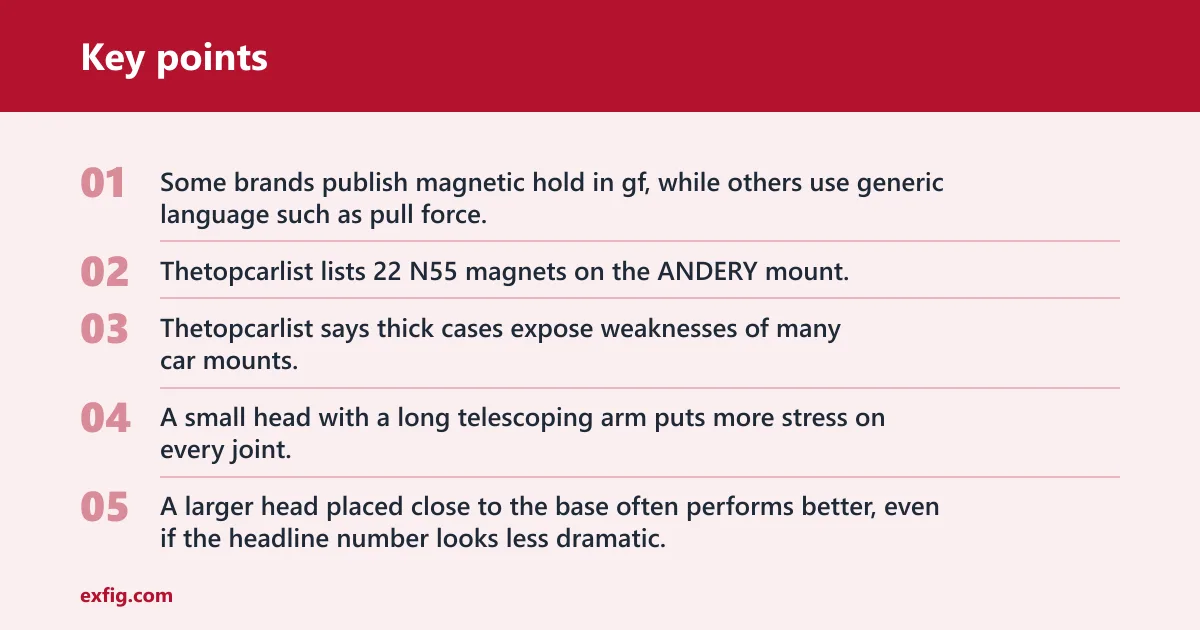
Some brands publish magnetic hold in gf, while others use generic language such as pull force. Those numbers help when you compare mounts in the same product category, but only when the rest of the design is similar.
ANDERY uses a 2400gf magnetic hold. Thetopcarlist lists 22 N55 magnets on the ANDERY mount. Those details suggest a mount aimed at heavier phones, but they still do not tell you how well the vent clip, suction base, or joint handles vibration.
A practical threshold for larger phones
For a large phone, especially with a case, look for stronger magnet specs than you would accept for a bare smaller phone, because extra case thickness and phone weight quickly reduce usable hold. The same source says thick cases expose weaknesses of many car mounts. That lines up with how these mounts fail in practice: the phone does not always slide straight off; it often shifts, rotates, or slowly sags until one hard bump breaks contact.
If the phone is bare or in a MagSafe case, a good MagSafe ring usually holds better than a generic plate-through-case setup. If the phone is heavy and the roads are poor, a short-arm dash or cupholder mount is usually safer than a long vent mount.
Why mount geometry matters more than marketing language
A small head with a long telescoping arm puts more stress on every joint. A larger head placed close to the base often performs better, even if the headline number looks less dramatic.
Picture a 6.7-inch phone on a vent mount with a long neck and a thick case. The magnet may feel secure while parked, but the real weak point is the long lever arm. On patched pavement, the phone starts to bob, then the vent blade twists.
Do you need MagSafe or a universal magnetic mount?
Choose MagSafe if your phone or case already supports the MagSafe ring and you want easier alignment, stronger repeatable placement, and possible wireless charging. Choose a universal magnetic mount if you use Android, an older iPhone, or a standard case, but expect to add a metal ring or plate and check charging compatibility carefully.
Built-in MagSafe alignment and hold
MagSafe-compatible mounts align the phone around the charging coil and magnet ring. That alignment helps both magnetic hold and charging fit. A true MagSafe layout usually docks faster and centers better than a plain magnet puck.
For iPhone users, that is the cleanest setup. ANDERY fits iPhone 12 through 17 Pro Max models, and LISEN is aimed at iPhone 12 to 17 Pro Max models. Those ranges signal that the mounts target the MagSafe-era iPhone format.
Using MagSafe cases versus standard cases
A MagSafe case is usually the safest case-on option because the ring is built in and aligned. Standard plastic or TPU cases can work if they are thin enough, but hold strength drops as the gap increases.
Wallet cases are a common problem. They add thickness, shift the phone outward, and may place cards near the magnet area. Even when the phone sticks, charging may fail or heat may rise because the coil is no longer aligned well.
Metal rings and plates for non-MagSafe phones
Universal magnetic mounts remain useful because they fit more devices. Scosche MagicMount works with any phone using a metal plate. That solves mounting, but the plate can interfere with wireless charging depending on placement.
For non-MagSafe phones, an adhesive metal ring is usually better than a random steel plate if wireless charging matters. The ring must sit centered over the charging area. If it is off-center, you may get weak hold, poor charging, or both.
Suppose a non-MagSafe iPhone stays in a slim clear case and the owner does not want to replace it. A centered adhesive ring on the case can preserve magnetic use. A solid rectangular plate stuck lower down may mount fine but stop charging altogether.
Will your case, phone size, and charger all work together?
Your mount, case, phone size, and charger have to agree on thickness, camera-bump clearance, and magnetic alignment. Large phones need more support, thick or wallet cases cut hold strength, and wireless charging only works reliably when the coil sits in the right place with minimal gap between phone and charger.
Large phones and camera-bump clearance
Bigger phones place more mass farther from the mount head. That increases shake and makes droop easier to spot. Make sure the magnetic ring or plate sits flat enough that the camera bump does not tilt the phone away from the mount.
If the phone rocks on contact, the hold is already compromised. That matters even more in horizontal mode, where the camera hump can shift weight unevenly.
Thick, rugged, and wallet cases
Case thickness weakens magnets by increasing the air gap. Thin MagSafe cases usually perform best. Rugged cases with extra layers, kickstands, or sliding card doors often reduce both hold and charging fit.
Case-on versus case-off fit is worth deciding before you buy. If you will never remove the case, shop for the case first and the mount second, not the other way around.
Wireless charging support and alignment
Charging support in magnetic mounts varies more than many listings suggest. Some are magnetic only. Some add MagSafe-style charging. One review roundup lists Belkin among the top overall picks, iOttie Velox among MagSafe mounts, and an ESR wireless-charging mount among value options.
You will also see claims of about 7.5W and 15W charging. Treat those as compatibility ceilings, not guaranteed everyday results. Case thickness, ring placement, cabin heat, and charging alignment all affect whether the phone holds charge during navigation.
Heat matters. Wireless charging already adds heat, and blocked vents or direct windshield sun can push temperatures high enough for charging to slow or pause.
Say your commute is 45 minutes with navigation, music, and a thick case on a large phone. A magnetic charger that is slightly misaligned may connect, disconnect, reconnect, and leave the battery lower at arrival than at departure. The mount did not fail, the fit did.
Mount choice decision table
This matrix helps narrow the mount type before comparing brands. Scores run from 1 to 5, where 5 is the better fit for that condition. The recommendation row in each condition names the mount type that usually avoids the failure point most effectively.
| Real-world condition | Dash mount | Vent mount | Windshield/cupholder mount | Recommendation |
|---|---|---|---|---|
| Textured dash | 1 | 4 | 5 | Pick windshield or cupholder first; avoid suction directly on textured dash. |
| Hot climate | 2 | 3 | 4 | Pick cupholder if possible; heat can weaken dash adhesive and suction. |
| Rough roads | 4 | 2 | 5 | Pick cupholder or a short-arm dash mount with a stiff joint. |
| Thick case | 4 | 3 | 4 | Pick the base style that is shortest and most rigid; then prioritize stronger magnets. |
| Frequent phone swapping | 4 | 5 | 3 | Pick vent for easiest reach if the vent design is compatible. |
| Wireless charging need | 4 | 3 | 4 | Pick MagSafe-style dash or windshield placement where alignment is easy to see. |
What makes a mount fall off or wobble?
Most magnetic mounts fail because the base loses grip, the joint loosens, or the phone sits too far from the magnets. Textured dashboards break suction seals, heat softens adhesives, vent clips slip on weak slats, and repeated repositioning wears out both suction surfaces and ball joints over time.
Suction failure, heat, and surface mismatch
Suction systems work best on clean, flat surfaces. Textured dashboards create air leaks that prevent a full seal. Heat and age can harden or soften materials depending on the design, which reduces grip.
Repeated re-adhesion also shortens life. Every move brings dust, skin oil, and interior protectant residue back into the system.
Vent clip slippage and airflow interference
Vent mounts wobble when the vent blade itself flexes, when the clip does not fit the slat depth, or when the mount sits too far from the vent face. Round vents and very short slats are frequent problem areas.
Airflow is the other tradeoff. Cold air can help a charging phone, but blocked airflow may limit climate control where the driver wants it. Hot air from the heater can also warm the phone when charging is already producing heat.
Joint wear, residue, and repeated repositioning
Ball joints gradually loosen if they are adjusted often under load. A mount that feels tight on day one can develop a slight nodding motion after months of docking a heavy phone.
Adhesive pads can leave residue when removed. If a mount has already fallen once, cleaning the surface and reinstalling may help, but repeated stick-remove-stick cycles rarely improve long-term confidence.
A common first-timer mistake is sticking a suction pad to a textured soft-touch dash because the location feels perfect. It may hold for a day, then peel at one edge in afternoon heat and drop the phone on the first sharp turn.
How to choose the right mount for your daily driving
Short commutes and frequent phone swapping
If the phone comes in and out often, choose easy reach and quick alignment first. A compatible vent mount can work well here because it keeps the phone close to hand and usually needs less arm extension than a cupholder mount.
For shared use, MagSafe-style alignment is usually the least fussy option. If the car has weak vents, shift to a short-arm dash mount on a smooth surface instead.
Rough roads and long-distance driving
On rough pavement, base rigidity matters more than convenience. Cupholder mounts and short, rigid dash mounts usually beat vent clips because they reduce vibration and leverage.
If charging is part of the plan, keep the phone out of direct sun when possible. Stable charging on a long drive depends on coil alignment, not only on the magnet.
Shared cars, rental cars, and temporary setups
Temporary use favors non-permanent mounting. Vent, cupholder, and some CD-slot mounts are easier to move without residue. Suction on glass can also work well in rentals, assuming local rules allow the placement.
Use this checklist before buying:
- Map your mounting zones. Sit in the driver seat and identify every spot that keeps the phone visible without blocking controls or vents. Check dashboard texture, windshield reach, vent slat shape, and cupholder depth before comparing magnets.
- Measure your case setup. Confirm whether the phone will stay in a bare shell, MagSafe case, slim standard case, or thick wallet case. If the case is thicker than a slim shell, expect weaker hold and more charging sensitivity.
- Match the base first. Choose the mount style that best suits the cabin surface and your road conditions. A weaker magnet on a rigid base is often safer than a stronger magnet on a shaky vent clip.
- Check charging alignment. If wireless charging matters, pick a MagSafe-compatible charger mount or a carefully centered ring setup. Make sure the camera bump does not prevent the phone from sitting flat on the charging face.
- Plan for legal placement. Review local rules on windshield placement and keep the phone out of the driver’s line of sight. The safest mount is the one that supports quick glances without covering instruments or airbag zones.
Frequently asked questions
What should I look for in a magnetic phone mount for my car?
Look at the base first, then the magnet. Match dash, vent, windshield, CD-slot, or cupholder style to your cabin surface, vent shape, and road quality. After that, check MagSafe compatibility, case thickness, hinge stiffness, wireless charging fit, and whether the phone sits at a safe glance angle.
Are magnetic car phone mounts safe for my phone?
Normal car-mount magnets generally do not damage modern smartphones. The bigger concerns are magnetic accessories, card wallets, and occasional compass or stylus behavior in edge cases. Keep cards away from the magnet area, and choose a mount that does not force the phone to overheat while charging.
Will a magnetic phone mount hold a heavy phone or thick case?
It can, but only if the magnet, case, and base all suit the load. Heavy phones and thick cases reduce effective hold and increase wobble. Stronger magnets help, yet a short rigid mount on a smooth dash or in a cupholder usually matters more than raw force claims alone.
Do magnetic mounts work with MagSafe and non-MagSafe phones?
Yes. MagSafe mounts work best with phones or cases that already include the alignment ring. Non-MagSafe phones can use universal magnetic mounts with a metal ring or plate, but charging compatibility depends on placement. A poorly placed plate may mount securely and still block wireless charging.
Which mount type is best for bumpy roads: dash, vent, or windshield?
For bumpy roads, cupholder and short-arm dash mounts usually hold up better than vent mounts because they reduce flex and leverage. Windshield mounts can also work if the suction seal is solid, but long arms tend to shake more. Vent clips are the most likely to wobble or loosen.
Are magnetic car phone mounts legal and hands-free enough for driving?
Usually yes, but local rules vary by state and country, especially for windshield placement. Keep the phone out of the driver’s direct view, away from controls, and clear of airbag paths. A legal hands-free setup still needs safe placement and easy one-hand docking to reduce glance time.