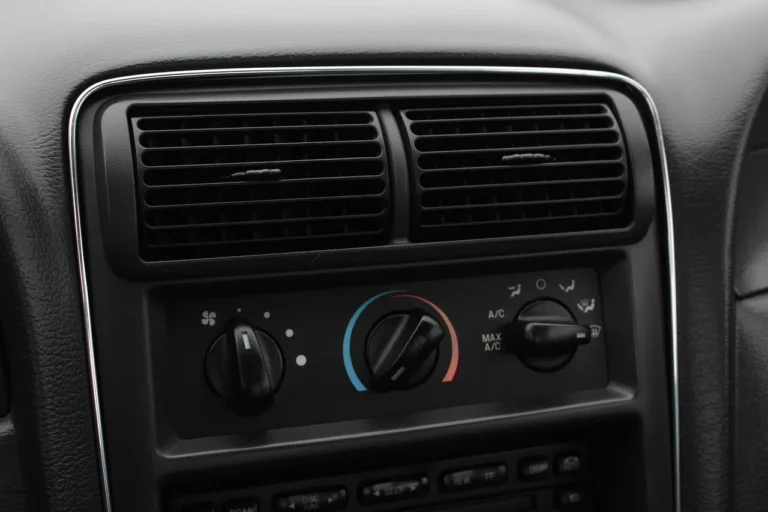

Why Your Vent Phone Mount Rattles and How to Fix It

A vent phone mount rattles because the clip does not fit the vent blade, the contact points slip, or the phone’s weight shakes the vent assembly; fix it by matching the mount to the vent shape, improving grip, and shifting the load. Left alone, it can scratch trim, block airflow, and distract you on rough roads. This guide shows how to find the exact source of the noise and choose the right fix instead of tightening the clip at random.
Common causes of vent mount rattling
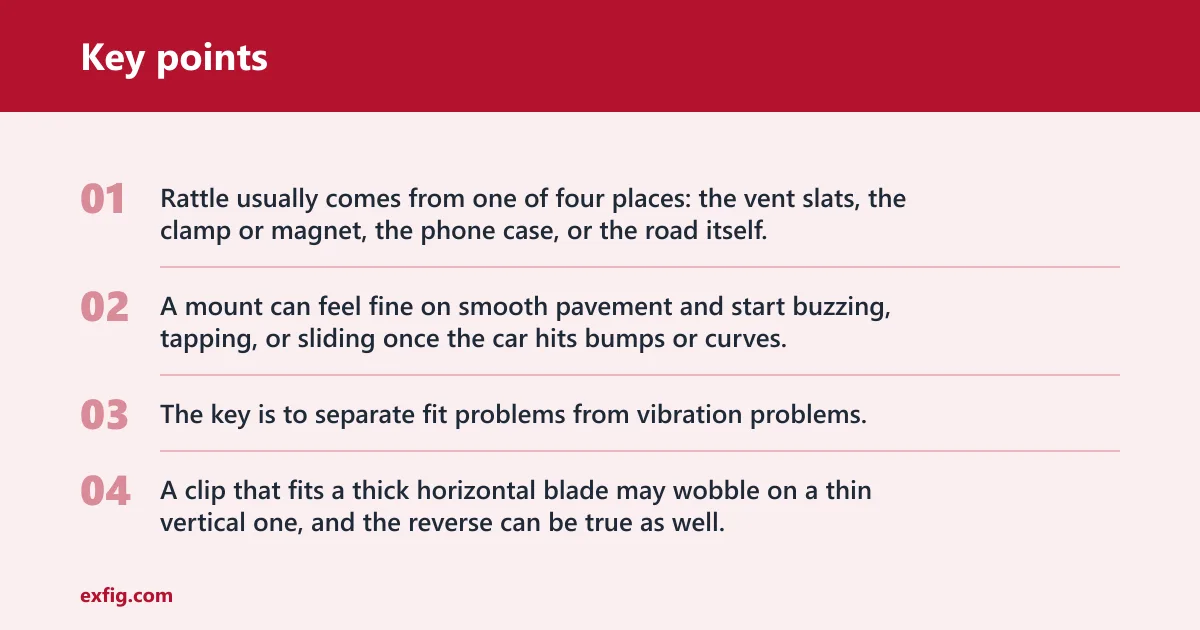
Rattle usually comes from one of four places: the vent slats, the clamp or magnet, the phone case, or the road itself. A mount can feel fine on smooth pavement and start buzzing, tapping, or sliding once the car hits bumps or curves. The key is to separate fit problems from vibration problems.
Vent geometry matters. A clip that fits a thick horizontal blade may wobble on a thin vertical one, and the reverse can be true as well. Some mounts rotate 360 degrees, and some magnetic mounts can be rotated 90 degrees to suit thick or thin vents, which changes how the load sits on the slats.
What you’ll need
- Flashlight or phone light
- Microfiber cloth
- Thin card or plastic feeler gauge
- Small zip tie or rubber shim
- Replacement adhesive pad or anti-slip tape, if allowed by the mount
- Your phone with its usual case
- Optional: a spare vent slot or alternate mount base for testing
How to diagnose the rattle
Start with the vent, then the phone, then the road. The goal is to find which part moves first, because the fix changes with the failure point. A mount that is secure on one vent may fail on another, and a heavy case can turn a marginal fit into a visible shake.
-
Check the vent slats.
Wiggle the blade by hand with the mount removed. If the slat moves before the clip does, the vent itself is the problem. Horizontal and vertical blades can behave differently, so it is worth testing the exact slot used. -
Check the phone and case.
Mount the phone with its normal case, then repeat with the bare phone if the mount allows it. Thick cases can overreach clamp jaws, reduce magnetic hold, and crowd the charging port. -
Check for road vibration.
Drive a short loop over one speed bump or rough patch at low speed. If the noise appears only on bumps or curves, the mount may be fit correctly but still be too lightly supported for that location.
Say your clip feels fine in a parking lot, but the mount buzzes every time the car crosses a patched lane. That points to road-induced shake, not a bad vent slot. Suppose the phone sits solid with no case and starts tilting once a thick case goes back on; the case is changing clamp reach or magnetic contact.
Vent mount troubleshooting matrix
This matrix separates the usual failure points. Treat it as a quick decision table, then move to the matching fix instead of tightening every part.
| Symptom | Likely cause | Quick test | Fix | When to replace the mount |
|---|---|---|---|---|
| Mount rocks side to side | Loose vent slats | Move the slat by hand with the mount off | Move to a firmer vent, add a shim, or switch mount style | Replace if the slat is cracked or the blade will not hold position |
| Clip will not seat fully | Clamp overreach | Compare jaw travel with and without the case | Reset the clamp, rotate the mount, or use a different vent slot | Replace if the clip teeth no longer bite |
| Phone slips off magnets | Magnetic slip | Tap the phone lightly after attachment | Recenter the plate, clean the contact area, or use a stronger match | Replace if the magnet shifts under normal driving |
| Mount holds bare phone but not cased phone | Case thickness interference | Test with and without the case | Use a thinner case or a mount with more reach or stronger magnet | Replace if the charging port is blocked or the jaws run out of travel |
| Buzzing only on rough roads | Road-induced vibration | Repeat the same route at slower speed | Reposition to a firmer vent or move to a different mount type | Replace if the mount cannot hold position on routine bumps |
How to stop the rattle
Fix the weakest point first. If the clip is wrong for the vent, no amount of tightening will solve the noise for long. If the mount is correct but the phone sits too far from the vent, the force from the device can keep shaking the blade.
-
Reset the clip angle.
Rotate the mount so the jaws sit squarely on the blade. Some mounts fit better after a 90-degree rotation, and many rotate up to 360 degrees for a cleaner load path. -
Move to a firmer vent.
Reposition the mount on a thicker or less flexible slat if the first slot flexes. Horizontal and vertical vents do not behave the same, and one slot may carry weight better than another. -
Reduce clamp overreach.
Open the side arms only as far as the phone needs, then lock them. A clamp-style vent mount generally works best when both support points contact the phone evenly; overextended jaws can twist under bumps. -
Correct magnetic contact.
Recenter the metal plate or phone plate so the magnet sits flat. Magnetic mounts depend on magnet strength and clean contact, and some versions hold up to bumps and sudden stops only with compatible devices and cases. -
Trim case interference.
Try a thin case before giving up on the mount. Some mounts can work with a phone case attached and still keep the charging port open, but thicker cases can change both grip and clearance. -
Limit vibration transfer.
If the mount still shakes, move it away from the hardest-used vent and onto a steadier blade. A quick-release button helps you reposition it without forcing the clip, and some mounts are designed for extreme temperatures.
Picture a clamp mount with side arms that close evenly on a bare phone but start slipping when a rugged case adds a few millimeters around the edges. The clamp may still be “tight,” yet the jaws are overreaching. The fix is fit, not more force.
When to replace the mount
Replace the mount when the problem is structural, not adjustable. If the vent slats are cracked, the clip teeth are worn, or the mount loses position on normal roads after a proper reset, the hardware has reached its limit. At that point, a different mount type is safer.
-
Switch to a suction windshield mount.
Use this when the vent is too weak or too short for the clip. It avoids the vent blade entirely and can give a steadier support point, though it shifts the load to glass. -
Switch to a dash mount.
Choose this when you want to move the weight off the vent assembly without hanging it from the windshield. Dash mounting can reduce rattles from loose vent blades, but adhesion and dash shape now matter. -
Switch to a cup-holder mount.
Use this when the car’s vents are fragile, oddly shaped, or already damaged. It places the phone lower and usually removes the shake caused by vent flex, though it changes reach and sightline.
Common mistakes
Do not keep tightening the clip after the first test. More force can bend a weak blade or hide the real problem for a day, then bring the rattle back on the next rough road.
Do not ignore the case. A thin case and a thick case can behave like two different phones. A mount that holds one may fail on the other because the clamp runs out of travel or the magnet loses contact area.
Do not use the shakiest vent just because it is convenient. Some vent styles flex more, especially when the blades are thin, loose, or already worn. If the mount rattles on routine pavement, that vent is the wrong support point.
Frequently asked questions
Why does my vent phone mount rattle while driving?
The usual cause is movement between the clip and the vent blade, then vibration from the phone and road multiplies that play. If the rattle changes with speed, bumps, or curves, test the vent first, then the clamp or magnet, then the phone case.
How do I stop a vent phone mount from shaking?
Re-seat the clip on a firmer blade, square the mount with the vent, and test the phone with its usual case. If the mount still shakes after that, move it to another vent or switch to a suction, dash, or cup-holder mount.
Is my vent clip too loose for the vent slats?
If the clip moves before the slat does, or the mount shifts when you tap it lightly, the fit is too loose. A common check is a brief shake test on the parked car: if the mount changes position by more than a few millimeters, move it or replace it.
Can road vibration make a phone mount rattle more?
Yes. Bumps, curves, and potholes amplify small fit problems into noise. A mount that seems stable at idle can start moving under repeated impacts, so the real test is routine road input, not a parked-car check alone.
Do thicker cases make vent mounts wobble?
Often they do. A thicker case can push the phone farther from the mount, reduce clamp reach, weaken magnetic contact, and block the charging port area. Test with the case off, then compare the result with the case back on before replacing the mount.
When should I stop using a rattling vent mount?
Stop using it if the vent slat is cracked, the clip teeth no longer hold, or the mount slides on ordinary roads after repositioning. Those are failure signs, not minor annoyances, and continued use can damage the vent or let the phone fall.