Do You Need 4K on a Dual Dash Cam or Is 1080p Enough?

1080p is enough for most dual dash cams in city and suburban driving; choose 4K for the front channel when you need cleaner rear-detail reads, more night evidence, or plate capture at longer distance. If you cut resolution too far, plate numbers blur fast in low light and at speed. This guide compares 4K and 1080p in front-and-rear setups by sensor quality, bitrate, field of view, city and highway use, night driving, rideshare needs, and budget.
How sensor quality affects video clarity
The trade-off is direct: 4K gives the front camera more pixels, while 1080p keeps cost down, trims file size, and simplifies storage planning. In a dual setup, the rear camera often matters nearly as much as the front camera, so sensor quality, bitrate, and lens width usually affect evidence quality more than the headline resolution.
1080p means Full HD at 1920×1080 pixels. It is the common baseline for dash cams, and a well-built 1080p unit can cover most drivers well. 4K can bring out finer detail, but it also raises storage demand and cost, especially when both channels record at higher quality.
| Criterion | 1080p dual dash cam | 4K front + lower-res rear |
|---|---|---|
| Front detail | Solid for city and suburban use | Sharper front detail at distance |
| Rear coverage | Often adequate for everyday incidents | Often paired with 1080p or 2K rear |
| Storage use | Lower | Higher |
| Cost | Lower | Higher |
| Best fit | General commuting, budget buyers | Night use, highway reads, rear-detail needs |
Resolution versus sensor quality
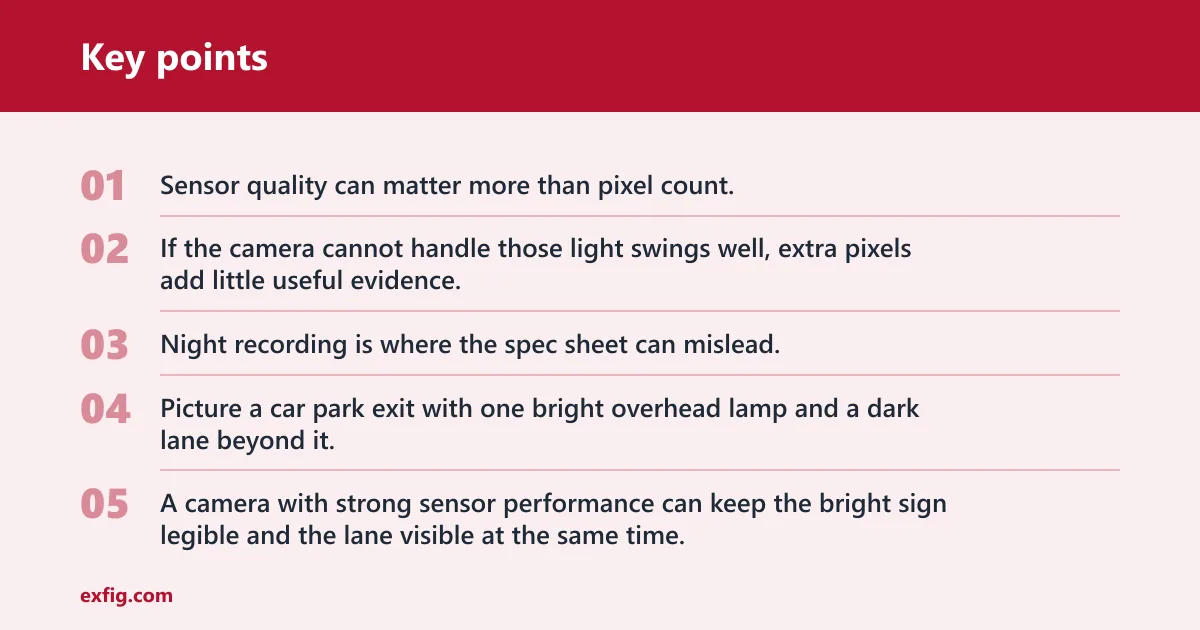
Sensor quality can matter more than pixel count. A camera with a better sensor, stronger processing, and clean bitrate allocation can produce clearer footage than a higher-resolution model with weak night performance. Premium sensors such as Starvis 2 are often tied to better low-light recording, which matters more than raw resolution when the scene is dim.
WDR or HDR also matters. It keeps detail in bright and dark areas at the same time, which helps under headlights, in tunnels, and in parking garages. If the camera cannot handle those light swings well, extra pixels add little useful evidence.
Where Starvis 2 changes the night-driving equation
Night recording is where the spec sheet can mislead. A high-resolution sensor without strong low-light handling may still smear plates, darken the cabin, or blow out headlights. Premium models with better sensors and WDR/HDR often hold detail longer as light drops, even if their resolution is lower than the top-end option on paper.
Picture a car park exit with one bright overhead lamp and a dark lane beyond it. A camera with strong sensor performance can keep the bright sign legible and the lane visible at the same time. A higher-pixel camera with weak processing may still lose the darker half of the frame.
Is 1080p enough on a dual dash cam?
Yes, 1080p is enough for many dual dash cams, especially if you mainly commute in city or suburban traffic and want dependable front-and-rear coverage without large files. For readable plates at moderate speeds and ordinary daytime driving, 1080p remains a sensible baseline when the sensor, bitrate, and lens are chosen well.
When 1920×1080 is still a sensible baseline
1080p can be enough for clear front footage and readable plates in city and suburban driving. It also keeps loop recording practical because files are smaller, which means the card can hold more minutes before old clips are overwritten. If your routes are short and speeds are moderate, that balance often makes more sense than paying for extra pixels.
Many 1080p dash cams sit around a 120–140 degree viewing angle sweet spot. That range is wide enough to catch lanes and intersections without pushing edge detail too far toward distortion.
Where 1080p starts to fall short
1080p starts to feel limited when you want cleaner plate reads at distance, frequent night evidence, or stronger rear-camera detail. Highway traffic is harder because speeds are higher and cars move through the frame faster. If the sensor is weak or the lens is too wide, 1080p can run out of usable detail before the event is over.
Say your rear camera is a budget unit that records lower quality than the front channel. If a tailgater taps your bumper in a tunnel, the rear clip may show the impact clearly but still miss the plate. That is a coverage problem first, and a resolution problem second.
Frame rate and field of view
Frame rate and lens width affect usable detail almost as much as resolution. A higher frame rate can reduce motion blur, while an overly wide lens can spread the same scene across too many pixels. That trade-off matters in dual setups because both channels share the same storage budget.
30 fps versus 60 fps
A 60 fps 1080p dash cam captures twice as many frames per second as 30 fps. That can help with fast-moving traffic and can reduce motion blur, but it also uses more storage. For many drivers, 30 fps is enough; for highway-heavy routes or plate-focused buyers, 60 fps can be the better compromise than jumping straight to 4K.
-
Match fps to speed.
If your driving is mostly city traffic, 30 fps is often enough. If you spend more time at highway speeds or want cleaner motion capture, move to 60 fps on the channel that needs it most. -
Check the storage tradeoff.
Higher fps shortens usable recording time on the same card. That matters when loop recording is enabled and you want more minutes before clips are overwritten. -
Use bitrate wisely.
A camera can list 60 fps and still look soft if the bitrate is too low. Frame rate helps motion; bitrate helps how much detail survives each frame.
Why 120–140 degrees is the practical sweet spot
The practical sweet spot is about 120–140 degrees because it balances coverage and detail. You see enough of the lane, the shoulder, and nearby traffic without stretching the edges so far that plates become harder to read. That range is especially useful in a dual setup, where the rear camera already adds extra coverage.
Why ultra-wide lenses can hurt plate readability
Ultra-wide lenses around 170–180 degrees can distort edge details. That does not make them useless, but it does mean a plate near the side of the frame may be harder to read than one shot with a narrower lens and better optics. The Kingslim D1, for example, uses a 170-degree front lens, which shows how wide some budget-oriented designs can go.
A common first-timer mistake is choosing the widest lens on the spec sheet and assuming it must be best. In practice, a narrower, better-balanced view often preserves more readable detail where the camera actually needs it.
When is 4K worth it?
4K is worth it when you need extra front-channel detail and are willing to pay for the storage, cost, and processing load that comes with it. It makes the most sense for highway use, night-heavy driving, or setups where rear evidence quality matters and you want the front camera to pull its weight on distant plates.
Highway speed and plate detail
At higher speeds, the time a plate stays clear in the frame gets shorter. 4K can help by packing more detail into that brief moment, especially on the front channel. It is still not a guarantee, because motion blur, glare, and angle matter too, but it gives you more room before detail falls apart.
Night use and mixed-light scenes
Night use is where 4K alone is least persuasive and sensor quality matters most. WDR or HDR helps with headlights, tunnels, and parking garages, and a stronger sensor can hold detail better than a weaker sensor with more pixels. If you drive after dark often, the better purchase is usually better low-light performance first, then 4K if budget allows.
Front 4K with rear 1080p
Front 4K with rear 1080p often makes more sense than 1080p front and rear when the front view is doing the main evidentiary work. That setup gives you the strongest detail where traffic, plates, and road signs are most likely to matter, while keeping the rear channel practical and less storage-hungry. CNET’s VIOFO A229 Pro is an example of a 3-channel dash cam with a 4K HDR front camera.
CNET’s premium VIOFO A329S goes further with 4K front, 2K rear, and 2K interior sensors, and some premium dash cams support up to 4TB SSD storage. Those examples show the direction of the premium market: more channels and more detail, paired with much larger storage needs.
Dual dash cam decision matrix
This matrix gives a simple rule for dual-camera buyers. Pick the lowest resolution that still meets the evidence need in your actual driving pattern, then spend the remaining budget on sensor quality, bitrate, field of view, and storage capacity.
| Driving scenario | Recommended front resolution | Recommended rear resolution | Minimum fps | Ideal field of view | Is 4K worth paying for? |
|---|---|---|---|---|---|
| City commuting | 1080p | 1080p | 30 fps | 120–140 degrees | No, unless you need sharper plate reads |
| Highway commuting | 4K | 1080p | 60 fps or 30 fps with strong bitrate | 120–140 degrees | Yes, for front plate detail at speed |
| Night driving | 1080p or 4K with strong sensor | 1080p | 30 fps | 120–140 degrees | Only if sensor quality and HDR are already strong |
| Parking-only protection | 1080p | 1080p | 30 fps | 120–140 degrees | No, storage and parking mode matter more |
| Rideshare and fleet use | 4K front | 1080p or 2K rear/interior | 30 fps | 120–140 degrees | Yes, if you need stronger event detail |
| Budget buyers | 1080p | 1080p or lower rear on some kits | 30 fps | 120–140 degrees | No, unless the price gap is small |
City commuting
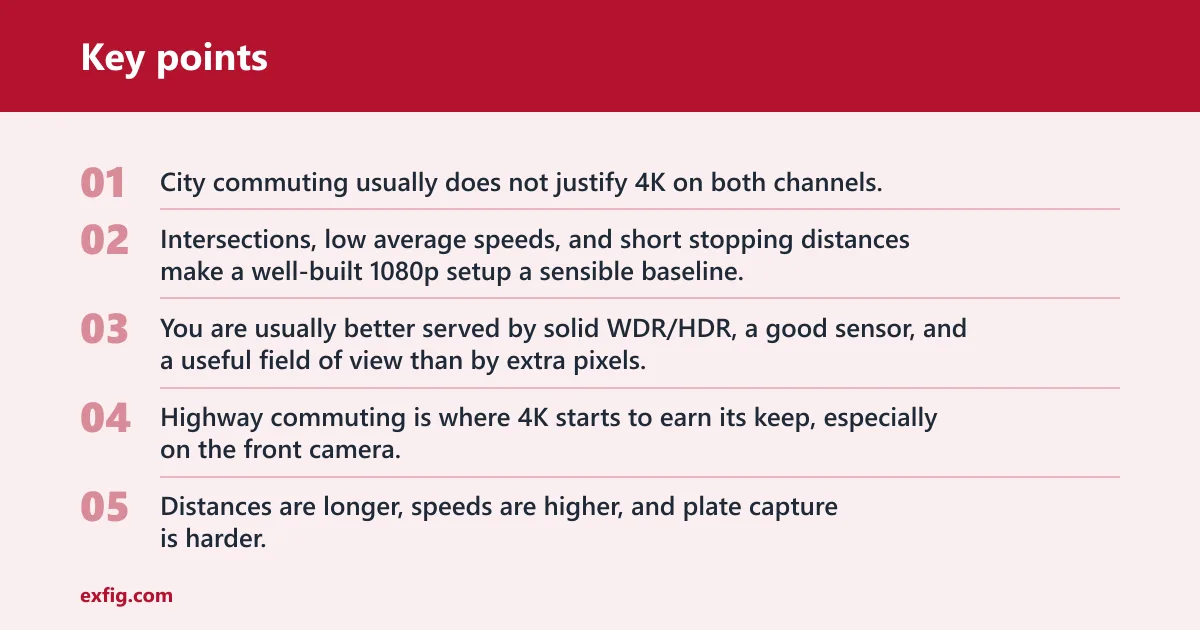
City commuting usually does not justify 4K on both channels. Intersections, low average speeds, and short stopping distances make a well-built 1080p setup a sensible baseline. You are usually better served by solid WDR/HDR, a good sensor, and a useful field of view than by extra pixels.
Highway commuting
Highway commuting is where 4K starts to earn its keep, especially on the front camera. Distances are longer, speeds are higher, and plate capture is harder. A front 4K and rear 1080p mix often gives better value than trying to force both channels into the same resolution tier.
Night driving
Night driving should push you toward better sensor performance first. If a premium sensor, strong HDR, and a sane lens width are already in place, 4K can add useful detail. If those basics are weak, 4K often becomes an expensive file-size increase rather than a real upgrade.
Parking-only protection
Parking protection depends more on parking mode behavior, low-power operation, and reliable event recording than on 4K. If your main concern is vandalism or parking bumps, prioritize reliable detection and stored clip retention before chasing higher resolution.
Rideshare and fleet use
Rideshare and fleet setups often need stronger front detail and a better interior or rear view than a basic commuter setup. That makes a mixed system more sensible, with 4K up front and a separate rear or cabin channel that fits the job. The extra evidence can matter more than the extra cost.
Budget buyers
Budget buyers should usually stay with 1080p and put money into the parts that make footage usable: sensor quality, WDR/HDR, and enough storage for loop recording. Rear camera quality is often lower in budget kits, so a cheap 4K label on the front does not fix a weak rear channel.
Choose 1080p if, choose 4K if…
Choose 1080p if you want a balanced, lower-cost dual dash cam for ordinary commuting. Choose 4K if your driving pattern creates real evidence demands that 1080p may miss. The right answer depends less on bragging rights and more on whether your clips need better front detail, rear detail, or night performance.
Choose 1080p if…
- You drive mainly in city or suburban traffic.
- You want lower storage use and easier loop recording management.
- You care more about reliable coverage than maximum detail.
- Your budget is better spent on a stronger sensor and WDR/HDR.
Choose 4K if…
- You drive a lot on highways and want more plate detail at speed.
- You need stronger front-channel evidence for night or mixed-light scenes.
- You are willing to buy more storage and accept larger files.
- You are pairing 4K front with a lower-resolution rear channel for better value.
Frequently asked questions
Is 1080p enough for a dual dash cam?
Yes, for many drivers it is. 1080p is Full HD at 1920×1080 pixels, and a well-built 1080p dash cam can be enough for most drivers. It works best when the sensor is decent, the lens sits around 120–140 degrees, and the driving is mostly city or suburban.
When is 4K on a dual dash cam worth it?
4K is worth it when you need extra front-channel detail, especially for highway driving, frequent night use, or tighter plate reads at distance. It is less compelling if the sensor, bitrate, and HDR are weak, because those limits can erase much of the extra resolution.
Does 4K front and 1080p rear make more sense than 1080p front and rear?
Often yes. A 4K front plus 1080p rear setup puts the best detail where the most important evidence usually appears, while keeping rear storage demands lower. It is a strong value choice when the front camera does most of the work and the rear channel mainly adds coverage.
Will 1080p capture license plates clearly on a dual dash cam?
Sometimes, but not always. 1080p can be enough for clear front footage and readable plates in city and suburban driving, yet highway speed, distance, glare, and low light reduce reliability. If plate capture is the main goal, sensor quality and lens width matter as much as resolution.
Does higher resolution help more at night or on the highway?
It helps more on the highway, where distance and speed make extra detail useful if motion blur is controlled. At night, sensor quality, WDR/HDR, and lens balance usually matter more than raw resolution. A better sensor often beats a higher pixel count in dark conditions.
How much storage does 4K dual dash cam footage use compared with 1080p?
4K uses more storage, and 60 fps uses more storage than 30 fps. The exact amount depends on bitrate, compression, and whether the rear channel also records at a higher setting. More pixels and more frames shorten the recording window before loop recording starts overwriting older clips.
Is a 170-degree lens too wide for a 1080p dual dash cam?
It can be. Ultra-wide lenses around 170–180 degrees can distort edge details, which makes plates near the frame edge harder to read. A 120–140 degree viewing angle is usually the better balance for readable detail, especially when the camera also has a rear channel.
What should I prioritize first: resolution, sensor quality, or frame rate?
Start with sensor quality, then frame rate, then resolution. A strong sensor with WDR/HDR and a sensible lens usually produces more usable footage than a higher-resolution camera with poor low-light performance. After that, pick 30 fps or 60 fps based on how much motion blur and storage you can tolerate.