

Parking Mode Dash Cams: How They Work and What to Buy

Parking-mode dash cams keep recording while the car is parked, but the right buy usually comes down to one rule: use a hardwire kit with low-voltage cutoff for daily parking, and an external battery pack for 12+ hours. If the power setup is wrong, a hit-and-run may be missed, the starter battery may be overdrawn, or footage may start too late to help. This guide explains how parking mode works, what power setup it needs, what fails in real use, and which camera setup fits your parking habits.
That means treating parking mode as a power-and-evidence system, not a checkbox. The camera has to recognize that the car is parked, the power source has to stay live after ignition-off, and the recording mode has to keep enough context to show what happened. Buffered recording, sensible low-voltage cutoff, and the right power method matter more than a long feature list.
What parking mode actually does
How a dash cam knows the car is parked
A compatible camera can switch into parking mode after ignition-off, after it detects the vehicle has been stationary, or after it sees a voltage or timer change from the power connection. In practice, parking mode means the camera stays watchful after you shut the engine off, instead of ending recording with the drive.
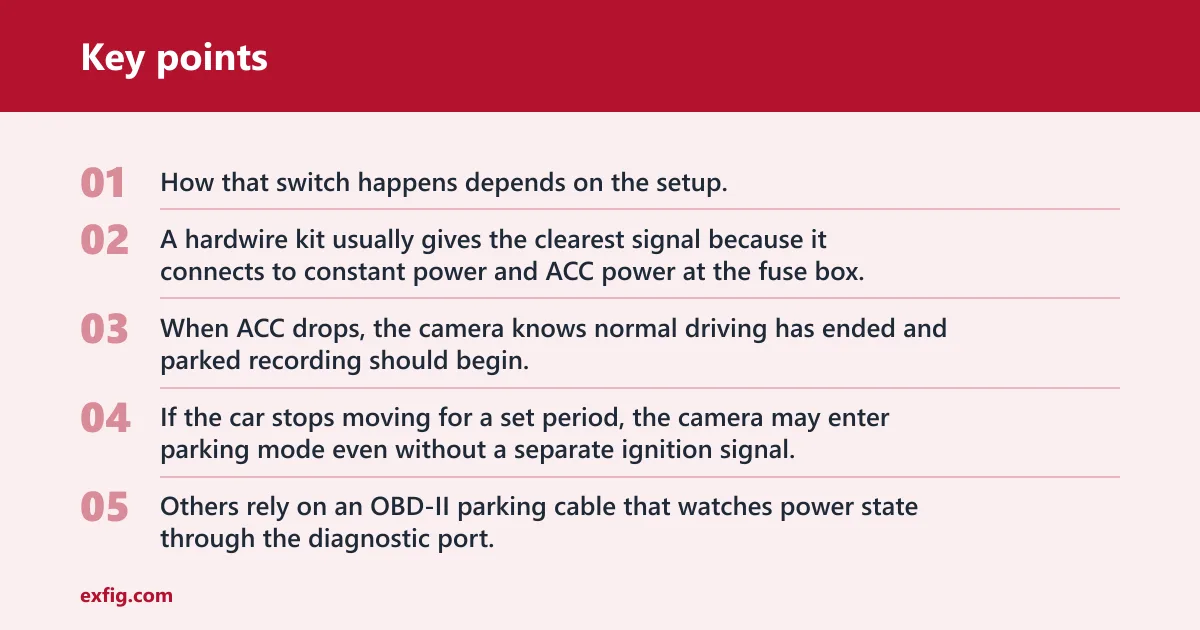
How that switch happens depends on the setup. A hardwire kit usually gives the clearest signal because it connects to constant power and ACC power at the fuse box. When ACC drops, the camera knows normal driving has ended and parked recording should begin.
Some models use camera logic instead. If the car stops moving for a set period, the camera may enter parking mode even without a separate ignition signal. Others rely on an OBD-II parking cable that watches power state through the diagnostic port.
What gets recorded in parked mode
Parking mode can save impact clips, motion clips, time-lapse footage, or buffered event footage. Most modern dash cams do this by watching for movement in the frame, listening for a G-sensor impact, recording at spaced intervals in time-lapse, or keeping a rolling buffer that gets saved when an event occurs.
Those are different jobs, not interchangeable features. Motion detection reacts to movement in the frame. Impact detection reacts to vibration or a strike on the vehicle. Time-lapse keeps recording at a lower frame rate to save storage and power. Buffered parking mode can save footage before the event occurs, which is often the difference between seeing a person approach and only seeing the aftermath.
Why parking mode is really a power and evidence system
A basic dash cam is not automatically a 24-hour security camera. A parked setup usually needs three parts working together: parking mode support, a power source that stays live, and battery protection.
If any one of those fails, the result changes fast. The camera may shut off with the ignition, flood the card with false motion clips, or stay on so long that the starter battery drops too far. Buying for parking mode means deciding what evidence matters most, how long the car sits, and how much battery risk is acceptable.
When Parking Mode Is Worth the Setup
Parking mode is worth considering when your car sits in places where a hit-and-run, break-in, or vandalism claim is realistic, and you can power the camera without creating battery problems or an overly complex install. It is less useful if the car is usually parked in low-risk locations or if wiring and power management would be a hassle. The supporting guide on parking mode dash cams explains when the feature pays off, how different power options affect convenience and battery drain, and which setup is best for street parking, apartment lots, workplaces, or long-term parking.
Do dash cams record when the car is off?
Yes, but only if the camera supports parking mode and still receives power after ignition-off. Many cars cut power to the 12V outlet when the engine stops, so parked recording often requires a hardwire kit, an OBD-II parking cable, or an external battery pack instead of the standard plug.
When ignition-off recording works
Ignition-off recording works when the camera has a live power source and a way to enter parking mode. A hardwire kit can keep the camera powered after the key is out, and it can use voltage cutoff to protect the vehicle battery.
OBD-II power cables can also do this, and they are often presented as easier than hardwiring for many vehicles. External dash cam battery packs go one step further by powering the camera from a separate battery instead of leaning on the starter battery.
Why some cars cut power and stop the camera
Many vehicles are reported to switch off the 12V socket with the ignition. In those cars, a dash cam plugged into the cigarette-lighter adapter simply turns off and never enters parking mode. That is why a standard plug-in install often works for driving footage but fails for parked coverage.
Even when a socket stays live, it is vehicle-dependent and not especially predictable across trims and model years. A setup that works in one car may shut off in another.
Why always-live sockets are the exception
Always-live sockets exist, but they are the exception, not the planning assumption. If parking mode is a buying priority, it is safer to choose a power method designed for ignition-off use rather than hope the factory outlet stays energized.
Suppose a camera records your commute perfectly through a switched outlet, then the car sits six hours in a public garage. If the socket shuts off with the key, there is no motion clip, no bump clip, and no buffered context because the camera was dead the whole time.
How does parking mode work on a dash cam?
Parking mode works by switching the camera into a lower-power parked state after the vehicle is off or stationary, then recording in one of several ways: buffered events, motion triggers, impact triggers, time-lapse, or low-bitrate continuous capture. The best mode depends on whether you value pre-event context, longer runtime, or fewer false alerts.
Buffered parking mode
Buffered parking mode is commonly described as keeping a rolling temporary video cache, then saving the seconds before and after an event. That pre-event footage matters because it can show who walked up to the car, which direction another vehicle came from, or whether an impact happened after suspicious movement around the vehicle.
This is the strongest evidence mode for hit-and-runs and vandalism. It is also still less common on lower-end models, which often save only what starts after the trigger.
Motion detection parking mode
Motion detection starts recording when movement appears in the frame. The upside is simple logic and targeted clips. The downside is false clips in busy areas, especially street parking, apartment lots with foot traffic, or spaces facing a sidewalk.
Without buffering, motion mode can miss the first seconds that explain the event. A passing person may enter the edge of frame, the camera wakes, and the useful lead-up is already gone.
Impact or G-sensor detection
Impact detection and motion detection are different systems. A G-sensor event saves footage after vibration, a bump, or a strike on the vehicle. It is useful for door dings, hit-and-runs, and shopping-cart impacts that may not involve much visible motion before contact.
Its weakness is obvious: if nothing shakes the car enough to trigger the sensor, nothing may be saved. It also tells you little about what happened before contact unless buffering is available.
Time-lapse and low-bitrate recording
Time-lapse records still pictures every few seconds and stitches them into video. The benefit is lower storage use and lower power draw than full-speed continuous recording. For long parked periods, that can be the difference between getting some usable coverage and getting none because the camera shut down early.
Low-bitrate parked recording follows a similar logic. It keeps video rolling in a reduced-data state. Both approaches are better for long durations than full-rate buffered event recording, but both give up detail compared with normal video.
Which parking mode type fits your risk?
Choose the mode by the failure you can tolerate. Buffered mode is best when identifying a person or vehicle matters most, motion mode fits quieter areas, impact-first setups suit lots where bumps are more likely than foot traffic, and time-lapse or radar-based standby make more sense when the car sits for many hours.
Busy street parking: false triggers versus missed clips
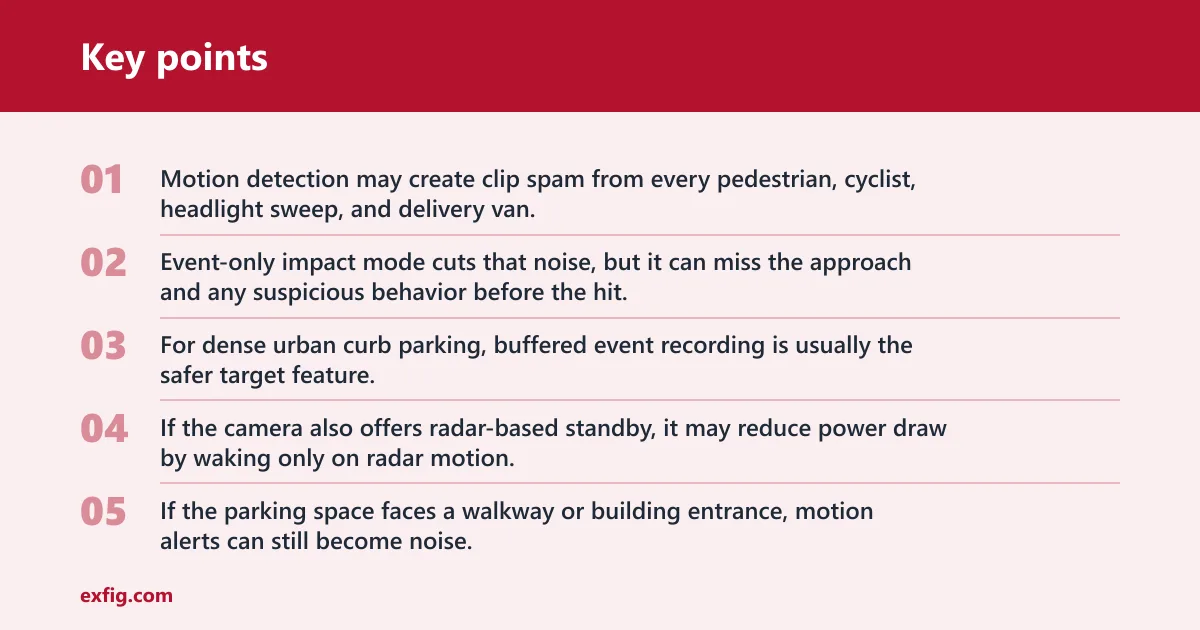
Street parking is the hardest case. Motion detection may create clip spam from every pedestrian, cyclist, headlight sweep, and delivery van. Event-only impact mode cuts that noise, but it can miss the approach and any suspicious behavior before the hit.
For dense urban curb parking, buffered event recording is usually the safer target feature. If the camera also offers radar-based standby, it may reduce power draw by waking only on radar motion. Thinkware describes radar parking mode that way, making it one of the few options built specifically for longer-duration urban parking.
Apartment and office lots: impact-first versus motion-first setups
Apartment and office lots usually have less constant movement than curb parking, but more door dings and low-speed bumps than a private driveway. That makes impact detection useful, especially if the camera also buffers before the event.
If the parking space faces a walkway or building entrance, motion alerts can still become noise. In that case, it is better to favor buffered impact events or low-bitrate recording than pure motion-trigger mode.
Long-term parking: time-lapse, low-bitrate, and radar trade-offs
For airport parking or any multi-day sit, runtime matters more than clip elegance. Time-lapse and low-bitrate modes stretch storage and power. Radar standby can help even more where supported, because the camera does not stay fully awake all the time.
Most product listings use examples like 48H, 72 hour, or 7 days, but those numbers are setup-dependent, not promises. The real runtime changes with front-only versus front-and-rear recording, ambient temperature, battery health, and whether the camera is pulling from the car battery or an external pack.
Why buffered mode matters most for identification
If the main goal is identifying the car or person involved, buffered mode is the feature to prioritize. It captures the approach. Event-only modes often capture the noise, the shake, and the taillights leaving.
Picture a car parked on a narrow city block with only eight inches between mirrors. A non-buffered impact clip may start at the jolt. A buffered clip may also show the vehicle drifting too close before contact, which is far more useful if plate visibility is brief.
What power setup do you need for parking mode?
The right power setup depends on parked duration, install tolerance, and battery risk. For longer parked periods, a hardwire kit is often the default choice because it can support ignition-off recording and battery cutoff. For simpler installation, an OBD-II cable can work if the vehicle is compatible. For 12+ hours or multi-day parking, an external battery pack is the safer option.
Hardwire kit
A hardwire kit typically connects to the fuse box with one constant-power lead, one ACC lead, and a ground. That lets the dash cam detect ignition state and stay powered after shutoff. It also commonly includes low-voltage cutoff, which stops the camera before the starter battery is pulled too low.
This is the most flexible vehicle-battery setup and the best fit for drivers who park daily for work, at home, or on the street. It does, however, require fuse-tap installation and attention to the right cutoff setting.
OBD-II parking mode cable
An OBD-II parking cable plugs into the diagnostic port, avoiding fuse-tap work. It is widely presented as easier than hardwiring for many vehicles, which makes it attractive for drivers who want parked recording without opening the fuse box.
The catch is compatibility. Some vehicles manage the OBD port differently, some ports sleep, and some placements interfere with knees or trim. Check whether the cable supports parking mode logic and battery protection for your specific vehicle, not just the camera brand.
External dash cam battery pack
An external battery pack gives the camera a separate power source. That reduces load on the vehicle battery and extends parked recording time. For long shifts, overnight street parking, or airport parking, this is the cleanest answer when starter-battery protection matters most.
It adds cost and takes space, but it changes the battery-risk math. When parked duration grows past a normal workday, a separate pack is often the right buy before upgrading to a more feature-heavy camera.
12V socket power
A 12V socket can support parking mode only if that outlet stays live after ignition-off. Some do. Many do not. Because outlet behavior varies so much by vehicle, it is rarely the dependable plan for someone buying specifically for parking protection.
A common first-timer mistake is assuming the camera’s included power cable equals parking mode support. It does not. The power path decides whether the feature actually works after the car is off.
Will parking mode drain your car battery?
Yes, it can, which is why battery protection settings matter as much as the camera itself. A hardwire kit or OBD-II parking cable should include low-voltage cutoff or timer cutoff, and safer buying guidance usually centers on cutoff settings around 12.2V to 12.4V rather than pushing the battery lower for extra runtime.
Low-voltage cutoff and timer cutoff
Low-voltage cutoff stops power when battery voltage drops to the chosen threshold. Timer cutoff stops recording after a set period even if voltage remains acceptable. Voltage cutoff reacts to battery condition. Timer cutoff reacts to schedule.
If the car often sits for predictable periods, timer cutoff can be useful. If parked times vary, voltage cutoff is usually the better safety net because it adapts to the battery’s actual state.
Why 12.2V to 12.4V matters in buying guidance
Against setting cutoff to 11.6V or 11.8V. Safer guidance commonly points to 12.2V or 12.4V. That higher setting gives up runtime, but it reduces the chance of walking back to a weak starting battery, especially in older vehicles or cold weather.
For most daily-driven cars, 12.2V is a sensible minimum target and 12.4V is the more conservative choice. The exact best setting still depends on battery age, climate, and how much parked runtime is actually needed.
Battery health, temperature, and parked duration
Parking runtime is not a fixed spec. Camera power draw, front-only versus front-and-rear recording, ambient temperature, and battery condition all move the result. A healthy battery in mild weather gives more margin than an aging battery after a cold night.
That is why vague claims about running all weekend are weak guidance. A camera may stay on for many hours in one car and shut down much sooner in another with the same settings.
When an external battery pack is the safer choice
If the car regularly sits for more than 12 hours, or if the battery is older and street parking makes evidence important, an external battery pack is usually the safer choice. It keeps the starter battery out of the daily wear cycle created by long parking sessions.
Say your car sits outside an apartment building from 7 p.m. to 7 a.m., and you want front and rear coverage. That is exactly where a separate battery pack makes more sense than lowering the cutoff and hoping the car still cranks in the morning.
Parking setup decision matrix
Decision table
| parking environment | expected parked duration | recommended power method | recommended parking mode | battery protection setting | main trade-off |
|---|---|---|---|---|---|
| Busy city street | 2-10 hours | Hardwire kit | Buffered event mode; radar standby if available | Low-voltage cutoff at 12.2V or 12.4V | Best context, but more power draw and possible alert noise |
| Apartment or condo lot | 8-12 hours overnight | Hardwire kit or external battery pack | Buffered impact-first mode or low-bitrate parked recording | 12.4V cutoff on vehicle battery; pack preferred if battery is older | Good evidence for bumps, but longer runtime may strain the car battery |
| Office parking lot | 6-9 hours | Hardwire kit or compatible OBD-II cable | Impact plus buffered motion, or time-lapse in quieter lots | 12.2V cutoff or workday timer cutoff | Easier install with OBD-II, but compatibility varies |
| Driveway or private garage | 10-12 hours | Compatible OBD-II cable or hardwire kit | Impact detection or time-lapse | 12.2V cutoff or overnight timer cutoff | Lower event volume, but event-only mode may miss approach footage |
| Airport or multi-day parking | 24+ hours | External dash cam battery pack | Time-lapse, low-bitrate, or radar standby where supported | Use pack management; avoid leaning on the starter battery alone | Longest runtime, but higher system cost and more installation parts |
Which dash cam is best for parking mode?
The best parking-mode dash cam is the one whose recording mode and power path match where the car actually sits. For short daily parking, look for buffered recording and a hardwire kit. For dense urban parking, add strong night video and optional cloud alerts. For long-duration parking, power efficiency and battery-pack support matter more than raw resolution.
Best feature set for short daily parking
For workdays, errands, and normal overnight parking, a front-only or front/rear camera with buffered parking mode, hardwire support, and adjustable low-voltage cutoff is the strongest baseline. Wi-Fi app access helps because you can review clips without pulling the card.
GPS is useful if parked incidents spill into a driving segment. A supercapacitor design is also worth favoring over an internal lithium battery, especially in hotter climates.
Best feature set for dense urban parking
Dense city parking needs evidence more than marketing specs. Prioritize buffered parking mode, solid low-light image quality, and enough bitrate control to avoid unreadable night clips. Cloud or LTE alerts matter only if you plan to act on live notifications.
Front/rear coverage is more valuable here than it is in a private driveway. The rear camera often catches the approach path for parallel-parking taps and bumper contact.
Best feature set for long-duration parking
For airport lots, train-station parking, or cars that sit all day and all night, choose efficiency first. Time-lapse, low-bitrate parked recording, or radar standby are the features to hunt for. External battery pack support belongs near the top of the list.
Resolution still matters, but a high-resolution camera that shuts down early is a weaker parking tool than a slightly simpler camera that records through the whole parked period.
Best feature set if you want simpler installation
If opening the fuse box is a deal-breaker, pick a camera that explicitly supports an OBD-II parking cable and lets you set voltage or timer cutoffs in the app or cable. Compatibility is the main check.
That route is easier, but not universal. If the vehicle’s OBD port behavior is inconsistent, a hardwire kit or battery pack is the better long-term answer.
What to buy by setup type
Dash cam plus hardwire kit
This is the default buy for most drivers who want parking mode every day. Look for buffered parking mode, adjustable G-sensor sensitivity, night image quality that stays readable, and a hardwire kit with selectable cutoff near 12.2V to 12.4V.
Best fit: office parking, apartment lots, driveways, and city street parking where the car sits for hours but not usually days.
Dash cam plus OBD-II cable
Buy this when easier installation matters more than maximum flexibility. The camera still needs real parking mode support, and the OBD-II cable should include battery protection. This setup makes sense for leased vehicles, cleaner installs, or owners who do not want fuse taps.
Best fit: office lots, driveways, and moderate-duration parking in vehicles with known OBD-II compatibility.
Dash cam plus external battery pack
This is the right buy when parked duration is long, the car’s battery is older, or the vehicle sits in a riskier area overnight. It is also the cleaner answer for front/rear systems that would otherwise lean heavily on the starter battery.
Best fit: overnight apartment parking, airport parking, and any case where 12+ hours is routine.
Feature priorities that matter more than brand rank
- Match the parking pattern. Pick the power method first: hardwire for daily use, OBD-II for easier installs, external battery pack for long sessions. The camera choice makes more sense once runtime needs are fixed.
- Prioritize buffered recording. If the goal is identifying a vehicle or person, move buffered parking mode near the top of the list. Event-only recording without pre-event footage is a real downgrade.
- Set battery protection conservatively. Choose a low-voltage cutoff around 12.2V or 12.4V unless the manufacturer gives a stronger vehicle-specific reason otherwise. Avoid chasing extra runtime by pushing the cutoff too low.
- Choose the right parked mode. Use motion detection in quieter areas, impact-first setups in lots where bumps are more likely, and time-lapse or radar standby when long parked duration matters more than full-speed clips.
- Check install compatibility. Confirm whether the vehicle’s 12V outlet stays live, whether the OBD-II port supports the cable’s parking logic, and whether a fuse-box hardwire install is practical. Parking mode fails most often at the power step, not the menu setting.
Frequently asked questions
What is buffered parking mode?
Buffered parking mode keeps a rolling temporary video cache and saves footage from before and after the trigger. That pre-event segment often shows the approach to the car, which is why buffered mode is more useful than basic event-only clips for hit-and-runs, vandalism, and suspicious activity around the vehicle.
Is time-lapse parking mode better than motion detection?
It depends on parked duration and location. Time-lapse is usually better for long sits because it uses less storage and less power. Motion detection is better when you want targeted clips, but it can create many false recordings in busy areas and may miss the first seconds without buffering.
Can I use parking mode without hardwiring?
Yes. An OBD-II parking cable is a common easier alternative, and an external dash cam battery pack can power the camera without relying directly on the starter battery. A 12V socket can work only if it stays live after ignition-off, which is not reliable across vehicles.
How long can a dash cam run in parking mode?
There is no single runtime figure. It depends on camera power draw, front-only versus front/rear recording, parked mode type, ambient temperature, battery health, and whether power comes from the car battery or an external battery pack. Manufacturer examples such as 48H, 72 hour, and 7 days are setup-dependent.
Will parking mode drain my car battery?
It can, especially with long parked periods or front/rear recording. That is why low-voltage cutoff or timer cutoff matters. Safer guidance often centers on 12.2V to 12.4V cutoff settings rather than pushing down to 11.6V or 11.8V for more runtime at the battery’s expense.