
Are Wireless Rear Cameras on Dual Dash Cams Reliable?

Wireless rear cameras on dual dash cams work well for casual driving and simple installs, but a wired rear camera is the safer choice when you need steady evidence capture. If the rear link drops, you can lose the clip that proves fault or records a hit-and-run. This guide explains where wireless rear cameras hold up, where they fail, and when wired is the better call.
Wireless rear camera reliability
Wireless rear cameras can handle ordinary front-and-rear coverage, especially when you want simple rear-end awareness and a quick install. Their limits appear when the rear link must stay live all the time, because wireless transmission adds possible signal loss, pairing issues, and delay that a direct cable avoids.
What wireless means here
In this article, wireless means the rear camera sends video to the front unit without a physical video cable between the two cameras. That is different from a dash cam’s phone app connection, which may use Wi-Fi for downloading clips or viewing live video on a phone.
That distinction matters. A camera can be “Wi-Fi” for app control and still rely on a cable for rear-video transport, or it can use a true wireless rear link and still offer Wi-Fi for the app. Those are separate functions with separate failure points.
Where wireless links fail
The weak points are predictable. A wireless rear camera can lose pairing, pick up interference, or show a short live-view delay when the signal path is crowded or unstable. Rear-window mounting also matters, because tinted glass, defroster lines, and metalized window film can reduce signal quality and image clarity.
Placement matters just as much as the camera itself. A rear-window camera mounted high and centered usually has a cleaner view than one blocked by wiper sweep, cargo, or heavy tint. If the rear unit cannot hold a stable link, the recording may be complete on paper but thin in the moments that matter.
Does a wireless rear dash cam lag or lose signal?
Yes, it can. A wireless rear dash cam may show live-view delay, brief dropouts, or a complete signal loss if the connection is weak or interfered with. For casual driving that may be acceptable, but for incident-grade evidence it is a real risk because the clip you need may be the one that never finishes cleanly.
Latency and live-view delay
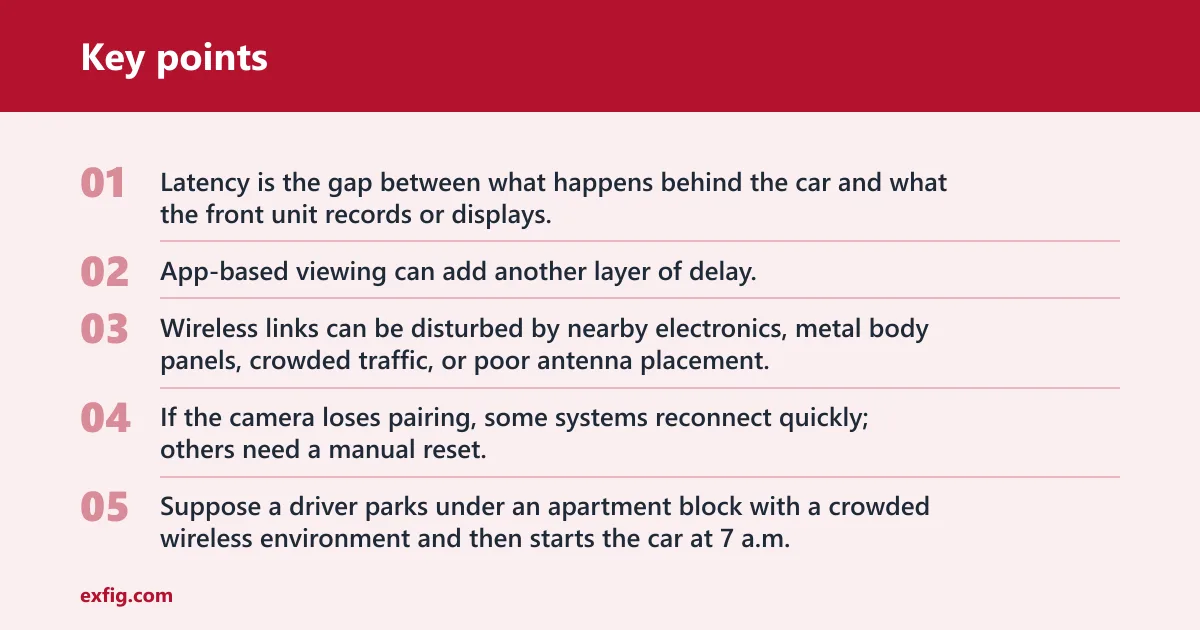
Latency is the gap between what happens behind the car and what the front unit records or displays. A small delay is normal on many wireless systems, but the practical issue is not the number by itself; it is whether the delay grows when the vehicle moves through congested radio environments or when the rear camera re-pairs after a brief interruption.
App-based viewing can add another layer of delay. A phone connection over 2.4GHz or 5GHz is useful for downloads and setup, but it does not by itself show that the rear camera link is stable enough for constant recording.
Interference and pairing drops
Wireless links can be disturbed by nearby electronics, metal body panels, crowded traffic, or poor antenna placement. If the camera loses pairing, some systems reconnect quickly; others need a manual reset. That makes reliability a product of both hardware design and installation quality.
Suppose a driver parks under an apartment block with a crowded wireless environment and then starts the car at 7 a.m. If the rear unit takes time to rejoin the front unit, the first few seconds of motion may not be recorded cleanly. That is tolerable for routine commuting, less so for a parking-lot tap.
Rear-window placement factors
Rear-window placement is usually the best starting point for a wireless rear camera, but it is not foolproof. Thick tint, heated glass, hatchback glass that opens separately, or a rear wiper path can all interfere with mounting and image quality. A clean mount and a stable power source matter as much as the advertised resolution.
Picture a hatchback with a heavily tinted rear window and a camera stuck low near the wiper sweep. The view may be usable in daylight, yet the signal can become less dependable at the edge of the glass, where heat lines and obstructions are most common.
Power and parking mode limits
Wireless rear cameras still need power. Some run from the vehicle, some rely on a rear-unit battery or charging system, and some connect to the front unit in a way that only works when the car is on. Parking mode is harder to support because 24-hour monitoring depends on steady power and stable recording, not just a convenient mount.
Battery, charging, and vehicle power
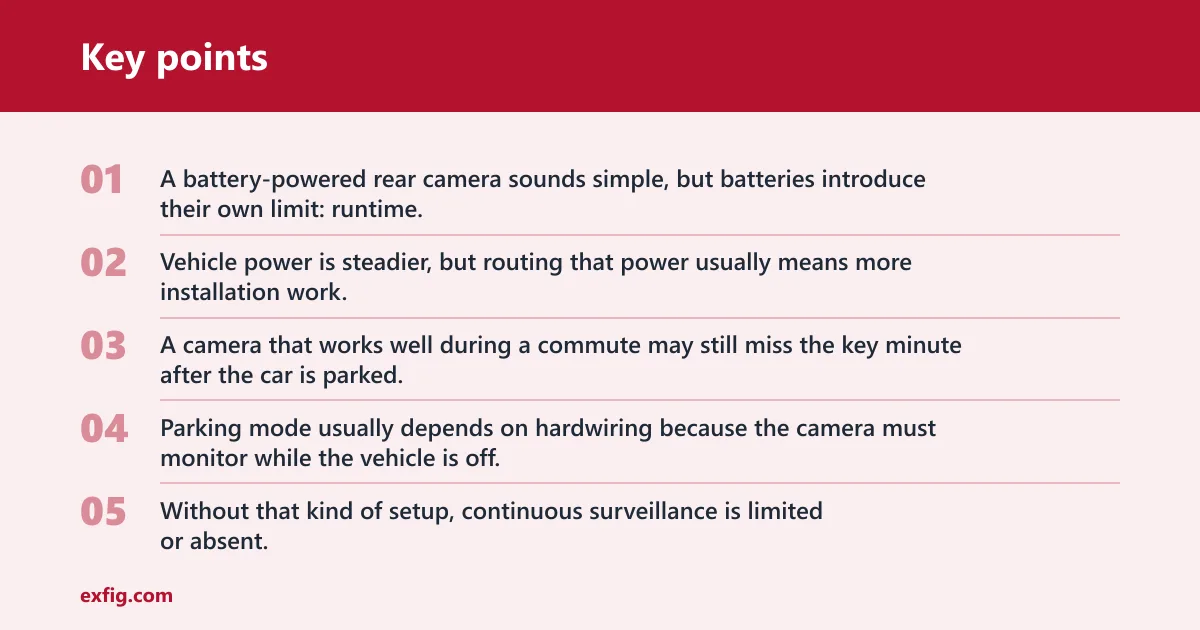
A battery-powered rear camera sounds simple, but batteries introduce their own limit: runtime. If the rear unit needs charging or internal battery support, you have to balance convenience against the chance of the camera powering down at the wrong time. Vehicle power is steadier, but routing that power usually means more installation work.
For parked coverage, check whether the system can remain awake after ignition off, how long it lasts, and whether it can resume recording without manual intervention. A camera that works well during a commute may still miss the key minute after the car is parked.
Why parking mode usually needs hardwiring
Parking mode usually depends on hardwiring because the camera must monitor while the vehicle is off. That typically means a constant power feed and a voltage cutoff to protect the battery. Without that kind of setup, continuous surveillance is limited or absent.
Many dual dash cams advertise parking mode, but that feature is often tied to a hardwire kit rather than a pure plug-in setup. If uninterrupted incident capture matters, treat 24-hour monitoring as a wiring question first and a camera-spec question second.
Battery drain tradeoffs
Running parked surveillance from the vehicle battery can drain it if the cutoff is not set correctly or if the camera draws too much power for too long. That is why “parking mode” is not a default feature on every wireless rear camera. It is a system decision, not a checkbox.
A common first-timer mistake is to assume that a wireless rear camera with app viewing can also watch the car overnight without extra wiring. App access does not equal parked recording, and parked recording does not equal safe battery management.
Rear camera comparison table
This table separates convenience from evidence capture. The right choice depends on whether you want easier setup, or whether you need the rear channel to stay live with fewer weak points.
| Driver scenario | Signal risk | Power risk | Parking-mode suitability | Installation complexity | Recommended camera type |
|---|---|---|---|---|---|
| Daily commuting | Low to moderate; brief dropouts are usually tolerable | Low if vehicle-powered, higher if battery-based | Limited unless the system is hardwired | Low | Wireless rear camera if you want convenience |
| Rideshare or fleet use | Moderate; pairing loss is a bigger problem | Moderate; long operating hours raise the stakes | Better with hardwired power and a hardwired rear link | Moderate to high | Hardwired rear camera |
| Parked-street vehicle | Moderate; signal stability matters less than constant capture | High if relying on battery alone | Poor without hardwiring and battery protection | Moderate to high | Hardwired rear camera |
What to check before you buy
Check the specs that affect evidence quality, not only the ones that make setup easy. Resolution, night performance, field of view, storage, and mounting fit all matter. Wireless convenience is useful, but it does not make up for weak recording or a camera that does not suit the vehicle.
Resolution and night performance
Rear cameras are often sold with 1080p, 1440p, or 4K claims, but the useful question is whether the rear channel stays clear enough to read plates and vehicle movement in the lighting you actually face. Nextbase says its Rear Window Camera records behind the vehicle in 1440p HD, and MashTips cites a dual dash cam that records 4K at 30 fps for both front and rear.
Night performance matters because rear-end collisions and parking scrapes often happen in dim light. Look for a real night mode, IR night vision where available, and a lens that does not wash out under headlights or streetlamps.
microSD card size and speed class
Dual-channel recording creates a bigger storage load than a front-only cam. A microSD card should be rated for sustained writes and suitable for continuous overwriting; U3 speed class is a practical target for many dual-camera setups. Capacity depends on clip length, resolution, and how long you want to keep event files before they are overwritten.
Common capacities often include 32GB, 64GB, 128GB, and 256GB. MashTips says one Redtiger unit supports up to 128GB storage, which shows how quickly capacity limits can vary by model. Choose the largest supported card that the camera accepts reliably, then check the manufacturer’s format guidance.
Field of view and mounting fit
A wider field of view captures more of the lanes beside and behind the car, but very wide lenses can stretch the image and make distant details smaller. MashTips cites a 170° front viewing angle and a 140° rear viewing angle on one dual dash cam, and a 150° field of view on one Pruveeo model. Those figures are useful only if the mount can place the camera where that view is unobstructed.
Fit matters for rear-window camera accessories and rear-view camera accessories alike. A vehicle-specific fit can simplify installation and keep the lens aligned, while a universal mount may need more adjustment to avoid glare, defroster lines, or obstruction from the hatch or trunk lid.
-
Check rear-window compatibility. Confirm that the camera can mount on your glass, trim, or mirror assembly without blocking defrosters, wipers, or cargo access. A clean installation reduces signal problems and avoids a view that looks fine on the product page but fails in the car.
-
Match the storage to usage. Pick a microSD card that the system supports and format it in the camera before use. Dual-channel recording fills cards faster, so a larger card is usually more practical when you want longer loop-recording windows or more event-file retention.
-
Verify parking-mode support. If you want parked monitoring, check whether the camera needs a hardwire kit and whether battery cutoff protection is included. That matters because parking mode is where wireless convenience often gives way to power limits.
Can you add a rear camera to your existing dash cam?
Often yes, but only if the main unit supports a compatible rear camera accessory or a rear-view camera accessory designed for that system. The safest route is direct compatibility, because a camera made for one brand or platform may not communicate properly with another, even if the mounting looks similar.
Direct connection compatibility
Some systems use a dedicated rear-camera port, while others are built around a matched front-and-rear pair. Nextbase sells a Rear Window Camera as an add-on for front-and-rear coverage, and Nextbase says its iQ Rear Window Cam records behind the vehicle in 1440p HD. That shows the value of checking brand compatibility before you buy.
Compatibility matters for both recording and power delivery. A rear camera accessory that connects directly to the dash cam usually gives a more dependable result than a generic add-on that depends on app pairing or a separate wireless link.
Vehicle-specific fit and installation
A rear-view camera accessory should fit the vehicle’s glass, mirror, or trim cleanly enough that the lens stays pointed where it should. The same source says its front cam installation is described as hardwired directly to the car battery, which shows how much installation method can affect long-term stability.
When a rear-view camera accessory is the safer path
If the goal is incident-grade evidence, a direct-connection rear camera is usually the safer path. It reduces signal risk, pairing loss, and live-view delay. For drivers who park on the street, drive for pay, or need strong rear coverage every day, that tradeoff is usually worth the extra installation effort.
Is a wired rear camera better than a wireless one?
For uninterrupted evidence capture, yes. A wired rear camera is usually better because it avoids the signal and pairing risks that wireless systems can face. For convenience, a wireless rear camera can still be a solid choice, especially for commuters who want simple installation and only need ordinary front-and-rear coverage.
Daily commuting
For daily commuting, wireless rear cameras are often good enough. Rear-end collisions, lane changes, and parking-lot scrapes are the main concerns, and a stable wireless system can handle those well if the installation is clean and the rear unit stays powered reliably.
Rideshare and fleet use
Rideshare and fleet use put more pressure on reliability because the camera runs for longer hours and may need to keep recording after repeated starts and stops. In that setting, a wired rear camera is the safer choice because a dropped rear link can erase the proof of what happened behind the vehicle.
Suppose a fleet car covers eight hours a day and the rear camera loses pairing once during rush hour. A missing clip at that moment is a bigger problem than a brief setup inconvenience at installation time.
Parked-street vehicles
Parked-street vehicles need parking mode more often than garage-kept cars, and parking mode is where wireless setups struggle most. If the car is exposed overnight, the combination of constant power demand and signal stability makes a hardwired rear camera the better fit.
That is why the answer changes with the use case. Wireless can be reliable enough for convenience, but wired is the better call when the rear camera must keep working even after the ignition is off.
Frequently asked questions
Are wireless rear cameras on dual dash cams reliable?
They are reliable enough for casual driving, simple installs, and routine rear coverage. The catch is that reliability is conditional. If your priority is uninterrupted evidence capture, a wired rear camera is the safer choice because it removes the main failure points: signal loss, pairing drops, and delay.
How far can a wireless rear camera work in a car?
There is no useful one-size-fits-all distance claim. Inside a car, the real limits are obstruction, tint, antenna placement, and interference, not a universal number. That is why you should judge the system by stable operation in the intended vehicle rather than by a distance spec alone.
Do wireless rear cameras need power or charging?
Yes. A wireless rear camera still needs power from the vehicle, an internal battery, or a charging system. If the camera depends on a battery, runtime becomes part of the reliability question, especially if you want the unit to keep recording after the ignition is off.
Will a wireless rear camera record in parking mode?
Sometimes, but not by default. Parking mode usually depends on hardwiring and battery protection, and many wireless rear cameras do not offer true 24-hour monitoring without extra power management. Check the camera’s parked-recording design before assuming it will work overnight.
What should I look for in a wireless rear dash cam?
Check resolution, night performance, field of view, power source, and whether the rear link is a true wireless video connection or just Wi-Fi for app use. Also check microSD support, loop recording, and whether the system is compatible with your vehicle’s rear-window layout and parking needs.
Do wireless rear cameras work at night and in rain?
They can, but performance depends on lens quality, placement, and illumination. Rain, water spots, glare, and rear-window dirt can all reduce clarity. Night recording is especially sensitive to headlight flare and low light, so do not assume a wireless camera will handle those conditions as well as a hardwired system.
Can I add a rear camera to my existing dash cam?
Often yes, if the dash cam supports a compatible rear camera accessory or rear-view camera accessory. The key is direct compatibility, not just a matching mount or similar resolution. If the system is not designed for the add-on, a separate dual dash cam is usually the cleaner option.